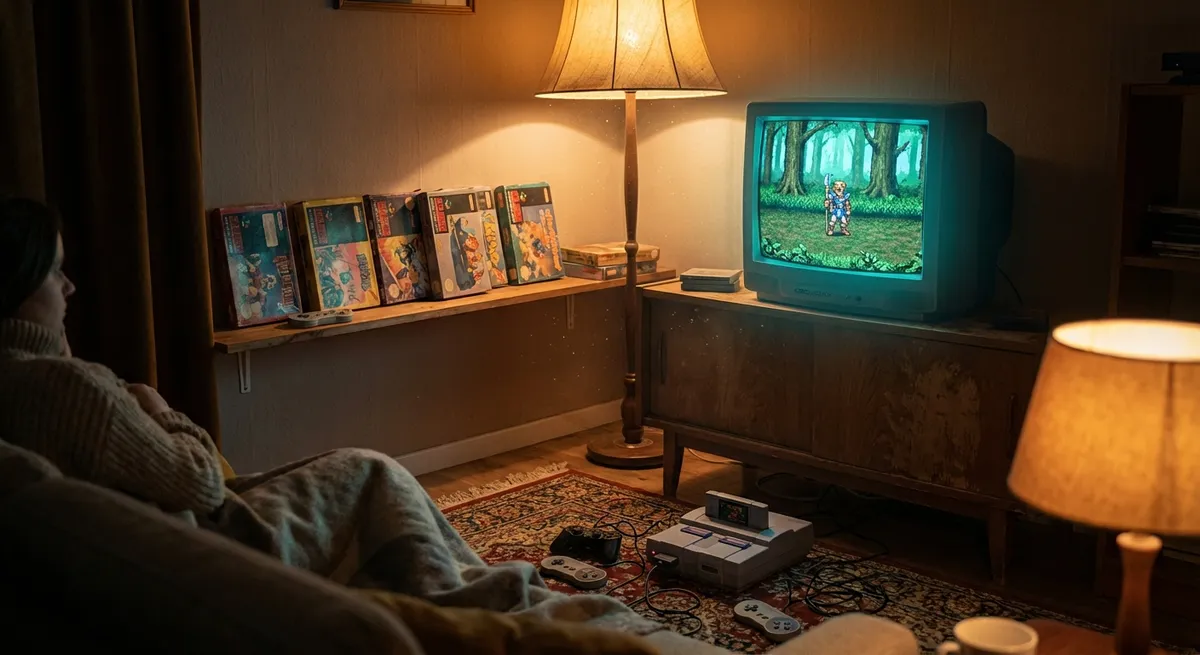
Every few months, someone posts a screenshot of a 15-year-old game that somehow looks better than half the new releases, and the comments go wild: “No way this is from 2007.”
It’s not just nostalgia goggles. Tech is quietly dragging old games into the future—sharper, smoother, and sometimes straight-up unrecognizable. If you’ve got a decent PC or a modern console, there’s a good chance your backlog is way better than you remember.
Let’s dig into how that’s happening, and why tech nerds should be paying attention.
Resolution, Upscaling, and Why Jaggy Edges Are Basically Optional Now
Back in the PS2 and early Xbox days, your games were designed for chunky TVs and low resolutions. Blow them up on a 4K screen and everything looks like it was drawn with a set of crayons.
Modern tech cheats.
Instead of brute-forcing super high resolutions (which melts GPUs), systems use upscaling tricks like DLSS (NVIDIA), FSR (AMD), and even built-in TV upscalers to fake sharper images. In newer remasters or PC mods, these tools can take older games and make them:
- Look way cleaner on 1440p or 4K monitors
- Keep higher frame rates without turning your PC into a jet engine
- Reduce “jaggies” without turning everything into a blur
What’s wild is when fans apply this to older games via community tools and mods. You end up with classics like The Elder Scrolls IV: Oblivion or Mass Effect looking closer to “mid-budget modern game” than “oh wow, that’s definitely from 2006.”
It’s not that the original devs were lazy; it’s that today’s hardware and algorithms are finally catching up to what they were trying to do.
Frame Rates: The Hidden Upgrade That Makes Everything Feel New
Graphics are the obvious glow-up, but frame rate is the secret upgrade that makes an old game feel new.
A lot of older console games were locked to 30 frames per second, or just struggled to stay stable. On modern hardware, things get interesting:
- PC versions can often be uncapped and pushed to 60, 120, or even 144 FPS
- Some newer consoles offer “performance modes” for older titles via patches
- Backward compatibility systems (like on Xbox Series X|S) can boost frame rates without the devs rewriting the whole game
The result is bigger than just smoother motion. Higher FPS affects:
- How responsive controls feel
- How easy it is to track fast movement
- How comfortable long sessions are (less visual strain)
Go from 30 FPS to 60+ in something like Dark Souls or Skyrim and it’s like the game finally had the coffee it needed all along.
For tech enthusiasts, frame rate boosting is also a fun rabbit hole: tweaking settings, using community patches, and seeing just how far you can push ancient engines before they fall apart.
Mods: When the Community Becomes the Graphics Department
If official remasters are the “HD rerelease” energy, mods are the “What if we just rebuilt half the game?” energy.
Modding scenes for games like Skyrim, GTA V, The Witcher 3, and Half-Life 2 basically refuse to let these titles die. We’re talking:
- High-res texture packs that replace low-detail walls, faces, and armor
- Lighting overhauls that add realistic sun, shadows, and reflections
- Updated character models and animations that look like they belong in a 2024 release
- Entirely new UI, camera systems, and control tweaks to feel more modern
Some of these projects are so ambitious they might as well be unofficial remakes. There are “photoreal” builds of Skyrim that need more VRAM than the game’s original recommended spec for everything combined.
And this isn’t just visual flexing. Mods also:
- Fix bugs that will never get official patches
- Improve accessibility (bigger fonts, colorblind modes, rebindable controls)
- Restore cut content or adjust difficulty curves
If you’re into tech and tinkering, playing a heavily modded classic is like building your own custom “definitive edition” of a game the original devs didn’t have time or hardware for.
Emulation and Preservation: Old Consoles, New Tricks
Emulation isn’t just about playing old ROMs on sketchy sites; it’s become a serious preservation tool and a kind of unofficial “remaster engine” for retro games.
Modern emulators can:
- Upscale old console games to HD or 4K
- Add anti-aliasing, better textures, and post-processing filters
- Fix original hardware limitations like slowdown or screen tearing
- Support modern controllers, keyboards, and even custom control schemes
Play a GameCube or PS2 game on a solid emulator with enhancements turned on, and it can look shockingly close to something from a much newer generation.
On the more official side, companies are slowly catching on:
- Collections and “classic” releases often use emulation under the hood
- Some include rewind, save states, and filters to soften the pixel shock
- Cloud streaming services sometimes use high-end server hardware to upscale in real time
For tech fans, emulation is where software ingenuity really shows off. You’re basically convincing modern machines to pretend to be old ones—with better output than the original hardware ever had.
AI Touch-Ups: When Machines Help Polish the Past
AI isn’t just writing text and generating cursed cat images; it’s increasingly involved in cleaning up old game assets.
You’ll see it used in:
- Texture upscaling: Tools like ESRGAN-based upscalers can take blurry old textures and sharpen them intelligently without just smearing pixels
- Audio restoration: AI can reduce background noise, smooth out old recordings, and make voice lines and soundtracks clearer
- Cutscene upgrades: Pre-rendered videos can be cleaned up, deblockified, and upscaled to HD or 4K while staying close to the original style
Some official remasters use AI as a starting point, then let artists fine-tune. Meanwhile, fan projects sometimes go full-send and rebuild an entire game’s image library using AI-assisted tools.
It’s not magic—AI can introduce weird artifacts or make things look “too clean”—but as a tech enthusiast, watching machine learning quietly patch up a two-decade-old game so it looks sharp on your OLED is pretty wild.
Conclusion
We’re at a weirdly awesome moment for gaming: your old favorites are aging better than ever, not because time has been kind, but because tech refuses to leave them behind.
Between upscaling tricks, modern frame rates, modding communities, emulation, and AI touch-ups, a lot of “retro” and “last-gen” games are quietly getting upgrades the original devs could only dream about.
So before you drop $70 on the next big release, it might be worth asking:
What happens if you reinstall something from your Steam library’s dusty bottom shelf, crank the settings, add a few smart tools or mods, and see what it looks like in 2026 hardware?
Chances are, you’ve got a few “new” games hiding in plain sight.
Sources
- [NVIDIA DLSS: Deep Learning Super Sampling](https://www.nvidia.com/en-us/geforce/technologies/dlss/) - Official overview of how DLSS uses AI to upscale game resolution
- [AMD FidelityFX Super Resolution (FSR)](https://www.amd.com/en/technologies/fidelityfx-super-resolution) - AMD’s explanation of its open-source upscaling and frame generation tech
- [Xbox: Backward Compatibility on Xbox Series X|S](https://www.xbox.com/en-US/games/backward-compatibility) - Details on how older games get resolution and frame rate boosts on modern Xbox consoles
- [PC Gaming Wiki](https://www.pcgamingwiki.com/wiki/Home) - Community-maintained database on fixes, mods, and enhancements for PC games
- [Emulation General Wiki](https://emulation.gametechwiki.com/index.php/Main_Page) - Technical and practical info on emulators and enhancements for classic consoles
Key Takeaway
The most important thing to remember from this article is that this information can change how you think about Gaming.