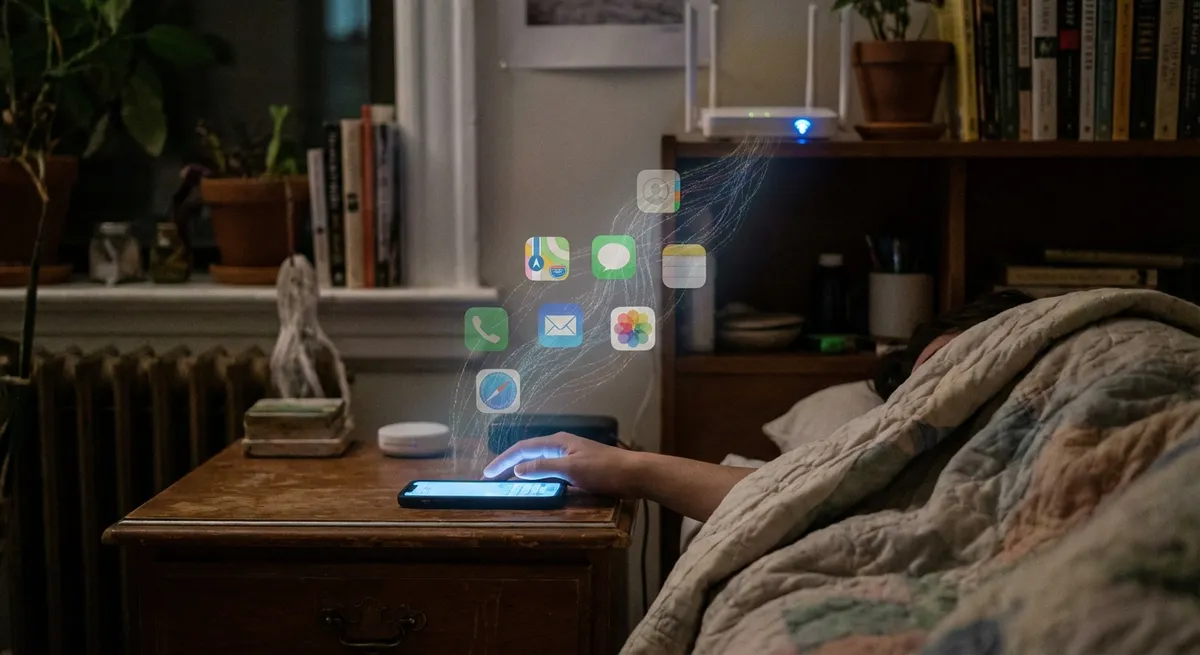
Apps don’t just sit on your phone waiting to be tapped—they’re constantly talking to each other, syncing in the background, and quietly stitching your digital life together. Most of it works so smoothly you barely notice it… until something breaks.
Let’s pull back the curtain on the weirdly fascinating ways apps coordinate, predict, and adapt to you—without you ever opening them.
1. Your “Sign in with…” Button Is Secretly a VIP Pass
Those little buttons—“Sign in with Google,” “Sign in with Apple,” “Continue with Facebook”—aren’t just about saving you from another password. They’re basically backstage passes that connect entire app ecosystems.
When you tap one:
- The app doesn’t see your actual password; it just gets a digital “yep, this person is legit” token.
- That token can quietly keep you logged in across devices, so your login on laptop matches your login on phone.
- Some providers (like Apple) even let you hide your real email, creating a relay address that forwards messages without exposing your inbox.
- Developers don’t have to build their own login system from scratch, which means fewer security disasters.
For us as users, it’s less “sign in” and more “plug this new app into my already existing digital identity.” It’s like giving a new gadget your Wi‑Fi password once and then watching every device in your house magically recognize it.
2. Apps Share Data Without Ever “Meeting” Each Other
Your fitness app might not know your calendar app exists—and yet, your life still feels connected. That’s because a lot of apps never talk directly to each other. Instead, they pass notes through shared services in the middle.
Some examples of this “indirect” app gossip:
- Cloud storage (like Google Drive, iCloud, OneDrive) acts as shared memory: one app saves, another app reads.
- Automation tools (like IFTTT or Zapier) listen for triggers: “New photo added here? Cool, upload it there.”
- Notification systems push alerts from multiple apps into one place, then sync across your phone, laptop, and tablet.
So when a file saved on your laptop quietly appears inside an app on your phone, it isn’t telepathy. It’s a relay race, with your cloud account carrying the baton.
3. Offline Mode Is Way Smarter Than It Looks
When an app works fine on a plane or in a dead zone and then magically syncs when you’re back online, there’s a lot happening under the hood—just very politely.
Behind that smooth experience:
- The app keeps a “to-do list” of changes you make offline: edits, likes, drafts, uploads.
- Once it detects a decent connection, it starts quietly negotiating with the server: “Here’s what changed—what did I miss?”
- If there’s a conflict (you edited a note on your laptop while editing it offline on your phone), the app has to decide what wins: newest version, combined version, or “hey, you fix this.”
This is why some apps feel unreliable offline—they weren’t designed with this “sync later” personality in mind. The best ones are basically diplomats: they remember everything you did, then carefully reconcile it with what happened in the cloud while you were away.
4. Notifications Are a Full-On Strategy, Not Just Pings
That “ping” sound isn’t random. Apps actually plan how and when to nudge you—partly to be helpful, partly to keep your attention.
Here’s what’s going on:
- Apps use your past behavior (what you ignore vs. what you open) to decide what to push and what to keep quiet.
- Some platforms, like iOS and Android, now bundle “low priority” alerts or delay them so your screen isn’t chaos.
- Many apps are starting to offer “digest” or “summary” notifications, turning a dozen alerts into one update.
- Smarter apps will adapt if they notice you always ignore a certain type of notification at a certain time.
It’s basically a tug-of-war between “respect your time” and “please open me.” The apps that win long-term are the ones that learn when not to bug you.
5. Your Apps Are Slowly Becoming Mini Operating Systems
Apps aren’t just apps anymore—they’re turning into little platforms with their own mini‑apps living inside them.
You’ve probably seen this without realizing it:
- Messaging apps that let you pay, order food, play games, or book rides without ever leaving the chat.
- Note-taking or productivity apps that allow plugins, extensions, and custom workflows built by other developers.
- Shopping apps that include livestreams, reviews, in‑app communities, and even built‑in AR try‑on features.
Instead of switching between 10 different apps, you end up living inside one “hub” app that hosts everything else. It’s like the old-school web portal reborn—just inside a single icon on your home screen.
Conclusion
Under the surface, your apps are constantly syncing, negotiating, predicting, and evolving—even when the screen is off. They share identity tokens instead of passwords, talk through cloud services instead of direct channels, carefully sync offline changes, strategize notifications, and quietly grow into full-on platforms.
Knowing this doesn’t just satisfy tech curiosity—it helps you make smarter choices: which login buttons you trust, which apps deserve background access, and which ones have actually earned a permanent spot on your home screen.
Sources
- [Apple – Sign in with Apple Overview](https://developer.apple.com/sign-in-with-apple/) - Explains how Sign in with Apple works, including privacy features like email relay
- [Google Identity – OAuth 2.0 and Sign-In](https://developers.google.com/identity/protocols/oauth2) - Technical overview of how modern app sign-in and token-based authentication function
- [Microsoft – Offline Sync Concepts](https://learn.microsoft.com/en-us/azure/architecture/patterns/offline-sync) - Describes how offline sync patterns work in modern apps and services
- [Android Developers – Notifications Overview](https://developer.android.com/develop/ui/views/notifications) - Details how notification channels, priority, and bundling work on Android
- [MIT Technology Review – Super Apps, Explained](https://www.technologyreview.com/2022/11/17/1063191/what-is-a-super-app/) - Breaks down how “super apps” evolve into platforms with mini-apps and services inside
Key Takeaway
The most important thing to remember from this article is that this information can change how you think about Apps.



