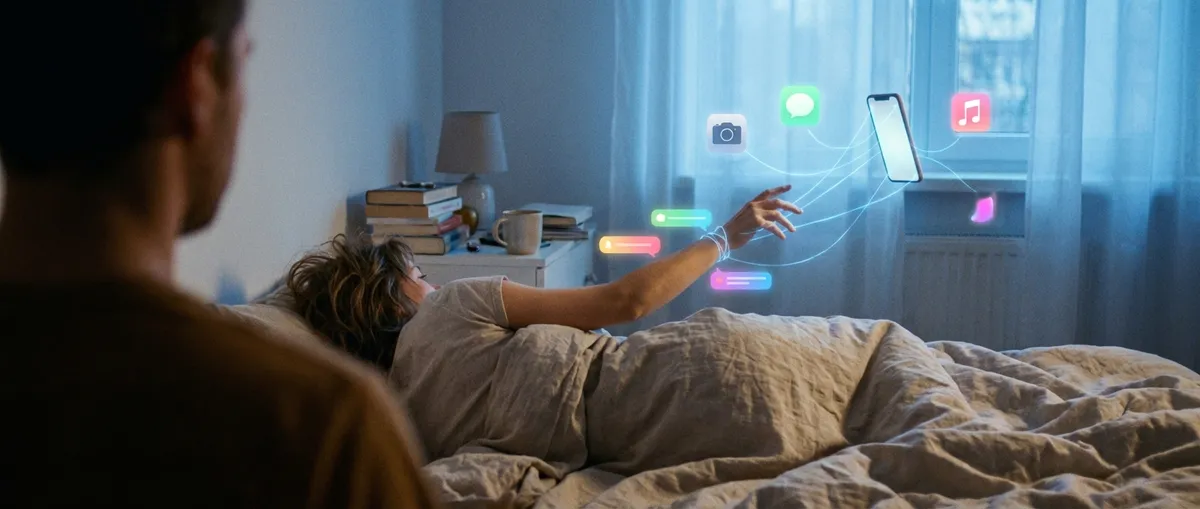
Your phone’s homescreen looks harmless enough—just a grid of colors and icons. But behind those tiny squares is a whole lot of quiet scheming. Apps are constantly tweaking, tracking, syncing, and guessing what you’ll want next… often without you really noticing.
This isn’t a “delete all your apps and move to the woods” piece. It’s more like pulling back the curtain so you actually know what your everyday apps are doing, why it’s kind of genius, and where it’s edging into “uhh, is this too much?” territory.
Below are five surprisingly interesting ways apps shape your day, and what makes them so weirdly powerful.
1. Your Apps Are Running Experiments On You (All the Time)
Most popular apps are basically permanent A/B tests with a user interface.
When your favorite app suddenly changes a button color, rearranges a menu, or sneaks in a new feature, that’s usually not random. Companies constantly run controlled experiments on small groups of users to see what keeps people tapping longer, buying more, or bailing less.
You and your friend might be using the “same” app but living in completely different versions of it:
- You might get a new layout, your friend keeps the old one.
- Your “Buy” button is bright and shouty, theirs is subtle and calm.
- You see a feature up front, your friend has to dig three menus deep.
Apps quietly track what you do next—do you tap more often, buy faster, rage-quit? The version that “wins” rolls out to everyone. It’s basically product evolution in real time, powered by millions of micro-decisions.
For tech enthusiasts, this is wild because it means:
- No app is ever truly “finished.”
- Your experience is part design, part algorithm, part live experiment.
- Even tiny tweaks can dramatically change how an app feels—and how often you use it.
2. Notifications Are Designed Like Tiny Psychological Traps
You already know notifications are distracting—but the design behind them is… strategic.
Apps don’t just send alerts when something actually happens. They send nudges:
- “Someone liked your post.”
- “You have memories from this day.”
- “We haven’t seen you in a while 👀”
This isn’t accidental. Many apps lean heavily on behavioral psychology and reward loops. A notification is like a slot machine pull: you tap it because there might be something exciting on the other side. Most of the time, it’s not that special—but your brain still gets a little hit of anticipation.
Some interesting details:
- Timing matters: Some apps batch notifications for when you’re most likely to respond.
- Wording matters: “You have 1 new message” feels more urgent than “Your friend replied.”
- Design matters: Red badges, vibration patterns, sounds—these are all tuned to grab your attention fast.
For you, this means your phone isn’t just “lighting up”—it’s constantly testing what kind of alert will pull you back in. For app creators, this is a balancing act between helpful and manipulative.
3. Your “Offline” Life Is Quietly Powering Your Apps
Plenty of apps do more than what they show on screen. Even when you’re not actively using them, they’re often collecting little hints about your world—location (if allowed), motion, time of day, and sometimes what other devices are nearby.
A few subtle examples:
- Location-based reminders (“Remind me to get milk when I’m near the store”) rely on background tracking.
- Fitness apps use your phone’s motion sensors to count steps and detect workouts.
- Some apps adjust their behavior based on whether you’re on Wi‑Fi, mobile data, or low battery.
This background activity can be super convenient: automatic photo backups, synced notes, quiet updates while you sleep. But it also means:
- A lot is happening when you think nothing is happening.
- Battery life can tank if apps abuse these permissions.
- Your physical routine becomes part of your digital profile.
The most interesting bit for tech fans: modern apps are less about “what happens when I tap” and more about “what’s this app doing over the course of a full day in my pocket?”
4. Apps Are Turning Into Mini-Operating Systems
Open one app, and suddenly you’re doing everything in it—shopping, messaging, payments, booking rides, scanning QR codes. At this point, many apps feel less like “an app” and more like a mini operating system inside your actual operating system.
Some patterns you’ve probably seen:
- Messaging apps with built-in games, payments, and business chats
- Shopping apps that handle support tickets, order tracking, returns, and financing
- Social apps with creators, livestreams, storefronts, and micro-stores inside profiles
Under the hood, these “super-app” style experiences are complex: they’re stitching together tons of services, mini-apps, or plugins into one seamless interface. You get to stay in one place; the complexity lives behind the scenes.
The trade-offs:
- Pro: Fewer logins, fewer apps, everything feels connected.
- Con: One app can become way too central to your digital life, and leaving it feels expensive.
For enthusiasts, this is fascinating because it blurs the line between platform and product. Is that social app just an app… or an ecosystem pretending to be one?
5. The App Store You See Is Not the Same One Everyone Else Sees
Even before you download anything, you’re inside an algorithm.
App stores (and even web-based app directories) personalize what you see based on your device, region, past downloads, spending habits, and sometimes what people like you are installing.
Some quiet ways this shows up:
- “Top” charts that aren’t identical for everyone
- Recommendations tuned to your previous installs
- Editorial picks that shift based on what’s trending locally
Two people searching the same keyword might see very different app lineups. From the developer side, this means discoverability is a constantly moving target. From the user side, it means:
- You might never see niche, interesting apps that don’t fit your predicted profile.
- “Everyone’s using this app” might really just mean “my algorithm bubble likes this app.”
- Ratings and reviews matter, but so does how the store thinks you’ll react.
The App Store or Play Store homepage looks simple. Underneath, it’s a full-on recommendation engine fighting for your attention long before you ever hit “Install.”
Conclusion
Your apps are doing way more than loading screens and pretty buttons. They’re:
- Running live experiments on millions of people
- Tuning notifications to your habits
- Watching your offline patterns (within the permissions you give them)
- Evolving into full-blown platforms
- Competing for your attention before you even download them
None of this is automatically good or bad—but it is powerful. The more you understand how apps shape your behavior, the easier it is to decide which ones earn a spot on your homescreen and which ones don’t deserve that kind of access.
You don’t have to be paranoid. Just be aware: your homescreen is not neutral. It’s a curated, constantly shifting interface to a whole invisible layer of logic, incentives, and design choices nudging your day in small but meaningful ways.
Sources
- Apple Developer – Human Interface Guidelines - Official guidance on how Apple encourages app creators to design interfaces, interactions, and notifications
- Google Play Console Help – Store Listing and Discovery - Explains how app visibility, discovery, and ranking work on Google Play
- Pew Research Center – Mobile Fact Sheet - Data on smartphone and app usage, showing how deeply apps are embedded in everyday life
- Harvard Business Review – A Refresher on A/B Testing - Background on how A/B testing works, similar to the experiments many apps run on users
- Federal Trade Commission – Mobile Privacy Disclosures - Discusses how mobile apps collect and use data, and why transparency matters
Key Takeaway
The most important thing to remember from this article is that this information can change how you think about Apps.



