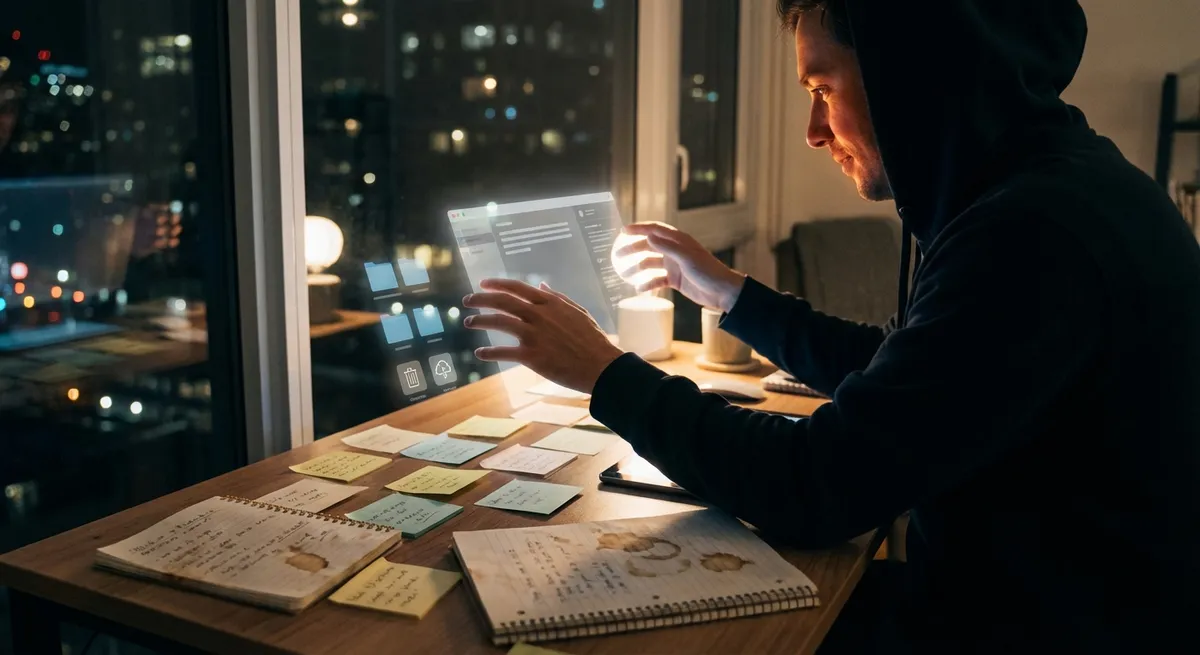
Most of us think “power user” means ten monitors, custom keyboards, and 400 browser tabs open at once. In reality, your everyday apps are quietly giving you power‑user abilities without you ever opening a settings menu. Features that used to be “for nerds only” are now baked right into the tools you use to text friends, order food, or check your calendar.
This isn’t just nice-to-have convenience. It’s changing how we work, learn, and create. Let’s dig into a few ways normal apps are turning regular people into low-key pros—no tutorials required.
1. Your Notes App Is Turning Into a Second Brain
The humble notes app used to be a digital sticky pad. Now it’s starting to act more like a searchable, semi-smart memory assistant.
Modern notes and docs apps can:
- Auto-organize content with tags, folders, and smart search
- Pull text from images and handwritten notes (thanks to OCR)
- Sync across phone, laptop, and tablet almost instantly
- Let you drop in audio, images, checklists, links, and even code snippets
- Suggest related notes or files when you type certain keywords
This means you don’t really have to “remember” where you put stuff. You can just search for “rent,” “class notes,” or “client call” and your app quietly surfaces everything relevant. That’s a huge shift from “I lost that notebook three months ago” to “my notes app remembers that detail from last year’s meeting.”
For tech enthusiasts, the interesting part isn’t just the convenience—it’s that normal users are building lightweight personal knowledge systems without ever reading a productivity blog. Apps are turning second-brain ideas into default behavior.
2. Photo Apps Are Basically Studio Assistants Now
Open your photo app and scroll. Behind that effortless feed is a lot of serious tech doing pro-level work for you.
Most built-in gallery or camera apps now:
- Group faces together automatically, so you can search “Mom” or “Alex”
- Detect objects (“dog,” “car,” “beach”) and let you search by them
- Auto-enhance lighting, color, and blur without you touching sliders
- Create highlight reels, memories, and auto-generated albums
- Let you copy text straight out of photos like it’s nothing
Ten years ago, that level of organization and editing was reserved for photographers dragging RAW files into desktop software. Now your phone does it before you’ve even picked a favorite shot.
What’s especially interesting is how this changes behavior. People who would never open editing software are posting decent-looking, color-balanced photos by default. Searchable photos turn your camera roll into a visual database you can query like a search engine. You’re not just snapping pics—you’re building a searchable life log without intending to.
3. Calendar and Task Apps Are Quietly Running Your Day
If you feel like your calendar app knows your life a little too well, you’re not wrong.
Modern calendar and task apps increasingly:
- Suggest meeting times that fit everyone’s schedule
- Auto-detect event details from emails and messages
- Add travel time and traffic estimates to your schedule
- Nudge you when it’s time to leave based on real-world conditions
- Sync to-do lists with your calendar so your “someday” becomes “today at 3 pm”
This is the kind of time management that used to require a personal assistant and a whiteboard. Now your phone casually reorganizes your day when a meeting gets moved or a flight is delayed.
For power users, you can still go deep—automations, integrations, and templates. But what’s fascinating is that the base experience is already doing executive-assistant-level work for people who will never watch a time-blocking video. The line between “I keep a calendar” and “I do full-blown time orchestration” is getting very, very blurry.
4. Translation and Accessibility Features Are Becoming Default Superpowers
Translation used to be a separate app. Accessibility controls used to be buried in menus. Now, they’re just part of everything—and that quietly turns normal users into power communicators.
Common examples you might already be using:
- Live translation in messaging and browser apps
- Auto-generated subtitles in video calls and social video apps
- Real-time transcription during meetings or lectures
- System-wide text scaling, high-contrast modes, and screen readers
- On-device translation that works offline, not just in the cloud
For tech enthusiasts, the coolest part is how “accessibility” features are crossing over into everyday life. Live captions aren’t just for people with hearing loss; they’re incredible in loud environments, during late-night scrolling, or when you’re multitasking.
We’re heading toward a world where language barriers and audio-only moments don’t block you from participating. Your apps are doing live interpretation, archiving, and adaptation on the fly—which used to be sci-fi level stuff.
5. Automation Is Sneaking Into Apps Without Feeling Like Coding
Mention “automation,” and many people think of scripting or complex tools. But a lot of apps now quietly offer automation in a way that feels more like “set it and forget it” than “learn to program.”
You might see this as:
- “Smart” email filters that auto-sort promos, updates, and important mail
- Banking apps that auto-categorize spending and flag weird charges
- Fitness apps that build workout suggestions from your past behavior
- Smart playlists that adapt to your listening habits in real time
- “If this, then that” style triggers inside productivity apps (like “when I check this task as done, move this project to the next stage”)
The pattern: apps are borrowing the logic of traditional automation tools and hiding it behind friendly toggles and options. You don’t have to build a flow; you just agree when the app says, “Want me to always do this for you?”
For people who are into automation, this is like a gateway drug: once you get used to these built-in smart behaviors, tools like Shortcuts, Zapier, or Make suddenly feel less intimidating. But even if you never touch them, your apps are already quietly doing little micro-automations on your behalf.
Conclusion
We’re in a weirdly fun era of apps: the baseline experience for a “normal” user already looks suspiciously like what power users were hacking together a few years ago.
Your notes app acts like a memory system.
Your camera roll behaves like a searchable documentary.
Your calendar is half scheduler, half air traffic control.
Translation follows you between apps.
Automation hides inside pretty toggles and “smart” labels.
You don’t need to become a hardcore productivity nerd to tap into this. Just explore the settings a bit, say “yes” when apps offer to do boring things for you, and treat your everyday tools less like static apps and more like quiet assistants.
The power-user era isn’t just for power users anymore—and that’s exactly what makes it interesting.
Sources
- Apple – iOS Feature Guides – Official overview of features like Live Text, on-device intelligence, and system-wide enhancements in Apple’s mobile OS
- Google Photos Help Center – Documentation on auto-grouping, search, and editing tools that power modern photo organization
- Microsoft 365 – Intelligence Features – Explains how AI-driven features are changing notes, documents, email, and calendars
- Google Translate – How It Works – Background on translation technology and how it’s integrated into apps and services
- US Department of Education – Accessibility & Technology – Discussion of how digital tools support accessibility, many of which now appear in mainstream apps
Key Takeaway
The most important thing to remember from this article is that this information can change how you think about Apps.



