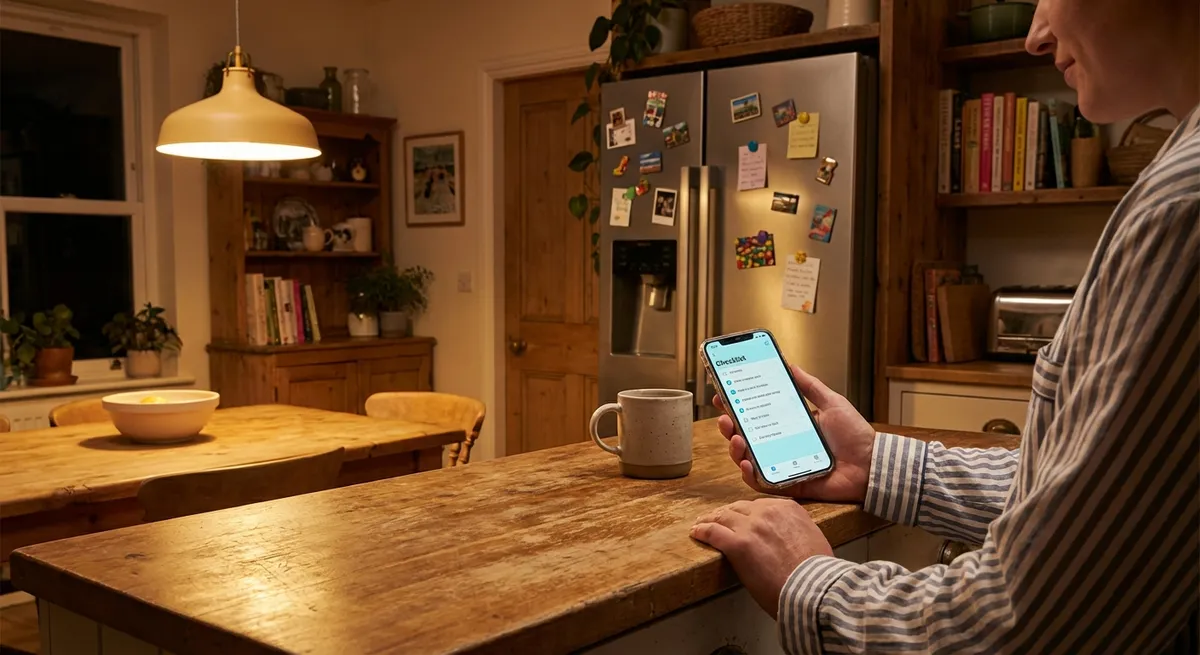
You probably have dozens of apps on your phone right now—but only a tiny handful actually earn a permanent spot on your home screen. They’re not flashy. They don’t have wild animations. They just…work. And that’s exactly why they’re secretly powerful.
Let’s dig into why “boring” apps are quietly running your life, how they’re designed to be weirdly addictive (in a good way), and why the best apps feel less like software and more like habits.
We’ll walk through five genuinely interesting things about modern apps that tech enthusiasts will appreciate—without falling into arcane jargon territory.
1. The Apps You Use Most Aren’t the Ones You Talk About
Scroll through tech news and you’ll see AI, VR, crypto, and whatever is being hyped this week. But open your “Screen Time” stats and you’ll see something much less glamorous: notes, maps, password managers, weather, messaging, maybe a to-do list.
These are the “infrastructure apps” of your digital life. They don’t grab headlines, but they quietly shape your entire day.
What’s fascinating is how sticky they are. Once a notes app or calendar earns your trust, replacing it feels painful—like changing banks. Your data, routines, muscle memory, and tiny workflows all grow around it. Enthusiasts love talking about the newest launch, but the apps with real power are the ones you forget you’re even using.
That’s why a small UI tweak in Gmail or your favorite chat app can feel more disruptive than a brand-new app launch. The closer an app gets to daily infrastructure, the more its tiny changes ripple through your life.
2. Good Apps Feel Fast Even When They’re Not
Performance isn’t just about raw speed—it’s about perceived speed. The best apps mess with your brain in subtle ways to make things feel instant, even when there’s definitely a server or two thinking in the background.
Here are a few tricks you run into all the time:
- Skeleton screens: Instead of a blank wait, you see gray placeholders where content will go. It feels like progress.
- Optimistic updates: You tap “like” or “send,” and the app updates immediately, then quietly syncs in the background.
- Micro animations: Buttons ripple or slide just enough to signal “yes, I heard you,” which makes waits feel less annoying.
- Preloading: Apps guess what you’ll tap next and load it early, so it appears “instantly.”
To your brain, responsive is more important than perfect. An app that reacts fast to input—even if it still needs a moment to fetch data—feels more trustworthy. Tech enthusiasts often chase benchmarks, but in real life, UX sleight of hand is what makes apps feel genuinely smooth.
3. Your Favorite Apps Are Quietly Rewriting the Rules of Privacy
For years, the app world ran on a simple trade: you get free stuff, companies get your data. That deal is changing fast, and it’s playing out right inside the apps you already use.
A few shifts you might have noticed:
- App Tracking Transparency (ATT) on iOS: Those “Allow this app to track you across other apps?” prompts nuked a lot of silent tracking.
- End-to-end encryption: Messaging apps like WhatsApp, Signal, and iMessage now pitch privacy as a default, not a niche feature.
- On-device processing: Keyboard suggestions, photo categorization, and even some voice assistants are increasingly handled on your device, not the cloud.
This has led to an interesting design puzzle: how do you build smart, personalized apps while collecting less identifiable data?
We’re seeing more apps lean into:
- Local-only data: Notes, health metrics, and offline-first apps that store everything on your device.
- Privacy settings that are actually readable: Not perfect, but way better than the legalese walls of the past.
- “Private by marketing”: Privacy is now a selling point, not just a legal checkbox.
For enthusiasts, this is a fun turning point. The most interesting apps over the next few years might not be the ones that know everything about you—but the ones that prove how little they need to be genuinely useful.
4. Notifications Are the Real App Battleground
Every app on your phone is fighting for the same finite resource: your attention. They can’t all win—which is why notifications have become the sharpest weapon and the biggest UX headache.
What makes this space interesting lately is that a bunch of apps are starting to back off and still win:
- Some email apps batch notifications instead of buzzing you for every message.
- Habit and fitness apps now lean into gentle, scheduled nudges instead of panic-inducing alerts.
- Focus modes on iOS and Android let you whitelist just a few apps during certain times.
The most thoughtful apps are shifting from “interrupt you constantly” to “show up at the right moment.” That requires understanding your patterns—not to exploit them, but to avoid being annoying.
For power users, this is becoming part of the selection criteria: Does this app respect my time? Does it let me fully mute, fine-tune, or timebox notifications? The apps that get this right feel more like assistants and less like slot machines.
5. Why Some Apps Feel Instantly Comfortable (and Others Never Do)
Ever opened a new app and, within seconds, just knew where everything was? That’s not an accident. Modern apps lean on a set of unspoken design conventions that your brain has quietly learned over years of tapping around screens.
A few examples:
- Three-line “hamburger” icons usually hide menus.
- Magnifying glass? Almost always search.
- Pull down? That probably refreshes something.
- A floating button in the corner on Android? Likely “add” or “compose.”
The most interesting part: apps that deliberately break these norms can feel fresh—but also risky. Change too much and users bounce. Change just enough and enthusiasts call it “delightful.”
Many successful apps evolve in tiny, careful steps. They might:
- Reorganize a feature behind the scenes but keep the button in the same place.
- Add power features without overwhelming new users.
- Roll out design changes slowly to small groups to see who gets confused.
This careful balancing act means your favorite apps are always changing, but rarely in a way that forces you to relearn everything at once. The best ones feel both familiar and quietly new over time—like a tool that never stops tuning itself.
Conclusion
Modern apps aren’t just icons on your home screen—they’re tiny operating systems for your daily life. The most interesting stuff isn’t always in the splashy AI demos or viral launches, but in the quiet decisions: how an app feels fast, how it respects your privacy, how it negotiates your attention, and how it changes without breaking your habits.
If you’re a tech enthusiast, it’s worth looking at your own usage patterns:
- Which “boring” apps do you rely on most?
- Which ones truly earned their spot on your home screen?
- And which apps feel like they’re on your side, not just competing for your dopamine?
That’s where the real story of modern app design is happening—right there in the tools you barely notice, but can’t imagine deleting.
Sources
- [Apple – User Privacy and Data Use](https://www.apple.com/privacy/) – Overview of Apple’s privacy features, including App Tracking Transparency and on-device processing
- [Google – Android Notifications Overview](https://developer.android.com/develop/ui/views/notifications) – Explains how notification systems work on Android and how apps are encouraged to use them responsibly
- [WhatsApp – End-to-End Encryption Explained](https://www.whatsapp.com/security) – Details on how modern messaging apps protect user privacy with encryption
- [Nielsen Norman Group – Progress Indicators Make a Slow System Less Insufferable](https://www.nngroup.com/articles/progress-indicators/) – Research on perceived performance, skeleton screens, and how UX design affects the feeling of speed
- [Pew Research Center – Americans and Privacy](https://www.pewresearch.org/internet/2019/11/15/americans-and-privacy-concerns-about-data-collection/) – Data on how users think about digital privacy and data collection
Key Takeaway
The most important thing to remember from this article is that this information can change how you think about Apps.



