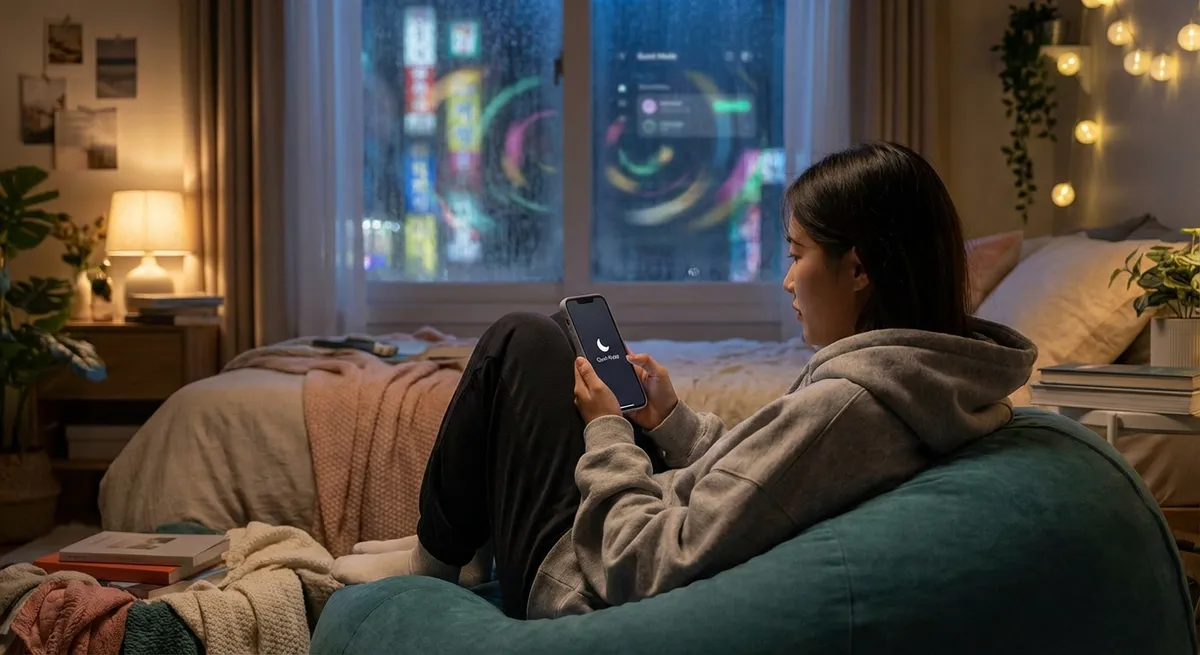
If you only judged the app world by what trends on TikTok, you’d think it’s all viral filters, clicky games, and one-week wonders. But behind the hype, a different kind of app is quietly taking over your home screen: calm, “boring,” extremely useful tools that don’t shout for your attention every five seconds.
These are the apps you open on autopilot—notes, calendars, password managers, reading queues—and they’re getting surprisingly smart, personal, and powerful without turning into full-on distractions. Let’s look at what’s really going on under the hood, and why the least flashy apps on your phone might be doing the most for you.
1. Your Notes App Is Turning Into a Second Brain
The humble notes app used to be a digital sticky pad. Now it’s morphing into something closer to a searchable brain extension.
Modern note and “knowledge” apps like Notion, Obsidian, Apple Notes, Evernote, and OneNote are adding features you’d only expect in pro software: backlinking between notes, tags and filters, AI-assisted summaries, and lightning-fast search across years of your text.
Instead of endlessly scrolling to find that “important idea” you wrote at 1:17 a.m., you can search by keyword, date, or even related concepts. Some apps now auto-detect topics and suggest links between notes, which basically turns your random brain dumps into a network of connected thoughts.
For tech enthusiasts, this is huge: it’s like personal data science for your own ideas. Your notes become more useful the more you write, because the app can surface patterns (what you revisit often, ideas you never finish, topics you keep circling back to).
We’re not quite at “upload your brain to the cloud” yet, but your notes app is quietly getting closer.
2. Password Managers Are Becoming Your Online Bodyguards
You probably know you should use a password manager. Fewer people realize how advanced (and essential) these apps have become.
Modern password managers don’t just store passwords. They generate strong ones, auto-fill them across apps and browsers, flag weak or reused passwords, and warn you when one of your accounts shows up in a known data breach. Some even monitor the dark web for your email or username.
They’re also key to handling two-factor authentication (2FA). Many apps now let you store your one-time codes inside the same secure vault, so logging in feels less like a chore and more like tapping “unlock.” Under the hood, they’re using serious encryption and zero-knowledge setups—meaning even the company behind the app can’t see your data.
For people who live online (so… almost everyone), this turns a chaotic mess of logins into something manageable and safer. It’s not glamorous, but when an app literally lowers your odds of getting hacked, that’s a win.
The interesting twist: as browsers and operating systems add built-in password tools, dedicated apps are responding by becoming full-on “digital identity hubs”—handling secure notes, payment cards, and even shared family logins.
3. Calendar Apps Are Quietly Learning Your Rhythm
Old-school calendars were just boxes on a screen. New-school calendar and scheduling apps are acting more like personal time coaches.
Modern calendars don’t just store events; they try to design your day. Some can:
- Suggest meeting times based on when everyone is usually available
- Auto-block “focus time” when you’re least likely to be interrupted
- Factor in travel time between locations
- Pull in tasks from other apps and layer them into open time slots
For remote and hybrid workers, calendar apps have quietly become mission control. They sync time zones, attach video call links automatically, and give you a picture of your mental load at a glance: how many meetings vs. actual deep work time.
On the enthusiast side, people are doing wild things like connecting calendars to smart lights (lights dim when a meeting starts) or using rules to auto-reject events during certain hours. It’s the same “old” app category, but the behavior is different: your calendar isn’t a static schedule; it’s a real-time negotiation with your future self.
The endgame? Apps that don’t just show your time, but help you defend it.
4. “Read-It-Later” Apps Are Turning the Internet Into Your Personal Magazine
If your browser tabs are a graveyard of “I’ll read this later” links, this one’s for you.
Read-it-later apps like Pocket, Instapaper, and others are built around a simple idea: instead of leaving articles open forever, you save them into one clean, distraction-free reading list. But the modern versions are going way beyond that.
They strip out ads and clutter, reformat text for comfortable reading, and let you highlight passages across the web. Many now let you:
- Save from almost any app or browser with one tap
- Sync your reading list across devices
- Listen to articles with text-to-speech
- Get recommendations based on what you actually read (not just what’s trending)
What’s interesting for tech fans is how this shifts control. Instead of the algorithm deciding what you see next, you build your own mini-internet of things you genuinely care about.
And because these apps remember what you’ve saved and finished, they become a kind of long-term profile of your curiosity. Want to track how your interests changed over the last two years? Your reading queue probably knows.
5. Boring Automation Apps Are Becoming the Glue of Your Digital Life
Some of the most powerful apps don’t even look like apps—they run in the background and quietly connect everything else.
Automation tools like IFTTT, Zapier, and platform-specific shortcuts basically let you say: “When this happens, automatically do that.” Examples:
- When you favorite a tweet, save it to your notes or read-it-later app
- When a new file hits a cloud folder, send yourself a DM or email
- When you add a calendar event with “invoice” in the name, create a to-do in your task app
On phones, built-in automation features (like Apple’s Shortcuts or Android’s routines) make it possible to trigger actions based on time, location, Wi‑Fi network, or even battery level. Want your phone to go into “night mode,” close certain apps, and open your reading app at 10 p.m.? Totally doable.
The cool part: you don’t need to be a programmer. These tools use simple “if this, then that” building blocks. But once you start chaining them together, you essentially build a custom operating system for your life.
It’s invisible tech, but it’s the reason your apps can feel like they’re working together instead of fighting for attention.
Conclusion
The most interesting shift in apps right now isn’t happening in the loud, viral stuff. It’s happening in the quiet corners of your phone—notes, passwords, calendars, reading queues, and automations—that are getting smarter, more private, and more connected.
These apps don’t beg for screen time; they reduce it. They save you from retyping the same passwords, scrolling lost tabs, digging for old ideas, and wrestling your schedule. In a world where every app wants to be a casino, the real power move is using the ones that behave more like tools than slot machines.
If your home screen is feeling noisy, it might be time to promote the “boring” apps to the front row. They’re doing more heavy lifting than they get credit for—and your future self will definitely notice.
Sources
- [National Institute of Standards and Technology (NIST) – Digital Identity Guidelines](https://pages.nist.gov/800-63-3/) - Background on modern authentication, passwords, and security best practices
- [1Password Security Overview](https://support.1password.com/security/) - Explains how a major password manager handles encryption and zero-knowledge architecture
- [Mozilla Pocket – How Pocket Works](https://help.getpocket.com/article/1148-how-pocket-works) - Details on read-it-later functionality and recommendation systems
- [Notion – Product Overview](https://www.notion.so/product) - Example of modern note/knowledge apps evolving beyond basic note-taking
- [Apple – Shortcuts User Guide](https://support.apple.com/guide/shortcuts/welcome/ios) - Reference for how everyday users can build automations on iOS without coding
Key Takeaway
The most important thing to remember from this article is that this information can change how you think about Apps.



