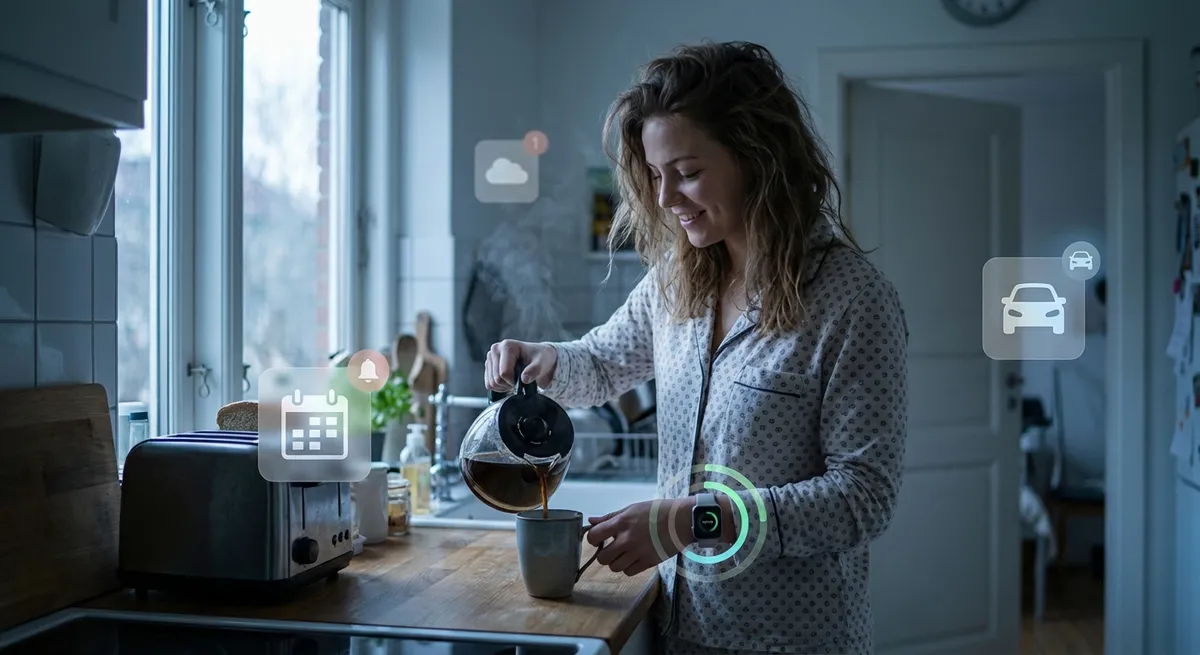
You probably think of “apps” as the icons you tap: Instagram, Spotify, your favorite game. But a lot of the most interesting app action in your life now happens around you, not in front of you.
Welcome to the era of invisible apps: software that quietly runs in the background, talks to other apps, and nudges your day along without demanding your attention. You don’t really “use” these apps. You live with them.
Let’s dig into what’s going on behind the scenes—and why it’s actually pretty cool if you’re into tech.
Background Apps Are Turning Your Phone Into an Autopilot System
Your phone is doing way more than you think, even when it’s just sitting in your pocket.
Modern apps use things like background refresh, smart notifications, and automation triggers to predict what you need before you open them. Calendar apps suggest when you should leave based on traffic. Email apps pre-load messages and sort them before you open your inbox. Fitness apps sync your steps, heart rate, and sleep overnight while you’re not even looking.
You’re not manually running these processes; the apps are constantly working in the background, reacting to your location, time of day, habits, and patterns. It’s like having a personal assistant who never clocks out—just much less glamorous and way more battery-conscious.
For developers, this is where app design gets fun: the goal isn’t just “make this screen pretty,” it’s “how can we make this so helpful you forget it’s even there?” For users, it means less tapping and more “oh, that’s already done.”
Your Favorite Apps Are Secretly Talking to Each Other
Most of your apps aren’t living in isolation—they’re quietly chatting behind your back.
Think of it like this: when you sign into a new app with your Google, Apple, or Facebook account, that’s one connection. When your fitness app sends runs to your notes app, or your password manager fills out a login in your browser, that’s another. These are powered by APIs—basically, digital agreements that let apps share certain information safely.
That’s how your food delivery app can pull in maps, payment, and messaging without reinventing everything from scratch. It’s how calendar events jump from your work app to your personal phone. It’s why your to-do list can magically appear on your laptop, phone, and smartwatch without you typing it three times.
The interesting part for tech enthusiasts: we’re getting closer to “composable” app experiences. Instead of one mega-app trying to do everything, smaller services plug into each other. Your daily workflow isn’t just one app—it’s a mesh of apps quietly syncing to feel like one system.
Notifications Are Becoming Less Annoying (And Way Smarter)
Notifications used to mean chaos: buzzing, blinking, and red dots begging for attention. Now, the smartest apps are trying to do the opposite—bother you less.
On-device intelligence (think Apple’s Focus modes or Android’s notification ranking) helps decide what you see first and what quietly gets buried. Some apps delay non-critical notifications to batch them. Others watch how you react: if you constantly swipe away certain alerts, they might start sending fewer, or at different times.
There’s also a shift toward “event-based” alerts instead of constant pings. Your banking app doesn’t just say “You logged in.” It flags something that matters—a suspicious charge, a low balance, a subscription renewal. Your ride-share app doesn’t talk to you unless your driver’s arriving, late, or can’t find you.
For people who love tech, this is where UX meets machine learning in a very human way. Notifications are turning into a recommendation system for your attention. The endgame: your phone feels quieter but somehow more useful.
Apps Are Learning From Your Routine (Without You Training Them)
You don’t have to explain your schedule to your apps anymore. They quietly learn it.
Music apps remember what you play on Monday mornings versus Friday nights. Note-taking apps see which documents you open every day. Travel apps remember your usual routes. Over time, they adjust: surfacing frequently used playlists, suggesting your regular coffee order, or pre-loading your commuting directions.
A lot of this happens locally on your device, which matters for privacy. Instead of sending every bit of data to a server, modern systems (especially on phones) can crunch patterns on-device using lightweight machine learning. That’s why your keyboard can suggest eerily accurate next words without needing to upload your entire chat history to the cloud.
The result is an app experience that doesn’t feel static. The app you install on day one is not the app you’re using after a month—it’s subtly tuned to you. Not in a sci-fi “knows your deepest secrets” way, more in a “yep, I always need this button first” way.
The Line Between App and Operating System Is Blurring
One of the most fascinating shifts: some of the best “apps” don’t really look like apps anymore.
Digital wallets, password managers, and translation tools are bleeding into the OS layer. You don’t open a standalone app to use them—they just show up when you’re paying, logging in, or reading something in another app. System-level features like Live Text, system search, and universal clipboard make it feel like one big environment instead of a bunch of siloed apps.
Even web apps have leveled up. Progressive Web Apps (PWAs) let websites behave like installed apps: offline support, notifications, home screen icons, and all. On some platforms, it’s getting hard to tell the difference between a “native” app and a “web” app without digging into settings.
For power users, this is interesting because it changes what “installing an app” even means. Is your password manager an app? A browser extension? A system integration? The label matters less now. What matters is: does it hook into everything you use and stay out of the way until you need it?
Conclusion
Apps used to be something you went to. Open app. Do thing. Close app.
Now they’re increasingly something that comes to you—through smart notifications, background tasks, OS-level hooks, and quiet connections between services. The most impressive apps are those you barely notice: smoothing out your day, syncing your stuff, and surfacing what matters right when you need it.
If you’re into tech, it’s worth watching this invisible layer. The next big shift in apps probably won’t be a viral new icon on your home screen—it’ll be the apps you already have getting smarter, quieter, and more stitched into everything else you do.
Sources
- Apple – About App Background Execution – Technical overview of how apps run tasks in the background on iOS
- Google – Background Execution Limits in Android – Details on how Android manages background apps and services
- Mozilla – What Is an API? – Clear explanation of APIs and how different apps/services communicate
- Apple – On-Device Intelligence and Privacy – How modern devices handle personalization while protecting user data
- Google Developers – Progressive Web Apps – Overview of how web apps can behave like native apps with offline access and system integration
Key Takeaway
The most important thing to remember from this article is that this information can change how you think about Apps.



