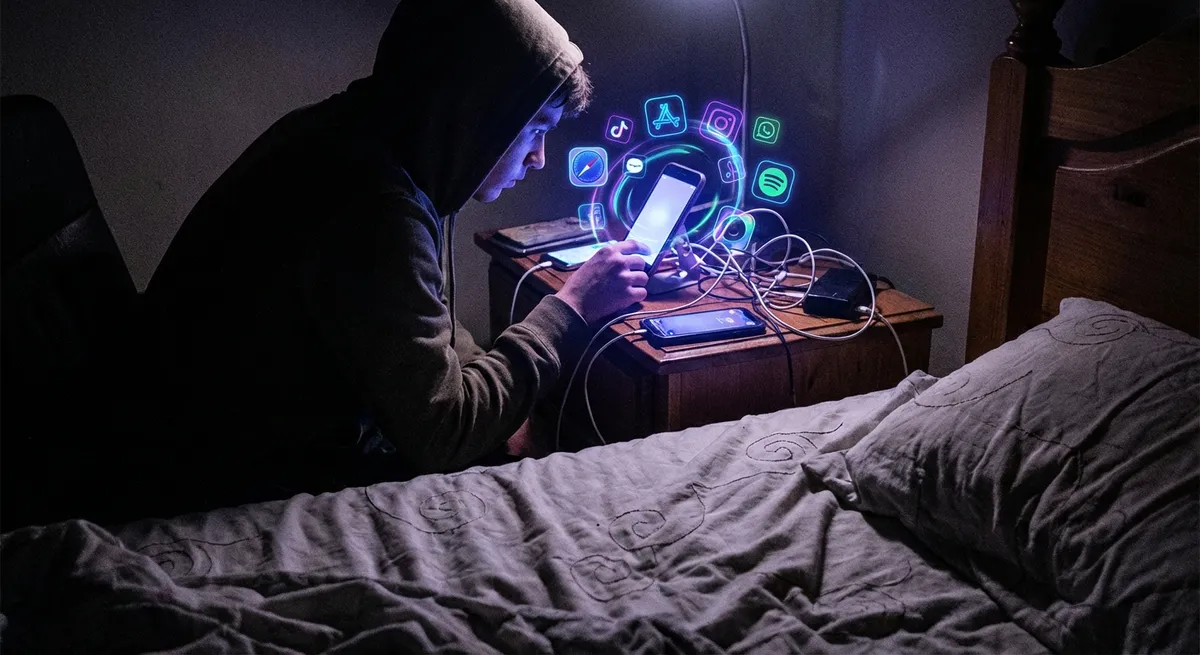
Most of us think we open apps to “get something done”: send a message, check a map, order food, doomscroll for way too long and then regret everything. But under the hood, the best apps are basically running tiny rituals on us—subtle design choices that nudge how we think, tap, and even feel.
These aren’t just dark patterns or growth hacks. When they’re done well, they make apps feel smoother, more human, and a lot more addictive (in a good way… mostly). Let’s pull back the curtain on some of the small, fascinating things apps do that tech enthusiasts in particular will appreciate.
1. Microinteractions: The Tiny Animations That Make Apps Feel “Alive”
Every time you like a post, drag to refresh, or slide a toggle, you’re triggering a microinteraction—those quick, focused moments when the app responds in a very specific, often very satisfying way.
That little heart that pops and fills with color? The loading spinner that turns into a check mark? The subtle vibration when a timer starts? None of that is “necessary” for the feature to work. It’s there to:
- Confirm that your action was successful
- Give your brain a tiny hit of feedback and reward
- Make the app feel less like a form and more like a living object
Well‑designed microinteractions hit this sweet spot where they’re noticeable the first few times, then fade into the background and just feel “right.” When they’re missing, apps feel flat and cheap—even if the core features are identical.
What’s wild is how much work goes into these details: timing, easing curves, sound design, even how long a vibration lasts. You don’t see it, but your brain absolutely notices when it’s wrong.
2. The Art of “Loading Without Feeling Like Loading”
Tech people love to talk about performance, but what most users care about is perceived speed—how fast an app feels, not how fast it actually is.
Modern apps quietly cheat in a few clever ways:
- Skeleton screens: Instead of showing a blank page, apps display grey blocks or outlines where content will go. It tricks your brain into thinking “things are happening” instead of “I’m waiting.”
- Optimistic UI: Hit “like” or “send” and the app immediately updates as if it worked, then syncs with the server in the background. If something fails, it quietly rolls back.
- Prefetching: Apps predict what you’ll tap next (like the next TikTok or Instagram reel) and start downloading it before you ask.
These tricks don’t just make apps feel smoother; they subtly change behavior. When the app feels instant, you explore more, tap more, and abandon less. When it feels slow—even if the raw numbers aren’t that bad—you bail.
The result: two apps can technically have similar performance, but the one that nails perceived speed feels like it’s from the future.
3. Notification Psychology: Why Some Pings Get Ignored and Others Own You
Notifications are the most abused part of modern apps, but the fascinating ones treat them like a craft, not a megaphone.
Behind the scenes, smart apps think about:
- Timing: Pinging you when you usually open the app anyway, instead of randomly.
- Priority: Deciding what really deserves a push (a direct message) versus what can wait (a generic reminder).
- Context: Using your location, time of day, or recent behavior to make a notification feel relevant instead of spammy.
There’s research suggesting that unpredictable rewards—like not knowing exactly when someone will reply or when you’ll see a new like—tend to keep people coming back more than predictable ones. Apps lean into this, but the better ones also give you control: notification summaries, quiet hours, and fine‑grained settings.
For power users, this becomes a kind of meta‑game: tuning notification settings until each ping actually means something. When an app respects that, it feels like a good citizen on your phone instead of a needy roommate.
4. Onboarding as a Story, Not a Tutorial
Most of us mash “Next, Next, Skip” on walkthrough screens, but good apps are quietly turning onboarding into a narrative instead of an instruction manual.
Instead of dumping 20 features on you at once, they:
- Start with one core action (“Save your first note,” “Track your first run”)
- Reveal complexity only when you need it (advanced settings, power features, automations)
- Use your first few actions to customize what you see next
It’s less “Here’s everything this app can do” and more “Let’s do one thing together right now.”
For enthusiasts, this is especially interesting because it’s essentially progressive disclosure used as storytelling: hiding complexity until your behavior proves you’re ready for it. That’s why a casual user and a pro might both love the same app for totally different reasons—they’re effectively seeing different slices of it.
The sneaky part? Those early choices often define your long‑term experience: what’s pinned, what’s recommended, what’s silently turned on by default. The onboarding “story” can lock in your habits before you even realize it.
5. The New Minimalism: Simple UI, Complex Brains Behind It
Many of the cleanest, most minimal apps today are quietly some of the most complicated pieces of software on your phone.
Think about:
- Auto‑organization: Photo apps that sort by people, location, events—without asking you to tag anything
- Smart suggestions: Keyboard apps finishing your sentences, calendar apps guessing your next appointment details
- Context‑aware features: Fitness apps detecting your workout type, finance apps spotting subscription patterns
On the surface, it looks like less: fewer buttons, fewer menus, fewer options. Underneath, it’s more: models running on your device, syncing logic between cloud and phone, privacy rules about what stays local.
The goal is for the app to feel simpler as it gets smarter. The payoff is huge when it works—you get powerful features without wrestling with settings. The trade‑off is trust: you’re letting an app make choices for you.
For tech enthusiasts, this is where it gets really interesting: a lot of innovation is no longer about adding visible features, but about hiding complexity so well that the app feels almost boring—until you realize how much it’s quietly doing for you.
Conclusion
Under all the glossy screens and tap‑to‑like buttons, modern apps are basically a stack of tiny psychological and design decisions, stitched together to feel natural and “obvious.”
Microinteractions make things feel alive. Fake‑but‑helpful loading states make things feel fast. Smarter notifications, onboarding, and invisible intelligence make things feel personal—even when millions of people are using the same app.
Once you start noticing these hidden rituals, you can’t unsee them. And the next time an app just feels better than the alternative, it might not be about features at all—it might be about the tiny design choices shaping every tap you make.
Sources
- [Nielsen Norman Group – Microinteractions in User Experience](https://www.nngroup.com/articles/microinteractions/) - Deep dive into how small interface reactions shape how we feel about apps
- [Google Design – Understanding Material Motion](https://material.io/design/motion/understanding-motion.html) - Explains how motion and animation contribute to perceived speed and clarity in apps
- [Harvard Business Review – The Psychology Behind Messaging and Notifications](https://hbr.org/2017/05/the-psychology-behind-messaging-and-notifications) - Looks at how notifications affect user attention and behavior
- [Apple Human Interface Guidelines – Onboarding](https://developer.apple.com/design/human-interface-guidelines/onboarding) - Official guidance on designing smoother, less intrusive onboarding experiences
- [MIT Technology Review – How AI Is Making Your Apps Smarter](https://www.technologyreview.com/2020/02/20/844765/how-ai-is-making-your-apps-smarter/) - Overview of the machine learning features quietly powering everyday apps
Key Takeaway
The most important thing to remember from this article is that this information can change how you think about Apps.



