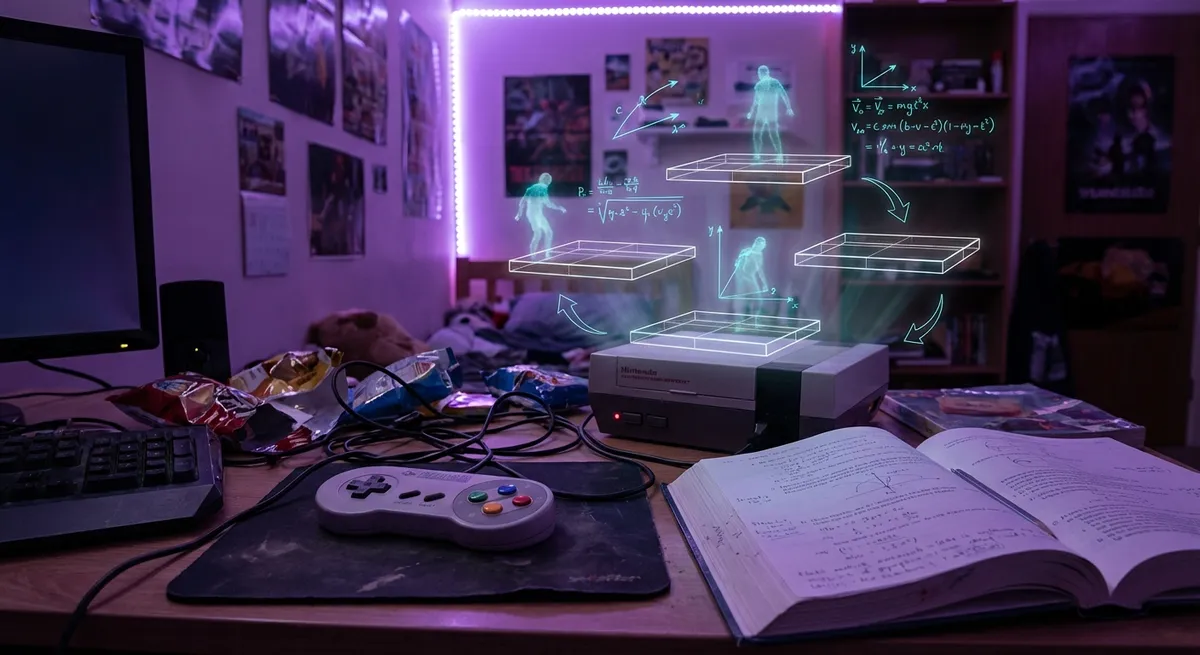
Game devs don’t just push pixels; they bend virtual reality until it feels good in your hands. Every smooth wall-run, perfect double jump, and satisfying headshot sits on top of a weird mix of physics, psychology, and clever shortcuts.
Let’s pull back the curtain on some of the invisible tricks that make modern games feel so insanely playable—without diving into headache-level math.
1. Why Jumping in Games Feels Better Than in Real Life
If games followed real-world physics exactly, most characters would feel weirdly heavy and sluggish. So developers… cheat. A lot.
Most platformers and shooters tweak gravity, jump height, and air control so you feel agile and powerful, not clumsy. Characters often go up faster and come down slower than real physics would allow, because it feels more responsive. Some games even give you a tiny invisible boost at the top of your jump so you land where the designers want you to.
Then there’s “coyote time”—named after Wile E. Coyote. In many games, if you press jump a fraction of a second after walking off a ledge, the game still lets you jump. Technically, you’re in the air already. Practically, the game says, “Close enough, we got you.”
It’s not realistic. It’s better.
2. Hit Detection: When “You Missed” Still Counts as a Hit
Ever swear you landed a shot that the game said you missed—or the other way around? Multiplayer hit detection is secretly one of the most mind-bending parts of online gaming.
Here’s why: what you see on your screen is slightly out of sync with what the server sees, thanks to latency. So many shooters use “lag compensation.” When your bullet fires, the server rewinds its version of the game world a tiny bit to where your crosshair was a moment ago and checks if that would have hit.
To you, the shot feels fair. To the server, it’s doing time travel math to keep everyone happy.
On top of that, hitboxes—those invisible shapes that decide when something gets hit—are often bigger, simpler versions of the character model. That’s why you might land a headshot even if, frame by frame, you were a hair off. The game is quietly rounding in your favor to keep the action fast and fun.
3. Aim Assist and Sticky Targets: Your Controller’s Secret Wingman
Mouse vs. controller debates will never die, but controllers get a lot of hidden help.
Most console shooters use aim assist, and it’s smarter than just “auto-aim.” There are a few common tricks:
- Slowdown: Your aim speed subtly drops when your crosshair is near a target, helping you stay on them.
- Magnetism: The game gently nudges your aim toward a moving enemy, especially if they cross your line of fire.
- Bullet bending (a little): Some games slightly adjust bullet paths if they’re extremely close to an enemy, turning whiffs into hits.
None of this is usually obvious—you still need skill—but the game sands off the rough edges of analog sticks, which are nowhere near as precise as a mouse.
The wild part? Many PC players using controllers in crossplay lobbies benefit from these same systems. Under the hood, the game is doing tiny physics and input tweaks every frame just to make sure lining up a shot doesn’t feel like wrestling your thumbsticks.
4. Destruction That Looks Real Without Melting Your GPU
Fully realistic destruction—every brick, shard, and splinter simulated—is insanely expensive to run. So most games fake it in clever ways.
You’re usually looking at:
- Pre-baked break points: That concrete wall only breaks in a few preset ways, triggered when it takes enough damage.
- Swap magic: A “solid wall” model gets swapped for a “destroyed wall + debris” model instantly when it blows up.
- Particle illusions: Flying chunks, sparks, and dust are often just visual effects that don’t actually exist as real physical objects in the world.
Games like Red Faction: Guerrilla and Battlefield pushed more dynamic destruction, but even they lean on shortcuts to stay playable on regular hardware.
The trick is selling the vibe of chaos—flying debris, shaking cameras, sound design—without simulating every fragment. Your brain fills in the rest and happily believes you just leveled a building “for real.”
5. Why Your Character Never Seems to Get Stuck (Most of the Time)
Movement in games looks simple—walk, jump, slide—but under the hood, the game is constantly stopping you from getting annoyed.
Common tricks include:
- Slope forgiveness: You can walk up ramps that are technically too steep, because the game quietly nudges you upward instead of making you slide back down.
- Step smoothing: When you hit a small obstacle—a curb, a rock—the game often “lifts” your character over it automatically rather than making you jump.
- Corner rounding: If you’re brushing against a wall or doorway, the game slightly rotates your movement direction so you “slide” around it instead of snagging.
A lot of platformers and action games also use “input buffering.” If you hit jump or attack a tiny bit too early, the game holds that input for a fraction of a second and fires it as soon as it becomes valid. To you, it feels like you nailed the timing. To the code, it’s just forgiveness.
All of this adds up to a feeling of flow—where your intentions line up with what happens on screen, even when your timing or angle is a little off.
Conclusion
The coolest thing about modern games isn’t just the graphics or the frame rate—it’s how much they quietly bend reality to make you feel like a god without you noticing.
From sneaky aim assists to physics that are more “cinematic” than scientific, almost every part of the experience is tuned to feel better than real life. Once you start spotting these tricks, you’ll never unsee them—but you’ll probably appreciate your favorite games a lot more.
And if you’re a tech enthusiast, these invisible hacks are a reminder that the best engineering isn’t always about perfect accuracy. Sometimes it’s about faking it so well that nobody cares.
Sources
- [GDC Vault – The Illusion of Simplicity: Physics in Games](https://www.gdcvault.com) - Collection of talks from game developers explaining how physics and gameplay are balanced in real projects.
- [Valve Developer Community – Lag Compensation](https://developer.valvesoftware.com/wiki/Lag_compensation) - Technical but readable breakdown of how Valve handles hit detection and latency in online games.
- [NVIDIA Developer Blog – Real-Time Physics in Games](https://developer.nvidia.com/blog/tag/physics/) - Articles on how modern games use physics engines and tricks to keep things fast and believable.
- [MIT CSAIL – Physics-Based Animation Research](https://people.csail.mit.edu/jovan/) - Academic perspective on realistic physics and animation, useful for understanding what games often simplify.
- [Epic Games – Unreal Engine Documentation: Character Movement](https://docs.unrealengine.com/5.0/en-US/character-movement-component-in-unreal-engine/) - Official docs showing how popular engines handle jumping, walking, and smoothing out player movement.
Key Takeaway
The most important thing to remember from this article is that this information can change how you think about Gaming.