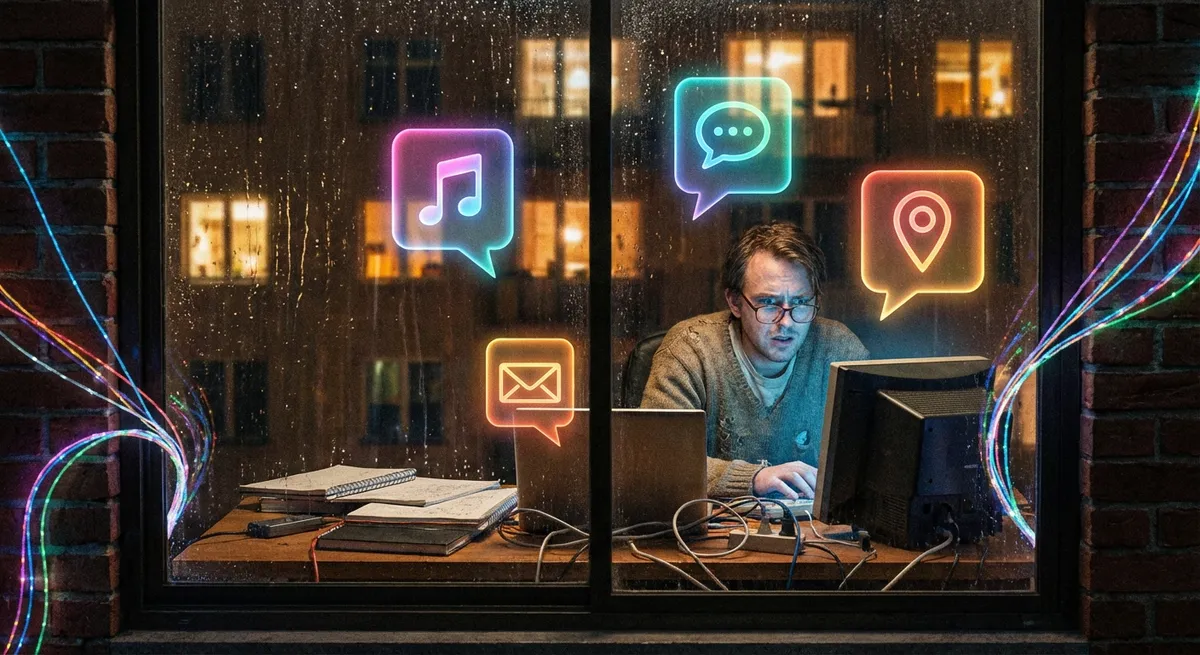
You probably think of your apps as separate little worlds: your notes app over here, your music app over there, your banking app in its own locked box. But behind the scenes, they’ve basically formed a group chat about you. Modern apps quietly share data, learn from each other, and even predict what you’ll want next—and most of us barely notice it happening.
Let’s pull back the curtain on how your apps are quietly teaming up, where that’s actually useful, and where you might want to hit pause.
1. Your “Log in with…” Button Is a Passport, Not Just a Shortcut
When you tap “Continue with Google,” “Sign in with Apple,” or “Log in with Facebook,” it feels like a time-saver. And it is. But it’s also a way for apps to plug into bigger identity systems that follow you across devices and services.
Instead of every app storing its own separate password, they rely on your main account to vouch for you. That’s why you can install a new app and be inside in seconds—no email confirmation, no password creation, no “prove you’re not a robot” dance. On the plus side, this can actually be safer: fewer passwords floating around and big companies using heavy-duty security on your behalf.
The tradeoff: these sign-in providers can sometimes see which apps you connect to and when. Apple takes a more privacy-heavy angle (with things like “Hide My Email”) while others may collect more usage signals. It’s worth diving into your account settings every so often and pruning which apps still have access. That “one-time” login from three years ago may still be hanging around in the background.
2. Your Keyboard App Knows You Better Than You Think
If your phone seems freakishly good at guessing what you’re about to type, that’s not an accident. Modern keyboard apps learn your writing style across almost every app you use: messaging, email, notes, search bars—anywhere you type. Over time, they build a rough picture of your vocabulary, favorite phrases, and even how you respond to certain people.
This is why your keyboard can autocomplete entire sentences, or why it “knows” you write “brb” instead of “be right back.” That personalized language model lives on your device and quietly updates itself as you type. Some systems use on-device learning so your raw text never leaves your phone; others send anonymized data back to improve predictions for everyone.
The cool part: this kind of learned behavior makes typing feel way smoother, and it’s spreading beyond keyboards. Email apps propose replies. Messaging apps suggest reactions. Note apps finish your thoughts. The less-cool part: if you’re worried about sensitive info (like addresses, passwords, or private conversations), it’s worth checking what your keyboard or writing assistant is allowed to access—and whether it offers “incognito” modes.
3. Your Fitness and Health Apps Are Quietly Syncing a Body Double
If you’ve ever switched fitness apps and magically seen your steps, workouts, and heart rate already there, that’s app-to-app syncing in action. Platforms like Apple Health, Google Fit, and various wearables act as middlemen, collecting data from different apps and devices and then redistributing it to the ones you approve.
Your sleep app might be pulling heart rate data from your watch. Your nutrition app might pair with your gym app to estimate calories burned. Your meditation app might brag about “streaks” based on data from your phone’s focus modes. Piece by piece, you’re building a digital clone of your daily habits—and multiple apps are feeding from the same stream.
Done right, this is actually great: you’re not trapped inside one company’s ecosystem just to keep your history. The catch: the more apps plug into this shared health hub, the more careful you need to be about permissions. That quirky new app doesn’t necessarily need to know your resting heart rate, sleep cycles, and menstrual tracking just to do something simple. You can usually pick and choose exactly what each app can see—most of us just tap “Allow” once and never go back.
4. Location and Notifications Are the New Glue Holding Apps Together
Your phone’s location and notification system are like the town square where all your apps meet up. Instead of each app constantly running in the background, they subscribe to events: “Let me know when the user gets home,” “Ping me when they’re at this store,” or “Alert me when there’s a calendar event coming up.”
That’s why your maps app knows when to suggest routes to work, your photo app builds “trip” albums automatically, and your shopping app pops up “You’re near our store” at exactly the wrong (or right) time. They’re not all running 24/7; they’re reacting to signals the operating system shares.
Used well, this makes your phone feel almost psychic—like when a ride-share app, payment app, and maps app all line up so you can go from searching a place to arriving there without ever typing your card number. Used badly, it becomes notification chaos, battery drain, and apps that seem oddly clingy whenever you move around. The good news: location and notification permissions are some of the easiest to dial back. A quick pass through your settings can turn “constant tracker” into “only when I’m using this.”
5. App “Ecosystems” Are Less About Features and More About Lock-In
You’ve heard the term “ecosystem” thrown around—usually as a selling point. “Everything just works together” is the pitch. And yes, it’s convenient when your notes show up on your laptop, your watch unlocks your phone, and your photos auto-sync across devices. But underneath the convenience is a very real strategy: make switching away feel painful.
When apps play nicely together inside one company’s ecosystem, they often don’t play as nicely with things outside it. Your cloud storage, your calendar, your task manager, your video calls—they’re all nudged to live in the same branded universe. The more you rely on those built-in integrations, the more “expensive” it feels (in time, effort, and data loss) to move to something else.
If you like tinkering with your setup, watch for apps that support open standards or export options. Calendar apps that use standard formats, note apps that can export plain text or markdown, chat apps that let you pull your data out. That way, even if an app gets bought, shut down, or just starts making weird choices, you’re not completely stuck. Think of it like keeping your digital bags half-packed—just in case.
Conclusion
Your apps aren’t just single-purpose tools anymore; they’re part of a loose, constantly shifting network built around you. They share login systems, learn from your typing, merge your health data, react to your location, and lean hard into their own ecosystems to keep you close.
None of this is automatically good or bad—it’s power. Power to make your tech life smoother and more personal, or power to over-collect, over-notify, and quietly box you in. The fun part, especially if you’re a tech enthusiast, is realizing you can actually shape that network: tweak permissions, choose more open apps, and decide which connections you’re cool with.
Your phone is already a highly opinionated assistant. The question is: who’s really doing the training—you or the apps?
Sources
- Apple – Sign in with Apple – Official overview of how Apple’s single sign-on system works and its privacy features
- Google – Sign in with Google – Technical and policy details on Google identity and what apps can access
- Apple – Health App & Health Data – Explanation of how health and fitness data is collected and shared across apps on iOS
- FTC – Mobile Privacy Disclosures – U.S. Federal Trade Commission guidance on mobile app data practices and permissions
- EFF – Protecting Privacy on Mobile Devices – Electronic Frontier Foundation resources on app tracking, permissions, and user control
Key Takeaway
The most important thing to remember from this article is that this information can change how you think about Apps.



