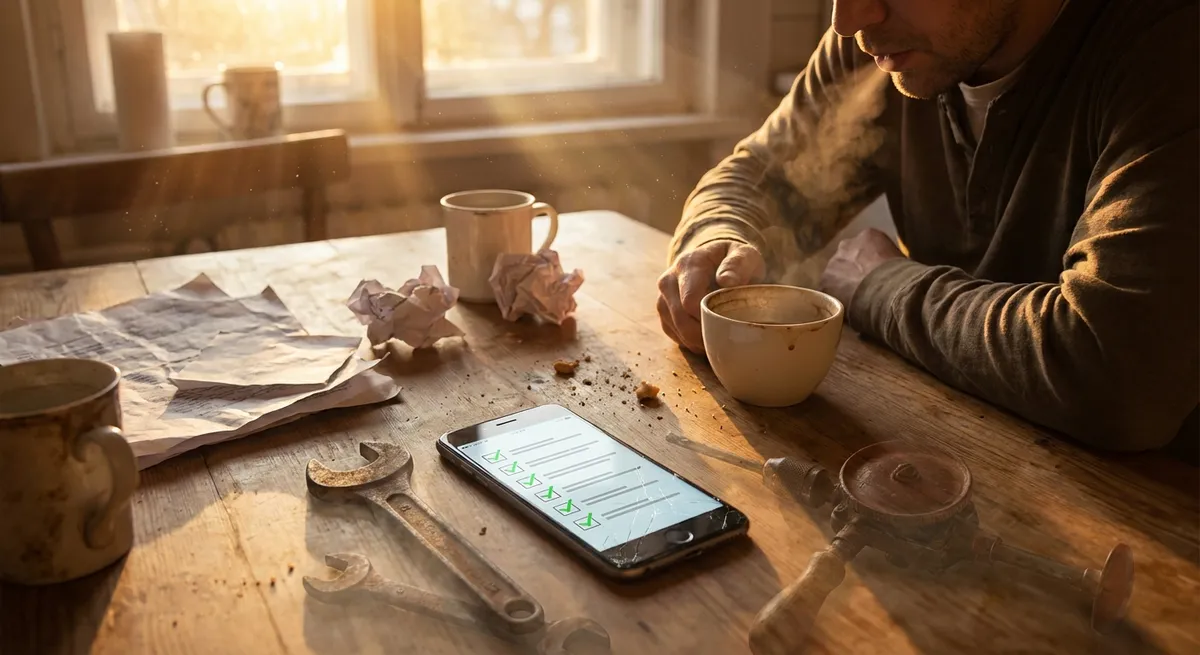
There’s a whole category of apps that don’t try to “be your lifestyle” or trap you in endless notifications. They show up, fix one annoying problem in your life, and then quietly sit there until the next time you really need them. No daily streaks. No push alerts. Just “oh thank god this is on my phone.”
Let’s dig into some of the most interesting ways these “single‑purpose” apps are quietly becoming the secret MVPs of our phones.
1. Offline-First Apps Are Quietly Beating Bad Wi‑Fi
Most apps assume one thing: you’re online. Reality check: airports, subways, rural areas, crowded stadiums, and your friend’s basement all disagree.
Offline-first apps are built with the assumption that your connection will fail you at the worst possible moment, and they’re prepared for it.
Translation apps that download entire language packs, note apps that sync later, map apps that let you save whole cities—these are lifesavers when the network disappears. Instead of showing you spinning loaders and sad error messages, they let you get stuff done now and worry about syncing later.
Why it’s fascinating:
- They blur the line between “app” and “tool you trust.”
- They’re often faster, because they don’t constantly ping servers.
- They shine most when everything else on your phone chokes.
If an app becomes more useful the worse your connection gets, that’s a pretty good sign it’s been designed for real life, not just perfect lab conditions.
2. Screenshot-Friendly Apps Know You Don’t Want Another Account
Most apps want you to “sign up,” “log in,” “verify,” and “allow notifications” before you’ve even seen what they do. Then there are the apps that expect you to share them the old-fashioned way: with a screenshot.
Think about:
- A perfect receipt or invoice layout you send your friend as a quick image.
- A clean timer display for workouts or presentations that looks great in a photo.
- A magic little converter (currency, units, time zones) that’s made to be captured and sent.
These apps don’t need your entire social graph. They just want to be so clear and visual that one screenshot answers someone else’s question instantly.
What makes them cool:
- They’re designed to be understood in one glance, not “onboarded.”
- They play nicely with whatever chat app you already use.
- They turn your camera roll into a tiny library of mini-tools and solved problems.
If you’ve ever scrolled back through your photos to find “that one screenshot of that one app that had the answer,” you already know how powerful this is.
3. Utility Apps That Pay Attention to the Boring Details
Some apps feel flashy and clever; others feel like they were made by someone who has actually suffered the same annoying problem you have.
The quiet, boring-looking utility apps—file managers, PDF scanners, password managers, authenticator apps, text extractors—tend to:
- Respect edge cases (weird file formats, awkward lighting in scans).
- Offer tiny, nerdy details (metadata, export options, backup formats).
- Work reliably across multiple devices and platforms.
They’re not there to delight you with animations; they’re there so your future self doesn’t hate your past self.
Why enthusiasts love them:
- They solve complicated problems with simple interfaces.
- They often have “hidden depth” in settings and advanced options.
- They age well—features get added, but the core use stays rock solid.
These are the apps you recommend to friends with the phrase: “It’s not pretty, but it works.”
4. Apps That Bridge the Physical World Without Extra Hardware
We’ve quietly turned phones into Swiss Army knives. No extra gadgets, just apps that use the sensors you already have: camera, microphone, GPS, accelerometer, and more.
Some examples:
- Camera-as-scanner apps that flatten, brighten, and clean up documents.
- Level and measurement apps that help you hang a frame or set up a desk.
- Sound meter and tuning apps that give you instant audio feedback.
- Sky map apps that use your GPS and motion sensors to label stars and planets.
What’s interesting isn’t just what they do—it’s that they’re replacing entire categories of single-purpose hardware with software you already carry.
Why this matters:
- It lowers the barrier to trying something new (you don’t need to buy anything).
- It turns “I don’t have the right tool” into “hold on, let me check my phone.”
- It rewards apps that are simple, accurate, and fast rather than overly social.
Every time your phone steps in for a tool you’d otherwise have to buy, that’s an app quietly collapsing a piece of the physical world into your pocket.
5. “Fire-and-Forget” Setup Apps You Only Use Once—But Keep Forever
Some of the most valuable apps are the ones you barely remember installing: the authenticator you used to set up two-factor login, the Wi‑Fi analyzer you used to find the best router spot, the backup app that quietly encrypts your photos in the background.
They usually share a few traits:
- You install them to fix one specific problem.
- You don’t open them daily—or even weekly.
- But when you do need them, they’re absolutely non‑negotiable.
Examples:
- Security apps for password vaults and 2FA codes.
- Backup/sync tools you set up once and trust for years.
- System-style utilities like VPNs or ad blockers.
These apps feel less like “content platforms” and more like infrastructure. You’re not supposed to hang out in them; you’re supposed to forget they’re there—until something breaks and you suddenly remember how critical they are.
For tech enthusiasts, these are especially fun to optimize: picking the most privacy‑respecting, the most open, the most flexible, or the one that plays nicest across all your devices.
Conclusion
Not every app wants your attention all day. Some just want to be incredibly useful for one job and then disappear into your home screen grid.
Offline‑first tools that ignore bad Wi‑Fi, screenshot‑friendly designs that spread by camera roll, nerdy utilities that obsess over details, sensor-powered apps that replace physical gadgets, and “fire-and-forget” setup tools that quietly run your digital life in the background—these are the unsung heroes of modern tech.
They might not trend on the app store charts, but they’re the reason your phone feels like a toolbox instead of just another feed.
Sources
- Google – Build Apps for Offline – Explains design patterns and best practices for creating offline-capable Android apps.
- Apple – Designing for Offline Use – WWDC session on how iOS apps can handle unreliable networks and sync intelligently.
- NIST – Digital Identity Guidelines – U.S. National Institute of Standards and Technology guidance on authentication, including multi-factor apps.
- EFF – Surveillance Self-Defense: Secure Communications – Practical recommendations on secure apps, encryption, and privacy-focused tools.
- Harvard University – Mobile Sensing and Smartphone Capabilities – Research overview of how phone sensors enable advanced app functionality in the physical world.
Key Takeaway
The most important thing to remember from this article is that this information can change how you think about Apps.



