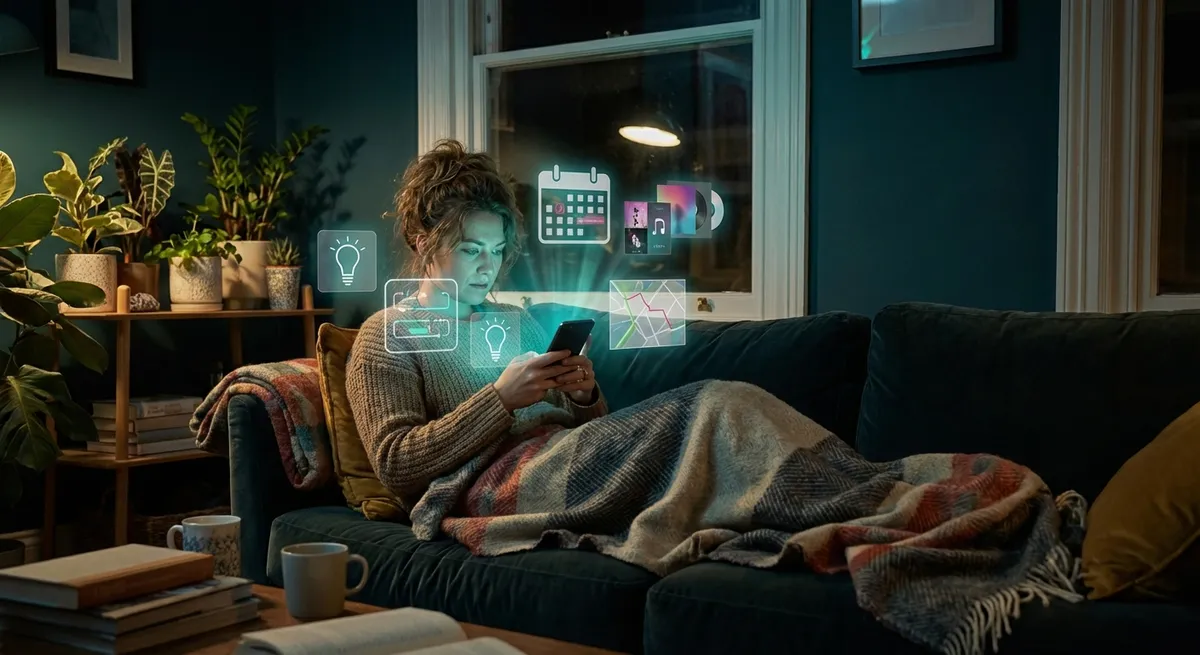
Your phone isn’t just “a bunch of apps” anymore—it’s slowly turning into a control panel for your entire life. The wild part? A lot of the most interesting stuff is happening in the background, quietly connecting your apps, data, and devices so everything starts working together instead of separately.
Let’s dig into some of the most fascinating ways apps are leveling up right now—without drowning in buzzwords.
Apps Are Quietly Turning Into Remote Controls For The Real World
We used to unlock our phones to escape the real world. Now we unlock them to control it.
Smart home and device apps are turning your phone into a universal remote for basically everything: lights, locks, cars, thermostats, and even your fridge if you’re living that “my appliances cost more than my car” lifestyle.
What’s interesting is how unified this is becoming. Standards like Matter and platforms like Apple Home, Google Home, and Alexa aren’t just nice dashboards—they’re attempts to make different brands play nicely together so one app can control gear from multiple companies.
That’s why you can:
- Turn off all the lights in your house with a single tap or voice command
- Pre-heat your oven from the grocery store
- Check your doorbell camera from literally anywhere with signal
- Warm up your car and set the cabin temp from an app in winter
Tech enthusiasts love this because it’s edging closer to that sci-fi “central console” dream—except it’s your phone, and it fits in your pocket.
Your Apps Are Becoming “Glue” That Connects Other Apps
Some of the most powerful apps aren’t the ones you stare at all day. They’re the ones that quietly glue your digital life together behind the scenes.
Automation tools like IFTTT, Zapier, and Shortcuts on iOS let you set up “when this happens, do that” chains across multiple services. For example:
- When you take a photo, automatically back it up to cloud storage and send a copy to a shared family album
- When you get a calendar invite with “Zoom” in it, auto-generate a meeting note template in your notes app
- When you arrive at the gym, start your workout playlist and open your fitness tracker app
The fun part for tech enthusiasts is that you can stack these like Lego bricks. One trigger can set off a whole sequence of actions that make your setup feel custom-built for you. It’s basically scripting real life—without needing to know how to code.
We’re heading toward a world where your apps aren’t just separate icons in a grid; they’re a network of mini-services that talk to each other and respond to what you’re doing.
Offline Features Are Quietly Getting Way Smarter
“Needs internet” used to be the default. Now, more apps are becoming surprisingly useful even when your signal disappears.
A lot of this is thanks to on-device processing. Translation apps can translate signs and menus using your camera without touching the cloud. Map apps let you download entire cities so you can navigate with no data. Note and document apps sync to the cloud when you’re online, but stay fully editable offline.
Why this matters for power users:
- Your apps feel faster because they’re not always waiting on a server
- You can travel, commute underground, or sit on a plane and still actually get things done
- Sensitive stuff (like health data, voice recordings, or photos) can be handled locally instead of being shipped to a server every time
It’s a quiet shift, but a big one: your phone is becoming a mini computer again, not just a terminal for cloud services.
Apps Are Turning Into “Mini Operating Systems” For Hobbies And Workflows
If you’ve ever fallen deep into a niche—music production, running, budgeting, note-taking—you’ve probably noticed something: the best apps in that space are starting to feel like full ecosystems.
Think about:
- Music apps that handle recording, mixing, collaboration, and publishing, all in one
- Fitness apps that track workouts, suggest plans, connect to wearables, and build long-term stats
- Productivity apps that combine tasks, calendars, notes, focus timers, and even basic automation
These apps stop being “one tool” and start becoming a hub for everything related to that part of your life. They integrate with external services, normalize data from other apps/wearables, and give you dashboards that feel like control centers for that specific hobby or workflow.
For tech enthusiasts, this is a playground. You can build complex systems out of:
- A core “hub” app for your interest or job
- A few supporting apps feeding data into it
- Automations and shortcuts tying everything together
Instead of juggling 20 single-purpose apps, you end up with a few powerful “home bases” that know a lot about how you work and what you care about.
The Line Between “App” And “Account” Is Getting Weird
Not long ago, installing an app felt like a big decision. Now, a lot of the real action lives in the account or service behind the app, not the app itself.
You see this in:
- Streaming services: one login, many devices, same profile and recommendations everywhere
- Password managers: your vault lives in the cloud, and the app is just a window into it
- Note-taking and knowledge apps: your data is the product; the app is just how you access it from whatever screen you’re on
This is why apps now feel less like “things you install” and more like keys to the same locked box, whether you’re on your phone, tablet, laptop, hotel TV, or even your car’s dashboard.
For enthusiasts, it means:
- Your setup is portable. Switch devices, log in, and your whole environment appears.
- You can treat apps like interfaces you swap out, while your data and workflows stay the same.
- The real “platform” you’re investing in isn’t just iOS vs Android—it’s the services and ecosystems you choose to tie your life to.
It’s a subtle shift, but it explains why certain apps feel almost impossible to quit: you’re not just uninstalling an icon, you’re walking away from an entire ecosystem of data, history, and habits.
Conclusion
Apps aren’t just getting “better features” every year—they’re changing roles.
They’re becoming:
- Remote controls for the physical world
- Glue that connects your other apps and services
- Surprisingly capable even when you’re offline
- Full-blown control centers for specific parts of your life
- Interfaces to deeper ecosystems that follow you across every screen
If you like tinkering with setups, workflows, and gadgets, this is an amazing time to be paying attention. The fun isn’t just in finding a cool new app—it’s in seeing how that app can plug into everything else you already use and turn your phone into the command center it’s slowly becoming.
Sources
- [Google Home – Official Site](https://store.google.com/product/google_home_app) – Overview of how the Google Home app connects and controls smart devices
- [Apple Shortcuts User Guide](https://support.apple.com/guide/shortcuts/welcome/ios) – Apple’s official documentation on building automations between apps on iOS
- [IFTTT – How It Works](https://ifttt.com/explore) – Explains the basic concept of connecting different apps and services with triggers and actions
- [Matter: The Standard for Smart Home Devices](https://csa-iot.org/all-solutions/matter/) – Connectivity Standards Alliance page describing the Matter smart home standard
- [Google Maps Offline Maps Help](https://support.google.com/maps/answer/6291838) – Details on how offline maps work and what’s available without an internet connection
Key Takeaway
The most important thing to remember from this article is that this information can change how you think about Apps.



