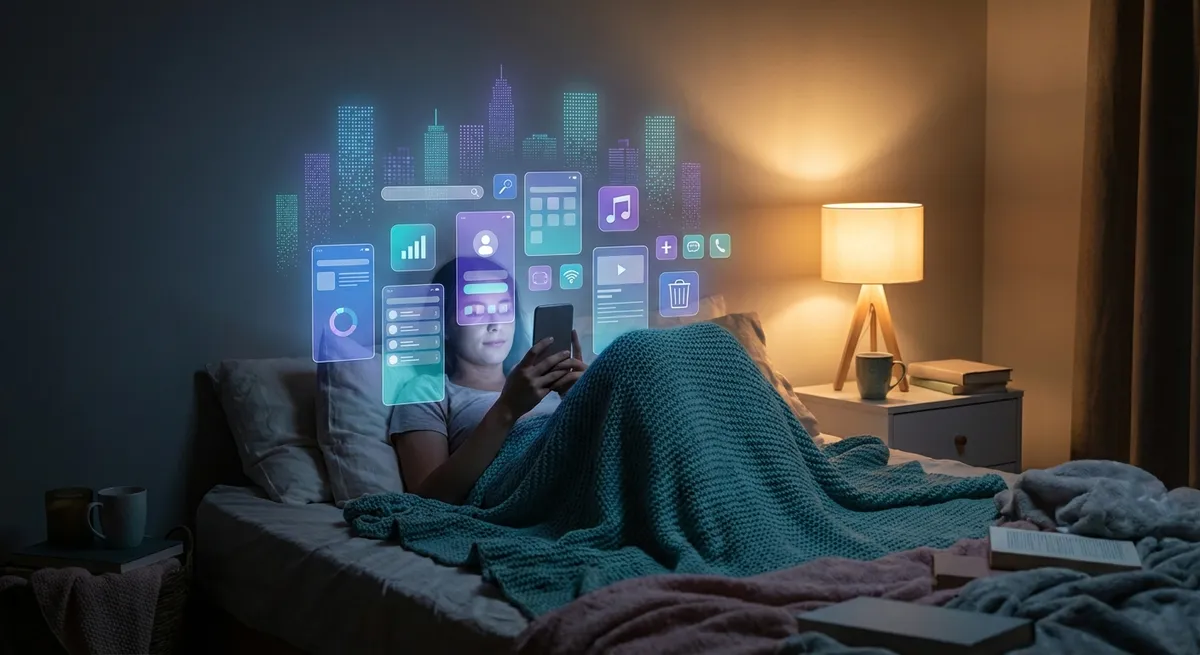
Your phone technically runs on iOS or Android, but be honest: you mostly live inside apps. You don’t “use a smartphone,” you open Spotify, Slack, Instagram, Notion, DoorDash, TikTok, and whatever new thing everyone is arguing about this week.
Under the surface, apps are doing a lot more than just sitting on your home screen waiting to be tapped. There’s a whole invisible ecosystem shaping what you see, what you buy, and how your day actually plays out.
Let’s peel back that app layer and walk through five angles tech enthusiasts will appreciate—without needing a CS degree to follow along.
1. Your Home Screen Is Quietly Turning Into a Personalized OS
Remember when apps were just icons you tapped? Now: widgets, live activities, lock screen shortcuts, dynamic islands, notification stacks—it’s basically a custom interface built around your habits.
Apple and Google don’t just let apps live on your phone; they let them decorate it:
- Music apps drop media controls right on your lock screen
- Fitness apps inject live workout stats and ring-style progress
- Calendar and to-do apps own your widgets and notification stacks
- Ride-share, food delivery, and navigation apps push live status bars and maps
The result: your phone doesn’t feel like “iOS” or “Android” as much as it feels like “your Spotify-Notion-Uber-WhatsApp machine.”
From a tech perspective, that’s wild. The core OS is slowly fading into the background while apps build mini interfaces on top of it. For power users, this is golden—you can optimize your home screen into a kind of mission control:
- One screen for “deep work”: calendar, notes, focus timer widgets
- One for “life admin”: banking, email, reminders
- One for “play”: games, streaming, social
You’re basically designing your own lightweight OS without writing a single line of code—just by choosing which apps are allowed to surface into your lock screen, widgets, and notifications.
2. Super Apps vs. App Minimalism: Two Opposite Futures on Your Phone
In some parts of the world, the future of apps already looks completely different.
In China, WeChat is not “an app.” It’s your chat client, payment system, shopping mall, food delivery portal, ticketing system, government ID bridge—you can live almost your entire digital life inside it. Southeast Asia has Grab and Gojek doing something similar. These are super apps.
Meanwhile, in the US and Europe, the trend is almost the opposite: one app per task, but everything is aggressively integrated. Instead of one super app, you get:
- Apple Pay / Google Wallet for payments
- WhatsApp, iMessage, Discord, Slack for communication
- Uber, Lyft, DoorDash, Grubhub, Postmates for rides and food
- A dozen niche apps for every hobby, side hustle, and productivity method
What ties them together is invisible glue—deep links, sign in with Apple/Google, shared payment rails, and integration platforms that let your apps talk to each other behind the scenes.
For tech enthusiasts, this raises a fun design question:
Which is more powerful—one monster app that does everything, or a swarm of specialized apps that can snap together like Lego pieces?
Super apps give you convenience but can feel like walled gardens. App minimalism gives you choice, but also chaos. Right now, your phone is somewhere in the middle—more like a messy but highly capable toolbox than a single all-in-one machine.
3. Apps Are Quietly Becoming Your Personal API (Even If You Never Code)
You might never open a terminal or write a Python script, but you’ve probably done something very “developer-like” with apps:
- Connected your calendar to a meeting tool so it auto-schedules
- Let your smartwatch sync with your fitness app
- Logged into a new service using “Sign in with Google” or “Sign in with Apple”
- Used a note-taking app that auto-dumps stuff into your task manager or docs
That’s app-as-API: you’re wiring digital services together, just with buttons instead of code.
There’s an entire ecosystem built around this idea. Tools like Zapier, IFTTT, and Make let your apps become little building blocks:
- “If I star an email in Gmail, create a task in Todoist”
- “If I upload a photo to this folder, back it up to Google Drive and Dropbox”
- “If I get a calendar invite, post it to a specific Slack channel”
You’re essentially building workflows that used to require enterprise IT teams—on your phone, in your spare time.
Even without automation platforms, many consumer apps are quietly offering API-like behavior:
- Health apps share data with nutrition apps, which sync to wearables
- Banking apps work with budgeting apps, which feed into tax tools
- Reading apps sync highlights to note-taking tools and knowledge bases
From a tech-enthusiast standpoint, this is fascinating: the “end user” is now doing systems integration—except the interface is tappable toggles and permission prompts instead of JSON and webhooks.
4. The Hidden Cost of “Free”: Attention, Defaults, and Dark Patterns
When you download an app that’s “free,” you’re usually paying with something else: your time, your data, or your habits.
Some of the most interesting tech in the app world isn’t in the flashy UI—it’s in the subtle design choices that push you toward specific behaviors:
- Infinite scroll feeds that never give you a natural stopping point
- Notifications tuned to trigger curiosity (“You have 9 new likes…”)
- “Pre-checked” boxes for email lists or tracking permissions
- “Are you sure you want to delete your account?” mazes and guilt messages
These are often called dark patterns—design tricks that work with (or against) your psychology to drive engagement, subscriptions, or data collection.
On the flip side, there’s a growing wave of “calmer” app design:
- Focus and Do Not Disturb modes baked into operating systems
- Session-based timers for social or entertainment apps
- Privacy labels on app stores that show what’s being collected
- Apps that brag about not tracking you as a selling point
When you look at it through a tech lens, your phone has become an active negotiation space: every app wants a slice of your attention and data, and your job is to curate who gets access.
If you’re into tweaking systems, this is actually a fun challenge:
- Turn off non-essential notifications
- Default-deny tracking and only allow what clearly benefits you
- Replace attention-hungry apps with simpler, single-purpose options
- Periodically audit your installed apps like you’d clean up an old codebase
You’re not just “using apps”—you’re tuning your personal attention stack.
5. The Next Wave: Apps You’ll Use Without Ever Opening
The most interesting apps in the near future might be the ones you rarely see.
We’re already partway there:
- Password managers fill in logins without you opening them
- Authenticator apps approve logins with a quick prompt
- Keyboard apps suggest text, emojis, and even full replies
- Cloud storage apps sync files in the background across devices
Now layer AI and sensors on top of that:
- Health apps that auto-detect patterns from your watch and subtly recommend changes
- Smart home apps that quietly adjust temperature, lighting, and security based on routines
- Travel apps that proactively update you about gate changes and rebooking options
- Personal assistant tools that draft emails, summarize meetings, and propose schedules before you ask
In other words, apps are evolving from “things you open” to “services that sit in the background and adjust your world.”
From a tech-enthusiast perspective, this flips the whole app concept:
- UX matters before the tap (notifications, timing, context)
- The best apps might be the least visible ones
- Power comes from good defaults and smart automation, not just flashy interfaces
You’ll still have big, immersive apps for games, editing, creation, and deep work. But a huge chunk of your “app usage” might just be: your phone doing smart things on your behalf, and occasionally asking for a thumbs-up.
Conclusion
Apps started out as tiny chunks of software you tapped to run. Now they’re more like the fabric of your digital life: customizing your home screen, stitching services together, nudging your behavior, and increasingly acting on your behalf before you even open them.
For anyone who loves tech, this is a pretty great playground. You can:
- Treat your home screen like a programmable dashboard
- Wire your apps together into workflows that actually save time
- Push back against attention-hungry design and build a calmer stack
- Experiment with background and automation-heavy apps that quietly smooth out your day
You don’t need root access or a custom ROM to bend your phone to your will. You just need to be a little more intentional about which apps you invite into your personal operating system—and what powers you actually give them.
Sources
- Apple – Human Interface Guidelines for Widgets – Details how widgets integrate into iOS and reshape the home/lock screen experience
- Google – Android Developer Guides: App Widgets – Technical overview of how Android apps extend into the home screen and beyond
- MIT Technology Review – Inside China’s “Super App” Ecosystem – Explains how WeChat and similar apps function as all-in-one platforms
- Nielsen Norman Group – Dark Patterns in UX Design – In-depth breakdown of manipulative app/interface design strategies
- Federal Trade Commission (FTC) – Mobile Privacy & Security – Government guidance on what mobile apps collect and how users can manage privacy
Key Takeaway
The most important thing to remember from this article is that this information can change how you think about Apps.



