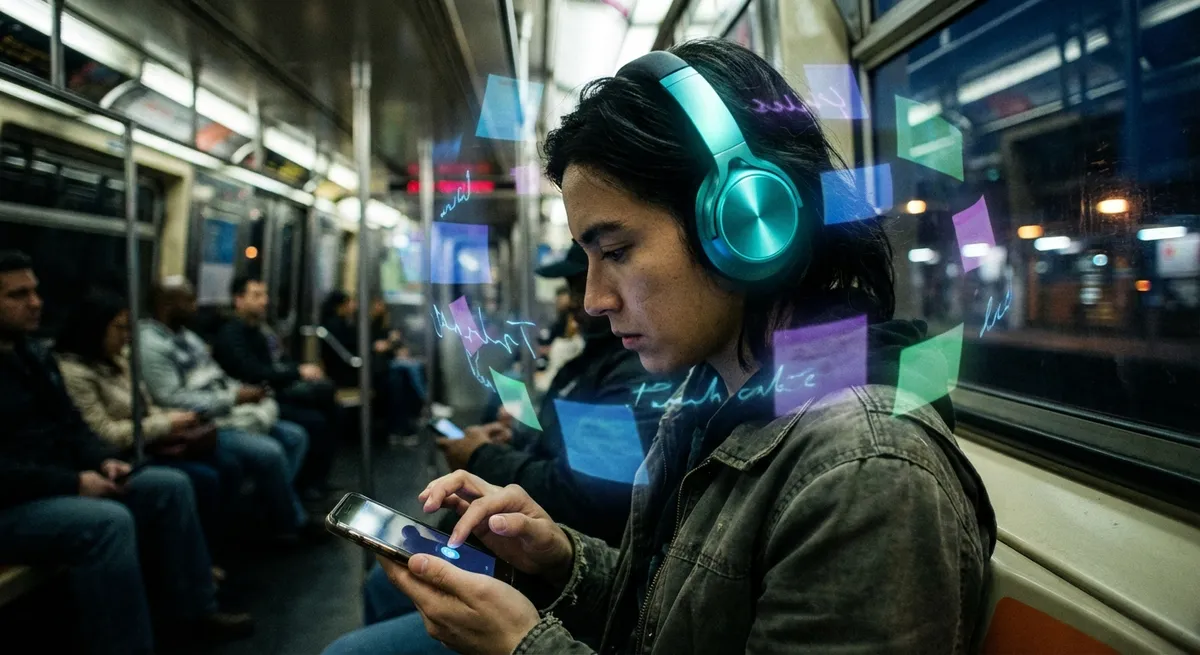
We’re past the era of “there’s an app for that.” Now we’re in the era of “there’s an app that does that for you—quietly, in the background, while you forget it exists.”
From smarter calendars to health apps that learn your habits, a new generation of apps is less about tapping buttons and more about removing decisions from your day. For tech enthusiasts, this shift is packed with interesting implications—about data, design, and how much control we’re willing to hand over.
Let’s break down what makes these new “auto-pilot” apps so fascinating.
1. Your Data Is Becoming a Personal OS
Apps used to live in their own little bubbles. Your notes were in one place, your tasks in another, your finances in a third. Now, more apps are starting to treat your data as a kind of personal operating system that everything plugs into.
Think of how calendar apps pull from email to auto-create events, or how health apps merge data from your smartwatch, your gym app, and your sleep tracker into one dashboard. Tools like Google Calendar, Apple Health, and third-party services that sync across platforms are making your information feel less like isolated files and more like a shared brain.
For power users, this is a dream: fewer silos, more context. But it also raises real questions:
- Who actually owns that “merged” version of you?
- What happens if one service in that chain shuts down?
- How easy is it to move all that linked data somewhere else?
The trend is clear, though: apps are slowly turning you into the platform.
2. Automation Is Moving From “Nerd Feature” to Default Behavior
Remember when automation tools like IFTTT or Tasker felt like a niche hobby? You had to think in “if this, then that” logic, and it felt a bit like light programming.
Now, automation is slipping into mainstream apps without calling itself automation at all. A few examples:
- Email apps that auto-sort newsletters, bills, and “real people” emails into different tabs
- Budgeting apps that auto-categorize transactions and flag weird charges
- Habit and fitness apps that auto-adjust goals based on your recent performance
Instead of asking you to build rules, many apps are now quietly guessing the rules you’d build—and running them by default. The interface is less “automation engine” and more “do you want us to handle this for you?”
For enthusiasts, the interesting twist is that the line between “automatic” and “opinionated” design is getting blurry. An app that auto-snoozes your notifications during work hours isn’t just saving you taps; it’s making a judgment about how your day should look.
3. Invisible Design Is the New Flex
The flashiest apps used to be the ones full of buttons, options, and customization. Now, some of the most impressive design work is almost invisible.
Think about:
- Apps that only bug you when something truly needs your attention
- Interfaces that change just enough depending on context (like showing “Pay now” when you’re near a store you owe money to)
- Home screens that surface your most likely next action instead of a static grid of icons
We’re moving from “everything is a feature” to “the best feature is the one you never notice.” That’s a big shift for design-minded users who used to equate lots of toggles with “power.”
The new kind of power is not needing the toggle at all because the app already guessed right. When it works, it feels magical. When it doesn’t, it feels like the app is fighting you instead of helping—so the UX stakes are way higher.
4. On-Device Intelligence Is Quietly Challenging the Cloud
For years, the story was: send data to the cloud, let big servers crunch it, and get smarter results. That’s still huge, but something interesting is happening on your phone: on-device intelligence is getting really good.
Modern phones and operating systems can now:
- Recognize photos and text locally (no upload needed)
- Suggest replies or actions based on your recent activity
- Learn your routines without constantly pinging remote servers
This isn’t just a storage or speed thing; it’s a control thing. When more processing happens on-device, apps can:
- Personalize more deeply without leaking as much data
- Work better offline
- Reduce the “creepy factor” because less raw data leaves your phone
For privacy-minded tech fans, this is a huge deal. You still have to trust the OS and the app, but there’s a difference between “your data is everywhere” and “your data lives mostly on the device in your hand.”
We’re starting to see apps brag about “on-device” intelligence the way they used to brag about “cloud-powered” features. That branding shift says a lot about where user trust is headed.
5. Subscriptions Are Quietly Changing How Apps Evolve
The app world quietly flipped from “buy once, own forever” to “keep paying or lose it.” Like it or hate it, subscriptions are now how many apps stay alive—and that’s changing how they’re built.
Some side effects that tech enthusiasts are definitely noticing:
- Continuous updates instead of giant version jumps
Apps roll out features in smaller, faster cycles to justify the monthly cost.
- Roadmaps shaped by retention, not just downloads
If you stop paying, the app loses recurring revenue—so keeping you happy long-term matters more than just impressing you on day one.
- More experimentation with trials and tiers
Free tiers may become more generous, but certain “auto-pilot” or AI-powered features get locked behind higher-priced plans.
This model also nudges apps to focus on ongoing value instead of one-time wow moments. If an app’s magic fades after a week, you’re going to cancel. That creates pressure to build features that feel helpful every single day—often in the background.
For users who like to optimize their stack, it’s becoming less about “what cool new app can I add?” and more about “which apps are worth staying subscribed to because they quietly make my life smoother?”
Conclusion
Apps are no longer just little tools waiting for you to tap them. They’re starting to act more like background services: observing, predicting, and stepping in before you even think to ask.
For tech enthusiasts, this is both thrilling and a little unsettling. On one hand, fewer decisions and less friction. On the other, more invisible systems shaping your day without always showing their work.
The fun part? We’re still early. As on-device intelligence grows, data becomes more connected, and design keeps disappearing into the background, the most powerful apps might be the ones you almost forget are there—until you turn them off and suddenly feel the friction come back.
Sources
- [Apple – Privacy and On-Device Intelligence](https://www.apple.com/privacy/) – Overview of how Apple uses on-device processing for features like Photos, Siri suggestions, and personalization
- [Google AI – On-Device Machine Learning](https://ai.googleblog.com/2019/04/on-device-machine-intelligence.html) – Technical but accessible look at how on-device intelligence is being used in apps and services
- [Pew Research Center – Mobile Fact Sheet](https://www.pewresearch.org/internet/fact-sheet/mobile/) – Data on smartphone and app usage trends over time
- [Nielsen Norman Group – Invisible Design Concepts](https://www.nngroup.com/articles/invisible-design/) – UX discussion on why the best interface often feels “invisible” to users
- [Harvard Business Review – The Problem with Product Subscription Models](https://hbr.org/2020/01/the-problem-with-product-subscription-models) – Analysis of how subscriptions change incentives for product creators, including app developers
Key Takeaway
The most important thing to remember from this article is that this information can change how you think about Apps.



