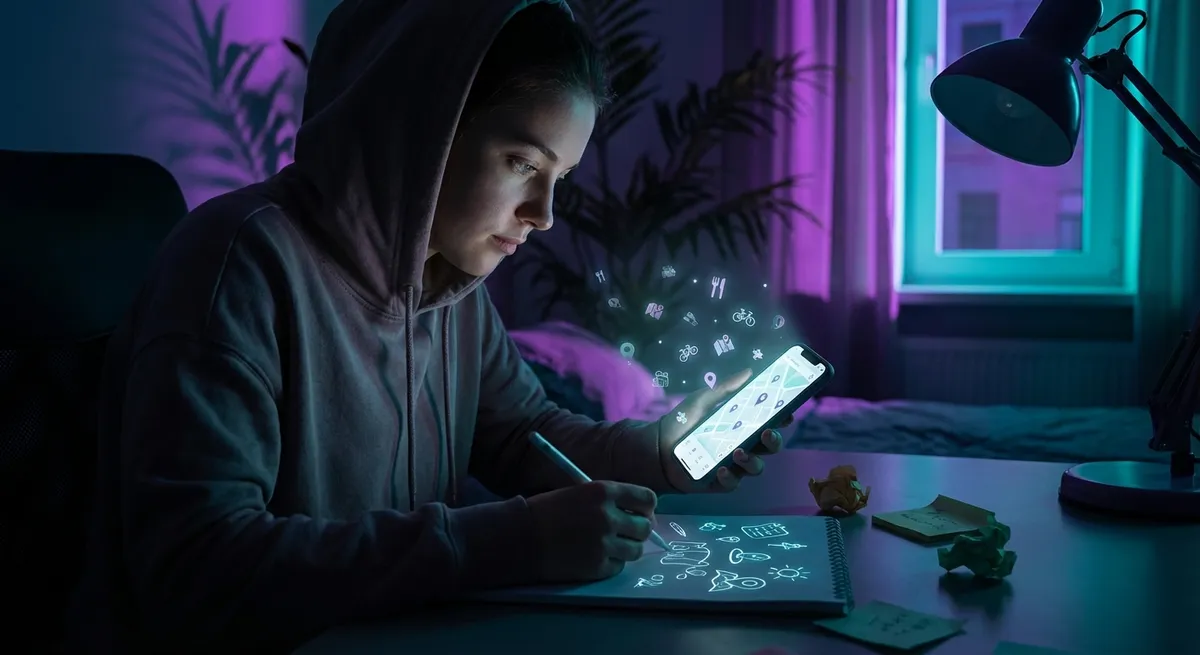
Most apps are built for one clear purpose: message your friends, order food, hail a ride, doomscroll until you forget what time is. But that’s not how people actually use them. Tech users are quietly “hacking” everyday apps into tools for planning, creating, organizing, and even low-key automating their lives—without touching a single line of code.
This isn’t about jailbreaks or shady mods. It’s about using regular apps in ways their creators probably didn’t expect… and sometimes those weird use cases become the real reason people stick around.
Let’s dig into some of the most interesting off-label ways people are using apps right now.
1. Note Apps Are Becoming DIY Personal Operating Systems
Notes apps used to be the place you dumped grocery lists and half-baked ideas. Now they’re turning into full-blown “personal OS” hubs, especially for people who don’t want to mess with heavy project-management tools.
People are building entire life dashboards inside apps like Apple Notes, Google Keep, Notion, and Obsidian. Think daily agendas, content calendars, health logs, reading lists, budgets, and travel plans—stitched together with tags, links, and templates. Some are even mimicking features of pro tools: Kanban boards recreated with checklists, habit trackers built with tables, or “second brains” organized via backlinks and folders.
What’s wild is how flexible these apps have become. Sync across devices, offline support, quick capture from the lock screen—suddenly your so-called “simple” notes app is the nerve center of your life. And because it doesn’t feel like “productivity software,” people actually use it consistently instead of abandoning it after a week.
2. Chat Apps Are Secretly Turning Into Personal Knowledge Banks
Messaging apps weren’t designed to be databases, but that’s exactly what people are turning them into—especially with built-in search and pinned messages.
One popular trick: people create solo chats with themselves on WhatsApp, Signal, or Telegram and use them as running idea inboxes. Links to articles, screenshots of important info, voice notes, random thoughts, Wi‑Fi passwords, packing lists—everything goes into that one thread. Because it’s all in a timeline, you can scroll back through your own “brain history” or quickly search by keyword.
Group chats are evolving, too. Instead of just being chaos feeds, they’re acting like living archives for things like shared travel plans, niche hobby tips, or game strategies. Features like pinned messages, folders, and labels are quietly turning chats into lightweight knowledge bases—no fancy “collaboration platform” required.
The longer you use them, the more valuable they get. That throwaway “link dump” chat from three years ago? It might now be your best reference library.
3. Photo Apps Are Doubling as Visual Databases for Real Life
Your camera roll is probably a mess, but hidden in that mess is something powerful: a completely searchable timeline of your life. People are starting to treat their photo apps less like galleries and more like visual databases.
Instead of typing lists, they just snap photos: router labels, receipts, serial numbers, clothes they’re considering buying, bookshelf titles, whiteboard notes from meetings. With built-in object recognition and text search (thanks to on-device AI in apps like Google Photos and Apple Photos), finding stuff later is way easier than digging through an old notebook or email.
Want to remember a wine you liked? Take a photo of the label. Need the model number of your monitor? Photo. Want to compare prices or recall something you saw in a store? Photo. Over time, your camera roll becomes a searchable memory extension, not just a graveyard of screenshots and brunch pics.
For tech enthusiasts, this quietly turns your phone into a “visual API” for the physical world—input: camera, output: searchable data.
4. Calendar Apps Are Being Rewired as Strategy Boards, Not Just Schedulers
Calendars used to be about “where do I need to be, and when?” Now people are using them for “how do I want my life to actually look?”
Instead of only logging meetings and appointments, users drop in blocks for deep work, hobbies, workouts, content creation, and even “do nothing” time. The calendar becomes less of a passive record and more of a tactical board: it’s where priorities fight for space in a very real, visual way.
A lot of tech-minded users also treat their calendar like a lightweight automation hub. They sync it with fitness apps, time trackers, task managers, or smart home routines. Whether it’s blocking off “focus mode” that triggers Do Not Disturb, or logging workouts that sync with health data, the calendar quietly becomes the control room.
What’s interesting is this flips the usual script. Instead of apps nagging you with notifications and badges, the calendar becomes the place you intentionally design your time—and the rest of your apps just fall in line.
5. “Non-Tech” Apps Are Quietly Getting Repurposed as Dev and Design Tools
Some of the most interesting “hacks” happen when people use totally normal consumer apps as budget dev or design tools.
Design-minded users sketch app interfaces in drawing apps meant for doodles. Storyboarding tools? Replaced by presentation apps or even shared whiteboards in video call platforms. Indie developers will prototype app flows with simple slide decks, linking buttons to other slides to fake navigation and user journeys—no code, no prototyping software required.
Music-makers draft beats or melody ideas in voice memo apps. Writers outline entire projects in to-do list apps by assigning “tasks” to chapters or scenes. Even spreadsheet-averse people are building tiny “apps” inside basic list or database-style apps, like personal recommendation engines or gear inventories.
The pattern: people are using extremely accessible apps as creative sandboxes. They bend the rules of what the app “should” do until it matches what they need. That kind of experimentation is where a lot of the most interesting tech workflows are born—and sometimes those workflows eventually turn into actual products.
Conclusion
Apps rarely stay in the box their creators built for them. Once they’re out in the wild, people twist them into notebooks, control panels, archives, sketchpads, and tiny personal platforms.
If you’re into tech, this is the fun part: looking at the apps you already use and asking, “What else could this be for?” Your notes app might be a life dashboard. Your camera roll might be a knowledge base. Your chat app might be the best idea tracker you’ve ever had.
You don’t need new apps to level up your setup—you might just need to use your old ones in weirder, smarter ways.
Sources
- [Apple – Use Visual Look Up and Live Text in Photos](https://support.apple.com/en-us/HT211956) – Explains how iOS can recognize objects and text in images, which powers many “visual database” style workflows.
- [Google – Discover what your Android device can do with Google Photos](https://support.google.com/photos/answer/6128838) – Official overview of search, organization, and text-in-image features in Google Photos.
- [Notion – What is a Second Brain?](https://www.notion.so/blog/second-brain) – Describes how people are turning note and workspace apps into “personal operating systems” and knowledge hubs.
- [WhatsApp – How to star and find starred messages](https://faq.whatsapp.com/1317564962315842) – Shows how starred/pinned messages help turn chats into searchable information stores.
- [Google Calendar Help – Use Time Insights in Calendar](https://support.google.com/calendar/answer/10271041) – Details how calendar data reveals patterns in how people allocate their time, supporting strategic calendar use.
Key Takeaway
The most important thing to remember from this article is that this information can change how you think about Apps.



