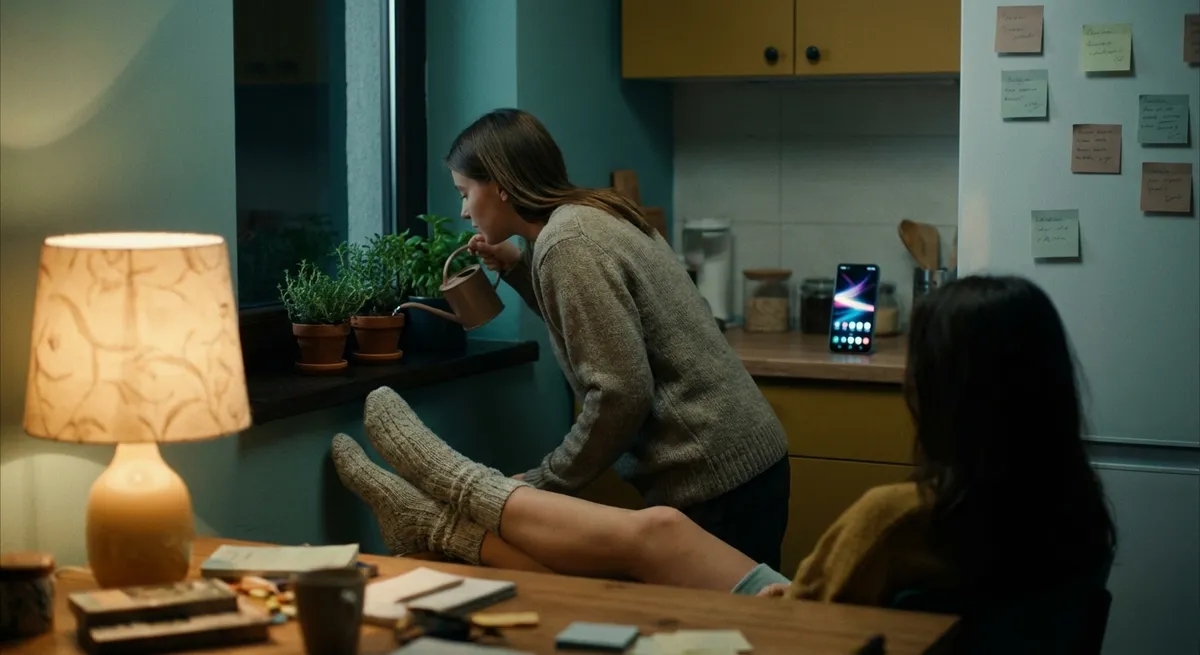
Most apps want your attention. The best ones want your habits.
You’ve probably got a folder full of apps you never open… and a tiny handful you tap every single day without thinking. That second group? Those are the quiet operators reshaping how you think, work, and relax—one tiny interaction at a time.
Let’s dig into how everyday apps are secretly turning your random taps and swipes into consistent micro-habits that actually stick.
Tiny Nudges, Big Behavior Shifts
Apps have gotten really good at understanding one basic truth: huge life overhauls almost always fail, but tiny changes add up fast.
Instead of screaming “Change your life today!”, a lot of modern apps are going for, “Just do this one small thing right now”:
- A language app that only asks you for 3–5 minutes of practice
- A finance app that rounds up your purchases and saves the spare change
- A fitness app that suggests a 7-minute workout instead of a full gym session
The magic isn’t in the single action—it’s in the streak. Once you see “You’ve practiced for 10 days in a row,” your brain cares less about the actual task and more about not breaking the chain. That streak bar is less about tracking and more about identity: “I’m the kind of person who shows up.”
Behind the scenes, this is all habit science: make it easy, make it quick, and make it feel like progress. The apps that win aren’t always the flashiest—they’re the ones that quietly help you take one more micro-step than you took yesterday.
Your Phone Is Becoming a Personal UX Laboratory
Every time you swipe away a notification, ignore a reminder, or tap “remind me later,” your apps are learning from it.
Modern apps are basically running a constant A/B test on you:
- Do you respond more to “Don’t forget your workout” or “You’re 80% to your weekly goal”?
- Do you open the app more in the morning or at night?
- Do you engage more after a push notification or after a home-screen widget updates?
- Some meditation apps shift the length of sessions based on what you actually complete
- Productivity apps adjust which features they surface first depending on how you work
- Reading or podcast apps test different cover images or “Next up” suggestions to keep you going
These tiny experiments change what you see:
It’s not just “personalization” in the buzzword sense—it’s UX tuning in real time. Your version of an app can feel very different from someone else’s, even though you both downloaded the same thing from the store.
For tech enthusiasts, this is fascinating: consumer apps are effectively running continuous behavioral studies at massive scale, just to shave a few seconds of friction off your experience.
Notifications Are Turning Into a New Kind of Interface
Notifications used to be annoying red dots and spammy banners. Now they’re starting to act more like mini-apps you don’t even have to open.
Think about:
- Replying to a message straight from the notification without opening the messaging app
- Completing a to-do, snoozing a reminder, or checking off a habit with a single tap
- Getting “smart” suggestions that let you act instantly: “Start timer,” “Join call,” “Pay now,” “Check-in”
- Wearables add another layer: quick replies, reactions, and actions right from your wrist
- Some platforms allow “live activities” or real-time notifications that update without you opening the app (think delivery progress, rideshare status, or timers)
The notification shade and lock screen are quietly becoming their own interface layer:
This matters because it shifts what “using an app” even means. You’re not always in the app, but you’re constantly interacting with it. For app designers, that changes the whole game: the killer feature might not be in the main screen—it might be a smart, well-designed notification you see for three seconds.
Offline-First Is Quietly Making a Comeback (For Good Reasons)
We got used to the idea that apps = internet. No connection? No luck.
That’s slowly changing again—not just for edge cases, but as a core design choice. A growing chunk of modern apps are quietly supporting:
- Offline editing that syncs later (notes, documents, lists)
- Local-first storage with cloud as backup, not the source of truth
- Downloadable content for travel, bad signal areas, or just peace of mind
- People expect their stuff to “just work” even on planes, subways, or spotty Wi‑Fi
- Privacy-conscious users like knowing data lives on-device, not only in the cloud
- Better on-device storage and processing make offline features easier to build
Why this shift?
For tech-heavy users, this is especially interesting because it flips the old model: instead of “dumb client, smart cloud,” more apps are turning your phone into the main brain and the cloud into a syncing sidekick.
You might not notice it until you’re in airplane mode and realize—wait—I can still write, track, plan, and play without everything breaking.
Your Apps Are Slowly Becoming a Single, Connected System
Individually, apps are useful. Together, they can feel like a custom operating system built around you.
We’re seeing more of this:
- Calendar apps pulling in your task list so you don’t overbook your day
- Fitness apps sharing step or workout data with sleep trackers to show how everything connects
- Note-taking or “second brain” apps linking to browser extensions, email, and read-it-later tools so nothing gets lost
- Automation services (like IFTTT or built-in platform automations) gluing everything together
The result: your phone stops being a messy grid of icons and starts feeling like a network of small, cooperating tools. One app captures. Another organizes. Another reminds. Another visualizes.
This is especially fun for tinkerers:
- You can chain apps together into custom workflows that feel almost like personal scripts
- You can choose “best in class” apps for each piece rather than one giant all-in-one
- You can build your own lightweight automation without writing a line of code
We’re basically watching consumer-grade app ecosystems turn into personal operating systems, with you quietly acting as the architect.
Conclusion
Under all the glossy icons and clean animations, apps are slowly becoming habit machines, experiment engines, mini-interfaces, offline safety nets, and interconnected tools.
You don’t need to install 50 new things to take advantage of it. The real move is to:
- Notice which apps you’re actually using daily
- Pay attention to the ones that make small actions feel effortless
- Lean into tools that talk to each other instead of living in isolation
Your home screen is already a lab for how you think and work. The fun part is realizing you can start designing it on purpose.
Sources
- Harvard Business Review – The Behavior Science of Habit-Building Products – Discusses how products use habit-forming design and user behavior insights.
- Nir Eyal – “Hooked” Model Overview – Explains common design patterns apps use to build user habits and engagement.
- Google Design – Notifications Are Broken. Here’s How We Can Fix Them. – Deep dive into how modern notification systems are evolving as part of the user experience.
- Apple Developer – Live Activities and Dynamic Interfaces – Official documentation showing how apps interact through live, glanceable updates.
- Microsoft Research – The Rise of Personal Data Stores – Explores local-first and user-controlled data models that influence offline-first and interconnected app design.
Key Takeaway
The most important thing to remember from this article is that this information can change how you think about Apps.



