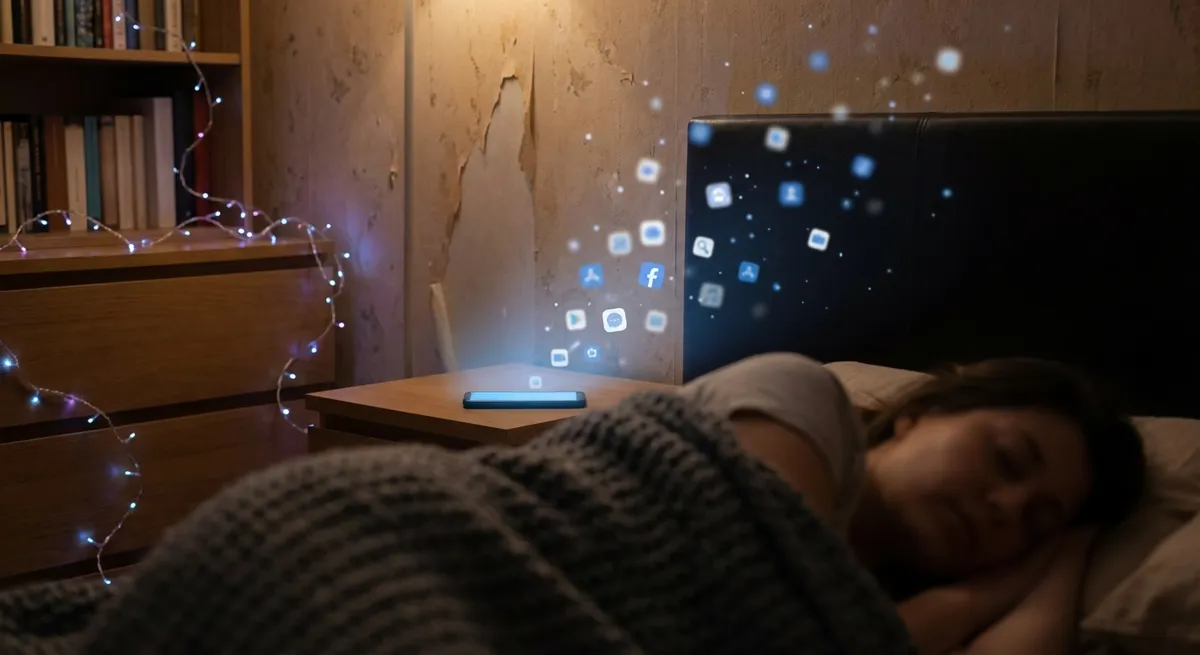
Most people think “apps” and picture a grid of icons on a home screen. But that’s not really how we use them anymore. Apps are leaking out of their little boxes—into your lock screen, your car, your earbuds, your watch, even your text messages.
This isn’t just a design trend. It’s changing how we think about using our phones, how we discover new tools, and how much attention we give to each app. Let’s walk through some of the most interesting shifts happening right now in the app world—without drowning in buzzwords.
Lock Screens Are the New Home Screens
For years, you had to unlock your phone, find the right icon, open the app, and then finally do the thing you wanted. Now, your phone is trying to skip as many of those steps as possible.
On iOS and Android, apps can push small, live widgets directly to your lock screen: next calendar event, train arrival countdown, ride-share ETA, hydration reminders, flight gate changes, your running progress, you name it. In some cars, your lock screen even becomes a mini-dashboard the moment you get in.
Why this matters:
- You spend less time “inside” apps and more time glancing at tiny slices of them.
- Some apps are being designed primarily for lock screens instead of full-screen use.
- “Competing for your attention” now means “competing for 2 inches of screen space you see 100 times a day.”
For developers and power users, this flips the usual app mindset: the most valuable part of an app might now be the tiny, ambient bit you barely interact with—but constantly see.
Your Messaging Apps Are Quietly Turning Into Operating Systems
If you use WhatsApp, iMessage, Telegram, WeChat, or even Slack, you’ve probably noticed something: you can do a lot without ever leaving the chat.
- Book a table from inside a group chat.
- Run polls or quick forms via slash commands.
- Share calendar availability in a single tap.
- Use “mini apps” or “chat extensions” to send payments, stickers, playlists, or files.
In some countries, WeChat is basically a full-blown digital life platform: taxis, food delivery, government services, payments—all inside one app. Western apps aren’t that extreme (yet), but the direction is similar.
Why this matters for tech enthusiasts:
- The “app” is becoming more like a plugin that lives inside your favorite chat, not a separate destination.
- Bots and mini-apps give you features without cluttering your phone with more full apps.
- It blurs the line between “contacting a person” and “triggering a service”—you might message a human or a bot from the exact same screen.
In a few years, you may do more “work” and “life admin” from one chat app than from your traditional app grid.
Apps Are Shrinking Into “Micro-Tasks” (And That’s a Good Thing)
Old-school apps tried to be everything: full dashboards, settings screens, detailed reports. Now we’re seeing the opposite: micro-experiences.
Examples of this shift:
- Share sheets: Instead of opening a full app, you hit “Share to…” and a tiny extension handles what you need—upload a file, translate text, send to notes, generate a link.
- Quick actions: Long-pressing an app icon gives you shortcuts like “scan a document,” “start a timer,” or “jump to a specific chat.”
- Contextual chips: Some platforms detect things like addresses, dates, or tracking numbers and offer one-tap actions (navigate, add to calendar, track parcel) powered by apps in the background.
The interesting part: apps are becoming collections of small, targeted actions you trigger from wherever you are—Photos, Maps, Browser, Mail—instead of destinations you visit.
For power users, this means:
- You can optimize your phone around flows, not apps: “capture → organize → act,” with different apps quietly handling each step.
- Automation tools (like Shortcuts on iOS or routines on Android) can chain these micro-tasks together into personal “mini apps” you design yourself.
The less you open a full app screen, the better that app may actually be at doing its job.
Your Earbuds and Watch Are Becoming Front-Row App Interfaces
We used to think of apps as visuals: buttons, feeds, tabs. But with smartwatches and wireless earbuds everywhere, audio and haptics (tiny vibrations) are becoming just as important.
This is showing up in a few ways:
- Wrist-first interactions: Start workouts, control music, trigger payments, unlock doors, and check notifications from your watch instead of your phone.
- Voice-first apps: Ask your phone or earbuds to start a playlist, log a note, send a message, or control your smart home—some apps now assume you’ll never see a screen.
- Context-aware audio: Navigation apps gently tap your wrist or adjust voice directions based on whether your phone knows you’re walking, biking, or driving.
What’s fascinating is that some apps work better with less screen:
- A meditation app can just play audio and handle everything in the background.
- A grocery list app can read out items or listen as you add them verbally.
- A workout app can guide intervals with beeps and taps, no visuals needed.
As these devices get smarter, “opening an app” might eventually feel like a last resort—something you do when the invisible interfaces can’t handle it.
App Stores Are Evolving Into Discovery Engines, Not Just Download Hubs
When app stores first launched, they were basically glorified lists: search, top charts, categories. Now they’re closer to content platforms.
You’re seeing more:
- Curated stories and editorial picks (“Apps for new parents,” “Stay organized in school”).
- Collections around moments (tax season, travel, holidays, fitness resets).
- Deeper app pages with videos, in-app event highlights, and “what’s new” stories.
Behind the scenes, both Apple and Google are investing heavily in ranking systems that consider engagement, quality, security, and user satisfaction—not just download spikes.
Why tech enthusiasts should care:
- Trends are easier to spot. Watching which categories get editorial love often hints at where the ecosystem is heading (wellness, AI helpers, creator tools, etc.).
- High-quality niche apps can get discovered without massive ad spend if they hit the right editorial or search slot.
- Events inside apps (like live streams, game events, or big feature launches) are now surfaced in the store and in search, making apps feel more like ongoing services than static products.
In other words, app stores are slowly learning to recommend like Netflix and Spotify—just with utilities and tools instead of movies and songs.
Conclusion
Apps aren’t going away. They’re just escaping their boxes.
Instead of thinking “what new app should I download?”, it’s worth asking different questions now:
- How can I use lock screens, widgets, and mini-apps to reduce friction?
- Which messaging platforms, watches, and earbuds do I actually want to live in?
- Where can I swap full-screen app sessions for quick background automations?
The future of apps looks less like a crowded home screen and more like a layer of small, smart helpers spread across everything you already use. The fun part is figuring out how to bend that layer to work your way.
Sources
- Apple – iOS Feature Guides: Lock Screen, Widgets, and Live Activities – Official overview of how apps integrate with lock screens, widgets, and Live Activities on iOS.
- Google – Android Developers: Widgets and App Shortcuts – Technical but accessible docs on how Android apps expose widgets and quick actions outside the main app.
- Meta – WhatsApp Business Platform Overview – Shows how messaging apps are evolving into service platforms with mini-app and automation-like features.
- WeChat Mini Programs Introduction – Official documentation explaining WeChat’s mini-app ecosystem inside a messaging platform.
- Pew Research Center – Mobile Technology and Home Broadband – Data on how people use mobile devices, which helps contextualize shifts in app usage and behavior.
Key Takeaway
The most important thing to remember from this article is that this information can change how you think about Apps.



