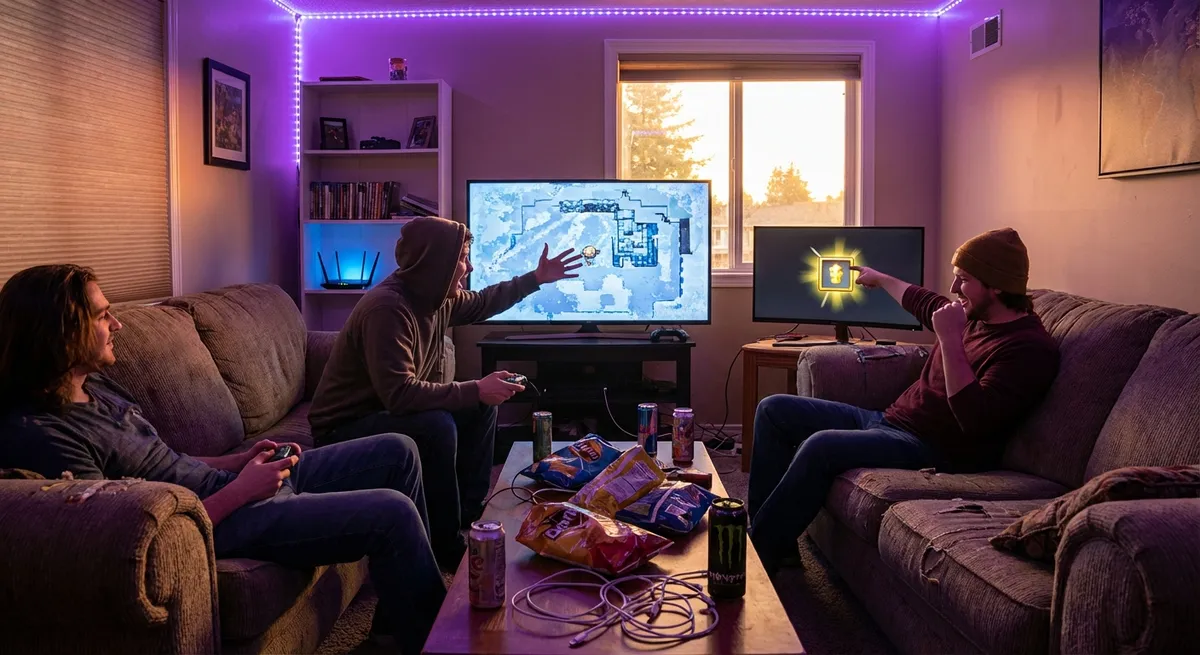
Gaming doesn’t just live on the screen anymore. It’s hiding in your router, whispering in your headset, humming in your controller, and quietly overheating in your PC case. For tech nerds, modern games are basically giant playgrounds of hidden systems — physics tricks, netcode magic, audio illusions, and hardware hacks all pretending to be “just a game.”
Let’s peel that back a bit and look at five parts of gaming where the tech is way more interesting than most people realize.
1. Your Ping Is a Lie (And That’s a Feature)
When you see “23 ms” ping on screen, you probably think: “Nice, low latency.” But the number you see is just one piece of a much bigger illusion.
Online games use a bunch of behind-the-scenes tricks to make multiplayer feel fair and responsive, even when the internet is doing its usual chaos thing.
- Client-side prediction: Your game often assumes what will happen before the server confirms it. So when you move or shoot, your character reacts instantly on your screen. If the server later disagrees, the game quietly corrects your position in the background (or, in bad cases, yanks you back — that’s rubberbanding).
- Lag compensation: Many shooters actually “rewind” the game state on the server when they process your shot, to match what you saw when you clicked. That’s why someone who already ran behind a wall might still get hit.
- Hit registration drama: Some games check hits on the server, some on the client, some mix both. Get this balance wrong and players scream “desync,” “shot around the corner,” or “this game is rigged.”
The wild part: two players in the same match can be seeing slightly different versions of reality, stitched together by the server so it all looks normal. Multiplayer is less “one shared world” and more “many close-enough worlds pretending to sync.”
2. Game Controllers Are Basically Tiny Science Labs
That plastic thing in your hands is way more sophisticated than it looks. Under the shell, controllers are full of sensors doing real-time math to turn your flailing thumbs into precise digital input.
- Hall effect joysticks: Traditional sticks use physical contacts that wear out (hello, stick drift). Newer designs use magnetic sensors (Hall effect) to detect movement with no physical friction. Same idea used in some industrial gear, just shrunk down for games.
- Gyroscopes and accelerometers: Motion aiming on modern controllers (and handhelds like the Switch or Steam Deck) uses sensors similar to what’s in your phone. Tilt-to-aim isn’t just a gimmick — a lot of competitive players use gyro for fine-tuning aim.
- Adaptive triggers and advanced haptics: Some controllers can change trigger resistance or give location-specific vibration. That’s not just a motor spinning randomly — it’s coordinated feedback synced with what’s happening on-screen.
Controllers are slowly turning into multi-sensor input devices that blur the line between “console toy” and “serious hardware.” You’re basically holding a tiny robotics project every time you boot up a game.
3. Your Game Audio Is Doing 3D Math on Your Ears
Surround sound in games used to mean “I hear stuff behind me.” Now it’s getting wild. Modern game audio engines are turning sound into a spatial puzzle tailored to your actual head and ears.
- Head-related transfer functions (HRTFs): Fancy phrase, simple concept: the shape of your head and ears changes how sound reaches you. Some engines simulate that, so footsteps or gunshots sound like they’re coming from a very specific spot above, below, or behind you.
- Room simulation: Echoes and reverb aren’t random. Good engines simulate how sound would actually bounce around a space — big metal room, tight hallway, open forest — then adjust what you hear in real time as you move.
- Object-based vs channel-based audio: Instead of just “left speaker, right speaker,” games can now track sound as objects in 3D space, then render that to whatever you’re using: headphones, a soundbar, a full surround setup.
The result: gaming audio is less about volume and more about information. You’re not just hearing noise; you’re literally decoding a 3D map with your ears. That’s why good audio can make you “feel” more skilled, even if your aim hasn’t changed at all.
4. Game Worlds Are Faked, Cheated, and Optimized to Death
Open-world games look gigantic, but your hardware would absolutely die if it had to simulate everything you see, all the time. So developers cheat. A lot.
- Level of detail (LOD): Objects far away aren’t the same detailed models you see up close. They’re low-poly imposters with simplified textures. Some trees in the distance are almost just fancy billboards.
- Culling and streaming: If something is behind you, blocked by walls, or way too far to matter, the game just… doesn’t render or fully simulate it. Your system is only actively dealing with a bubble of space around you.
- Fake physics: Not everything obeys true physics. Some debris, cloth, and hair are pre-baked animations. Others run on super simplified physics models just so your GPU doesn’t burst into flames.
- Smart loading: Fast SSDs let games stream data constantly, so that “huge seamless world” is usually dozens of small chunks loading and unloading without you noticing.
That city skyline you see from a hilltop? It’s partly smoke and mirrors, partly clever engineering. But hey, it feels massive — and that’s the real goal.
5. Your PC (or Console) Is Basically Running Its Own Side Quest
While you’re gaming, your hardware is running a parallel story: thermal drama, power negotiations, and performance management all happening in the background.
- Boost clocks and dynamic scaling: Your CPU and GPU constantly change speeds based on temperature, power limits, and workload. That “up to 5.0 GHz” you see on a spec sheet? You might only hit that in short bursts.
- Thermal throttling: If things get too hot, your system slows down to avoid damage. Long gaming sessions can quietly reduce performance over time if cooling isn’t up to the task.
- Resolution and frame tricks: Features like DLSS, FSR, and other upscalers render at a lower resolution, then use AI or clever algorithms to “rebuild” a sharper image. Your GPU does less work, but your eyes still think: “Nice, crisp image.”
- Frame pacing: It’s not just FPS that matters — it’s how consistent those frames are. You can have 100 FPS that feels bad if the timing between frames is all over the place. Good frame pacing feels smoother even at lower FPS.
In a way, your hardware is constantly negotiating: “How fast can I go without melting?” And your game engine is replying: “How much visual magic can I get away with before the player notices?”
Conclusion
Modern games aren’t just fun — they’re a mashup of clever tech, math shortcuts, and sensory illusions all working together so your brain feels like you’re “just playing.”
From phantom ping and fake city skylines to hyper-smart controllers and 3D audio mind tricks, every gaming session is a quiet tech demo running under the hood.
So next time you queue up for a match or dive into an open world, remember: you’re not just killing time. You’re stress-testing a whole stack of engineering every time you hit “Start.”
Sources
- [Valve Developer Community – Lag Compensation](https://developer.valvesoftware.com/wiki/Lag_compensation) - Technical breakdown of how lag compensation works in multiplayer games
- [Sony Interactive Entertainment – DualSense Wireless Controller Features](https://www.playstation.com/en-us/accessories/dualsense-wireless-controller/) - Official details on adaptive triggers and haptic feedback technology
- [Dolby – What Is Spatial Audio?](https://www.dolby.com/about/support/guide/spatial-audio/) - Overview of how spatial and object-based audio create 3D sound experiences
- [NVIDIA – What Is DLSS?](https://www.nvidia.com/en-us/geforce/technologies/dlss/) - Explanation of AI-powered upscaling and its impact on game performance and visuals
- [Microsoft Game Dev – Best Practices for Game Performance](https://learn.microsoft.com/en-us/gaming/gdk/_content/gc/system/perf-best) - Official guidance on optimization, LOD, and performance for game developers
Key Takeaway
The most important thing to remember from this article is that this information can change how you think about Gaming.