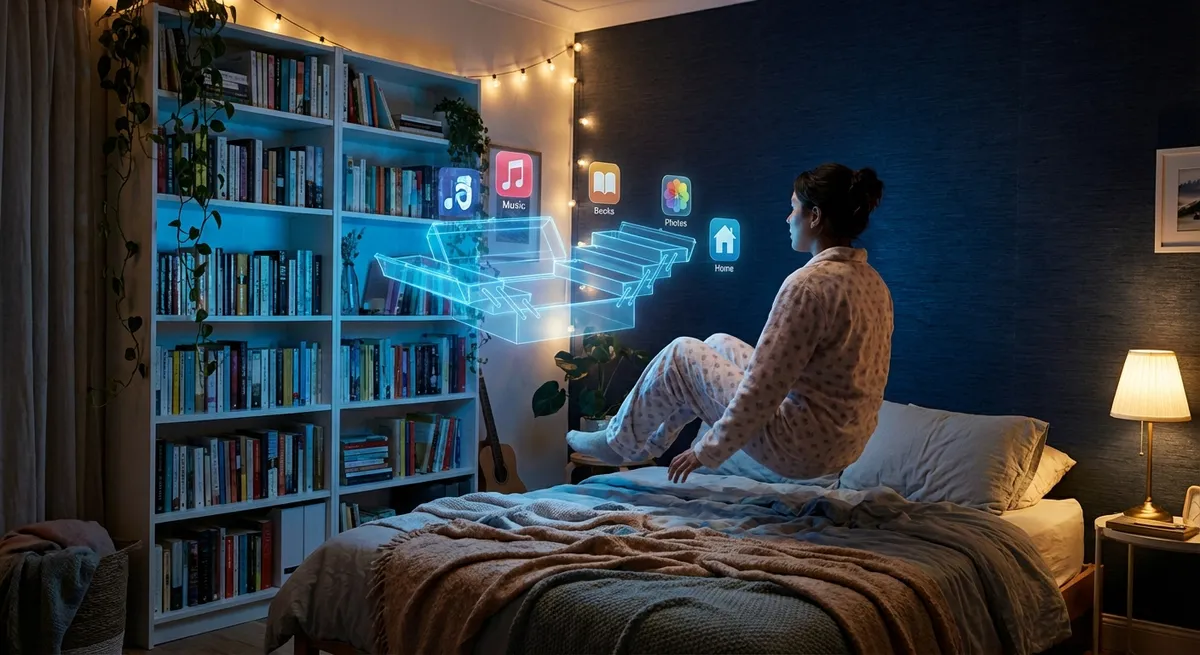
Most of us open the same few apps on autopilot: messages, maps, maybe a budgeting app we swear we’ll use properly next month. But under all those familiar icons is a surprising amount of power we barely touch. Modern apps are quietly packing in features that used to need pro software, a full desktop computer, or a degree in patience.
Let’s dig into some of the wild, useful, and slightly mind‑bending things your everyday apps are already doing—often without you realizing.
Your Camera App Is Secretly a Scanner, Translator, and Magnifier
That camera icon on your home screen isn’t just for selfies anymore. It’s turning into one of the most versatile tools on your phone.
Most stock camera or photo apps now:
- Scan documents and auto-straighten them like a flatbed scanner
- Turn handwritten notes into searchable text
- Translate signs, menus, and labels live on screen
- Identify plants, animals, and objects with a tap
- Zoom in with extra clarity using AI-powered “super resolution” tricks
On iOS and Android, features like Live Text and Google Lens can recognize text directly inside photos. That means you can point your camera at a Wi‑Fi password, a flyer, or a restaurant menu and copy-paste the text like it was sent in a message.
The fun twist: these features often live inside apps you already have—your default camera, Photos, or Google app—no extra downloads required. For tech enthusiasts, it’s a reminder that “AI” isn’t just chatbots; it’s quietly baked into the most boring-looking icons on your phone.
Notes Apps Are Turning Into Lightweight Personal Databases
Notes apps used to be the digital equivalent of sticky notes: quick, messy, and forgettable. Now, they’re quietly turning into full-blown personal knowledge hubs.
Modern notes apps can:
- Search inside images and handwriting, not just typed text
- Automatically group related notes with tags or AI-powered suggestions
- Turn checklists into reminders or tasks with due dates
- Link notes together like a mini personal wiki
- Sync across phone, tablet, and desktop in near real time
Apps like Apple Notes, Google Keep, Notion, and Obsidian are blurring the lines between “notes,” “to-do lists,” and “project management.” Even the built-in stuff on your phone is getting surprisingly advanced—think scanning documents right into a note or collaborating in real time with someone else.
The fascinating part: you can build your own low-key “second brain” without touching a single line of code. A couple of tags, some linked notes, and a good search bar, and you’re basically running your own lightweight database from your pocket.
Maps Apps Are Quietly Predicting the Future (Just a Little)
When you pull up a maps app, you probably just want directions and maybe a traffic estimate. What’s actually happening in the background is a lot more intense—and kind of sci-fi.
Maps apps today can:
- Predict traffic conditions before you get there, based on patterns
- Suggest routes that balance speed, fuel efficiency, and safety
- Alert you to busy times at stores, restaurants, and venues
- Estimate how crowded trains and buses might be
- Combine real-time user reports (accidents, hazards) with sensor data
Some of this data comes from GPS signals from other users, some from historical traffic trends, and some from public transit agencies and city infrastructure. It’s all mashed together into something that feels like a quick ETA but is actually a constantly updating model of how your city moves.
For anyone into tech, maps apps are a front-row seat to large-scale, real-time data use. You’re not just seeing “turn left in 200 meters”—you’re looking at a constantly shifting prediction of the near future, recalculated every few seconds.
Keyboard Apps Are Low-Key Learning How You Think
We expect our phone keyboards to fix typos, but they’re now doing much more: they’re learning your style, your slang, and even your habits.
Modern keyboard apps can:
- Predict the next word based on your past conversations
- Suggest full replies or sentences you can send with a tap
- Learn your personal dictionary (nicknames, inside jokes, emojis)
- Translate text as you type into another language
- Offer built-in clipboard history and text snippets
Some keyboards even customize predictions per app. The way you type in a chat app might lead to different suggestions than how you type in email or notes.
What’s interesting here is how “tiny” the interface is: just a keyboard at the bottom of the screen. But under that is machine learning tuned specifically to your typing. It’s a personal model of how you write, constantly updated every time you hit send—like having a mini autocomplete engine tailored to your brain.
Health and Fitness Apps Are Becoming Always-On Dashboards
You may have installed that health app for step counts or a quick workout routine, but it’s quietly turning into a dashboard of your daily life.
Health and fitness apps on phones and wearables can now:
- Track heart rate, sleep stages, and breathing patterns
- Detect irregular heart rhythms and suggest follow-ups
- Flag unusually high noise levels that could affect hearing
- Log menstrual cycles and correlate symptoms with other data
- Pull everything into one timeline: workouts, sleep, heart, mood
On some platforms, you can share this data with doctors or family members, export it for research studies, or use it with third-party apps that analyze trends over time.
For tech enthusiasts, these apps are a glimpse at where consumer health tech is headed: not just “how many steps did I walk,” but “how does my sleep, stress, exercise, and heart rate actually interact over weeks and months?” It’s not medical advice, but it is a level of personal data collection that used to require a lab or clinic to get anywhere close.
Conclusion
Your home screen looks familiar, but the apps behind those icons are way more powerful—and weirder—than they appear. Camera apps act like scanners and translators. Notes apps become personal databases. Maps apps model city-wide behavior in real time. Keyboards quietly learn your writing style. Health apps piece together a live snapshot of how your body’s doing.
You don’t need new gadgets to feel like you’re living in the future. You just need to poke around the settings and hidden buttons in the apps you already open every day. The fun part: once you know what they can really do, “just checking my phone” starts to feel a lot more interesting.
Sources
- [Apple – Use Live Text to interact with text in photos on iPhone](https://support.apple.com/en-us/HT212630) - Explains how iOS can recognize and interact with text inside images
- [Google – What you can do with Google Lens](https://support.google.com/websearch/answer/9253387) - Overview of image recognition features built into Google’s apps
- [Google Maps – How Maps predicts traffic](https://www.google.com/maps/about/behind-the-scenes/street-view/traffic/) - Describes how real-time and historical data are used for traffic estimates
- [Apple – Use the Health app on your iPhone or iPod touch](https://support.apple.com/en-us/HT203037) - Details on how the Health app aggregates and displays health data
- [Mayo Clinic – Irregular heartbeat detection on consumer devices](https://www.mayoclinic.org/medical-professionals/digital-health/news/consumer-smartwatches-and-wearables-can-detect-irregular-heart-rhythm/mac-20518181) - Discusses how wearables and apps can detect irregular heart rhythms
Key Takeaway
The most important thing to remember from this article is that this information can change how you think about Apps.



