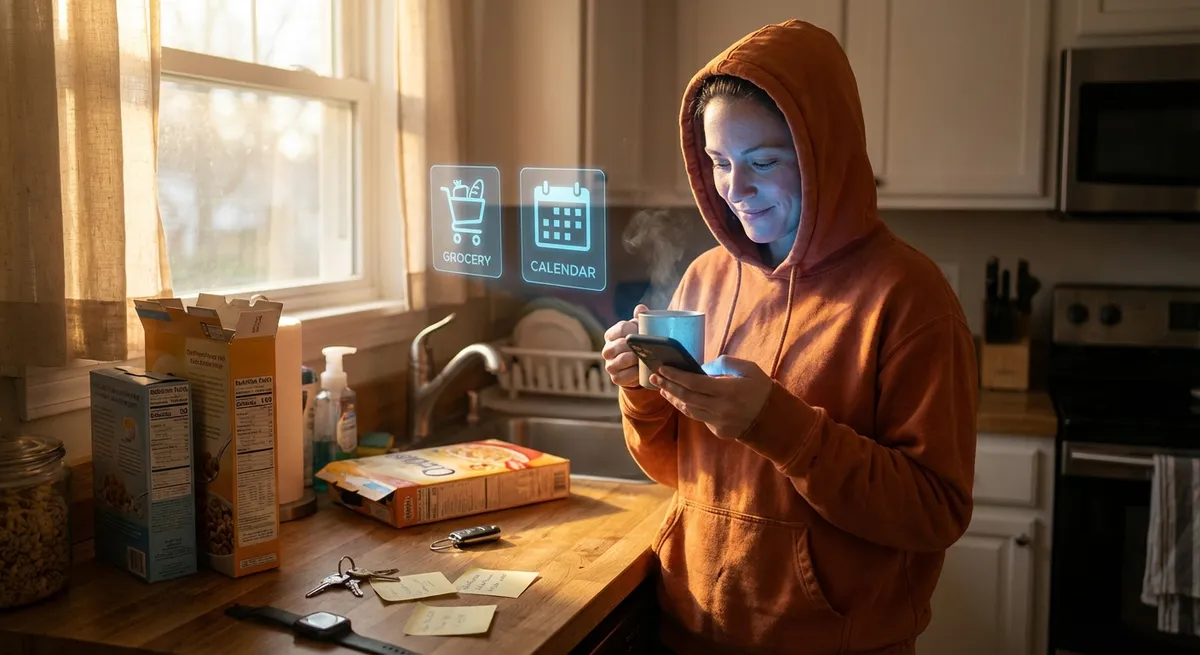
If you lost your phone for 24 hours, how much of your life would stall out? No maps. No payments. No messages. No reminders that you were supposed to drink water four hours ago.
Apps went from “little tools on your phone” to the invisible operating system of daily life. But under the familiar icons and push alerts, there’s a lot going on that most people never notice.
Let’s dig into five surprisingly interesting ways apps shape how we live, work, and think—without turning this into a boring lecture on “digital transformation.”
1. Your Homescreen Is Quietly Exposing Your Priorities
Take a look at your homescreen layout for a second. Don’t clean it up. Don’t rearrange anything. That messy grid is basically a personality test.
The apps in your bottom dock and top row are usually the ones you tap without thinking. For some people, that’s mail and calendar. For others, it’s games, social, or finance. Whether you meant to or not, you’ve built a tiny dashboard for your brain.
Psychologists actually use phone usage data in research to get hints about things like mood, social behavior, and stress patterns. Even simple metrics like “how often you unlock your phone” or “which apps you check first in the morning” can say a lot about how you’re doing. Your apps aren’t just tools; they’re a map of what you care about (or what’s currently stressing you out).
And phone makers know this. That’s why features like Screen Time (Apple) and Digital Wellbeing (Android) exist: to show you what your habits really look like. It’s not just guilt-tripping—it’s a gentle mirror held up to your digital life.
2. Notifications Are Designed Like Tiny Experiments on Your Attention
If apps had a superpower, it wouldn’t be processing or design—it’d be notifications.
Push alerts look simple, but they’re the result of years of trial, error, and a lot of “what makes people tap this more?” experimentation. Colors, wording, timing, even the difference between “2 new messages” and “You have a new message” can change how quickly you respond.
Some apps now lean on “batching” alerts instead of pinging you instantly, because they’ve learned that overwhelming you means you’ll eventually mute or uninstall them. Others adapt based on your behavior: open a certain app every night around 10 PM, and you may notice a “friendly reminder” starting to appear right before then.
Operating systems are pushing back a bit with features like Focus modes and per-app notification controls. But the basic game is the same: apps want to be top of mind, and they use notifications like fishing lines cast into your attention span.
The twist: the apps that don’t over-notify you often earn more long-term trust. It’s not always about maximum engagement—sometimes it’s about not becoming the app people hate.
3. The Most Powerful Apps Are the Ones You Hardly Ever Open
Some of the most influential apps on your phone are also the most invisible. Think:
- Your authenticator or password manager
- Cloud backup or photo sync apps
- Automation tools that run in the background
- Payment apps tied to your digital wallet
You might tap them once in a while, but they’re working 24/7: securing your logins, backing up memories, syncing data, or quietly authorizing payments when you tap your phone at a store.
This “background power” is what’s turning phones into control hubs for everything else. Once an app becomes infrastructure—something other apps and devices depend on—it’s very hard to replace. That’s why companies love being the default password manager, default wallet, default note app, default voice assistant.
It also raises interesting questions about trust. You’re basically letting a handful of apps sit between you and your money, your files, your identity, and your smart devices. You might spend more time inside social apps, but a sync or security app failing at the wrong time would feel way more painful.
So yeah, the boring-looking ones in the utilities folder? They quietly run your life.
4. Apps Are Turning Real-World Spaces Into “Interfaces”
The boundary between “in the app” and “in real life” is getting weirdly thin.
Maps apps decide which coffee shops and restaurants you even know exist. Transit apps change when you leave home. Fitness apps turn your neighborhood into a workout route. Language apps turn your commute into a lesson. Payment apps turn any line into a checkout lane.
Augmented reality apps take this even further—think live translation through the camera, AR navigation arrows on sidewalks, or measuring a room just by waving your phone around. You’re still in the real world, but you’re viewing it like an interactive layer.
This matters because whoever builds the app that becomes your default “lens” for a situation has a lot of power over what you see and what you don’t. Which streets feel “safe” or “busy,” which shop looks “popular,” which routes are “recommended”—those are all design decisions baked into the interface.
In a way, apps are slowly turning cities, stores, and public spaces into interfaces that respond to your taps, swipes, and scans. The real world didn’t change—but your experience of it did.
5. The Line Between “App” and “Everything Else” Is Blurring
A decade ago, “there’s an app for that” was enough of a novelty to be a slogan. Now, the word “app” barely covers what’s happening.
Some “apps” live entirely in the cloud, and your phone is just a window. Others run on your watch, TV, car, or even your fridge. Some don’t feel like apps at all—chatbots, voice assistants, widgets, mini-apps inside other apps, browser-based “web apps” that behave like they’re native.
Operating systems are also loosening the definition. On iOS and Android, you can use lightweight “instant” apps or “app clips” without fully installing anything. On the web, Progressive Web Apps (PWAs) can send notifications, work offline, and sit on your homescreen like regular apps.
To you, it just feels like, “I tap something; it does a thing.” But under the surface, it’s a mix of native code, web tech, cloud services, and APIs talking to each other across networks.
The future probably looks more like “experiences” than “apps.” You might start a task on your phone, continue it in your browser, finish it on your TV, and get a follow-up notification on your watch—without really thinking about which “app” is which. It all just becomes the fabric of your digital life.
Conclusion
Apps started as little icons that made your phone more useful. Now, they’re habits, lenses, infrastructure, and sometimes even gatekeepers for how you move through the world.
Your homescreen is a reflection of your priorities. Your notifications are a tug-of-war for your attention. The quiet apps run your security and money. The flashy ones shape what you see. And the line between “in an app” and “in reality” keeps getting fuzzier.
If you want more control, a good first step isn’t uninstalling everything—it’s paying attention. Which apps actually make your life better, and which ones are just loud? Which ones you trust might matter more than which ones you use the most.
Your phone isn’t just a device anymore. It’s a portable command center for your life—and the apps are the rules you’ve silently agreed to live by.
Sources
- Apple – About App Store – Background on how Apple presents the role and impact of apps in its ecosystem
- Google Digital Wellbeing – Explains how Android tracks and surfaces app usage and screen habits
- Pew Research Center – Mobile Fact Sheet – Data on smartphone adoption and how people use mobile devices
- MIT Technology Review – How apps shape our behavior – Discussion of design choices and their impact on user habits
- Stanford – Persuasive Technology Lab (archived overview) – Research context on how digital tools, including apps, are designed to influence behavior
Key Takeaway
The most important thing to remember from this article is that this information can change how you think about Apps.



