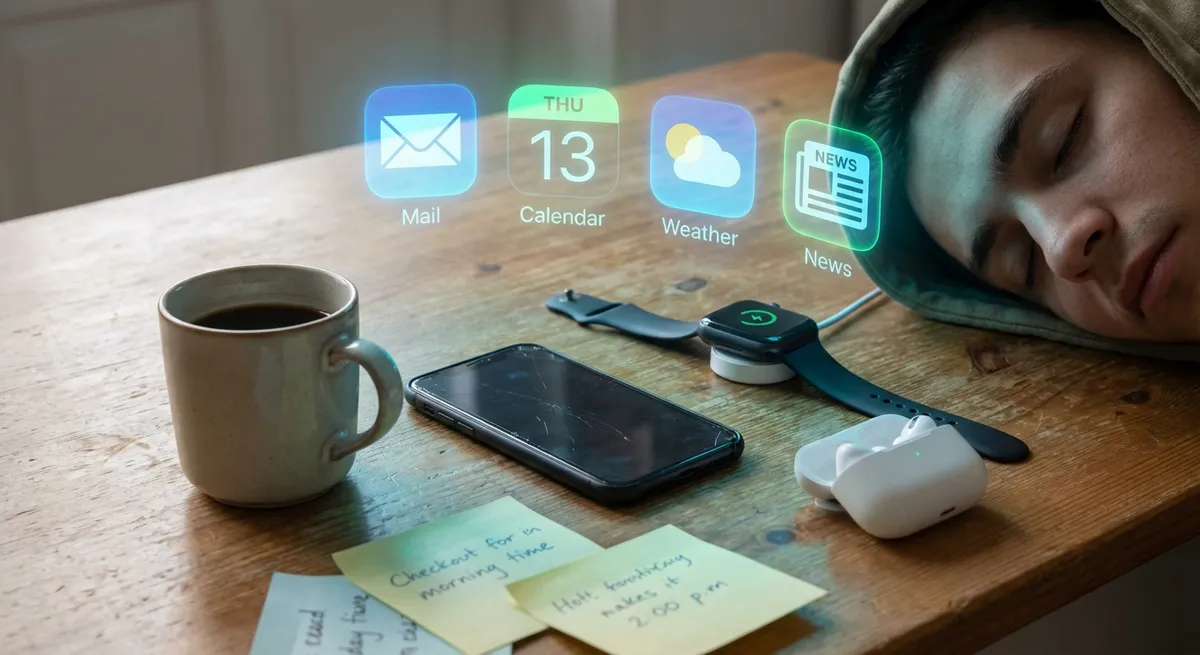
You probably have a handful of apps you tap without even thinking—on the train, in bed, while waiting for your coffee. They’re so baked into your routine that they feel more like background noise than “tech.” But under that sleepy, thumb-muscled habit is a lot of weird, clever design that quietly shapes what your day looks like.
Let’s pull those everyday apps into the light a bit—not to ruin them, but to actually appreciate how much thought (and sometimes chaos) lives under the hood. These are the kinds of details tech nerds love, hiding in apps most people barely notice.
The Tiny Design Tricks That Make Apps Weirdly Addictive
Most apps you use every day are built like a maze that’s trying not to look like a maze. Micro-animations, subtle color shifts, and the way buttons “bounce” when you tap them aren’t just there to look cute—they’re there to keep your brain engaged for a few more seconds. A loading spinner that morphs into a logo? That’s a distraction so you don’t rage-quit during a slow connection. Infinite scrolling isn’t just convenient; it’s a slot machine mechanic dressed up as content discovery. Apps know if you prefer tapping the bottom of the screen with your thumb or reaching for the top with your index finger, and they quietly rearrange layouts over time to match that behavior. Even the “Are you sure you want to exit?” prompts are basically tiny negotiations with your attention. Once you start noticing these tricks, you can’t unsee them—and you’ll catch which apps are trying way harder than they should.
Offline Mode Is Way Smarter Than It Looks
That moment when your signal dies but the app “just works” anyway? That’s not luck. A lot of everyday apps have surprisingly clever offline brains. They cache (aka temporarily save) the stuff you’re most likely to need—your most recent chats, your usual routes, your last playlists—so it feels like the app never fully disconnects. Some apps quietly predict what you might do next and download that data ahead of time while you’re still on Wi‑Fi, just in case. Others queue up what you’re trying to send (messages, photos, notes) and fire them off the second your phone gets even a whiff of connection again. And when an app lets you keep navigating a map offline or edit a doc on a plane, that’s a whole mini system running in the background to keep your changes safe and merge them later without blowing anything up. Next time your train goes underground and your app doesn’t totally freak out—that’s invisible engineering doing the most.
Your “Free” Apps Have Secret Priority Levels On Your Phone
On your phone, apps aren’t all treated equally—some have VIP passes and others are basically standing outside in the rain. Your operating system constantly decides which apps get to stay “alive” in the background and which ones get frozen to save battery and memory. A music app playing audio? High priority. Messaging app expecting notifications? Also high. Random game you left open 2 hours ago? That one’s getting quietly yeeted out of RAM. Some apps are built to survive this better than others: they store their state so that when you come back, it feels like nothing happened, even though the system quietly killed them off. Others are messy and have to reload everything every time, which is why some apps reopen instantly and others act like they’ve never met you before. Tech enthusiasts love digging into these priority rules because they explain so many “why is my phone like this?!” moments—random battery drains, slow reopen times, and apps that just refuse to stay alive in the background.
Notifications Are Basically Their Own Mini Operating System
Every ping, pop-up, and lock-screen preview looks simple, but there’s a whole strategy game running behind the scenes. Apps can choose notification “types” that behave differently: silent ones that only badge the icon, time-sensitive ones that can break through Focus modes, or persistent banners that just sit there until you give in. Some apps test different notification timings on groups of users to see when you’re most likely to tap back in—morning nudges, lunch reminders, late-night “you might have missed this.” Others bundle notifications, so instead of 12 separate updates, you get one that says “+11 more,” which is basically curiosity bait. There’s also a quiet war for space on your lock screen; apps tweak how much text they show, what icon they use, and even the wording (“Reminder” vs “Don’t forget this”) to win your attention for two seconds longer. Once you realize this, cleaning up your notification settings feels less like “being organized” and more like rebalancing power in your own pocket.
Your Data Is Being Used To Train Features You Haven’t Even Seen Yet
Even boring-seeming apps are often playing the long game with your data. Not just in the “ad targeting” way, but in the “we’re training future features” way. When you dismiss a suggestion, skip a recommended playlist, or always ignore a certain prompt, that’s feedback going straight into some model that decides what the app should try next. Sometimes, your behavior is helping test things that aren’t officially “released” at all: A/B tests you never see labels for, quietly rolled-out tweaks to layouts, or recommendation changes that only hit a small percentage of users. Your app might already be generating summaries, creating smart labels, or guessing your preferences with tiny bits of machine learning—just not big, flashy “AI” branding. Tech enthusiasts can spot these early: small, oddly specific changes in what’s surfaced first, what gets auto-filled, or what the app “remembers” from last time. It’s like watching a feature set slowly evolve around you, trained on your habits in real time.
Conclusion
Everyday apps aren’t just “things you tap on autopilot”—they’re full of tiny decisions, trade-offs, and experiments that quietly shape how your tech feels. The more you notice what they’re doing—how they handle bad signal, how they fight for your attention, how they remember (or forget) your place—the more control you get back over how you actually use them.
And once you start seeing apps as little living ecosystems instead of just icons on a home screen, even the boring ones stop being, well… boring.
Key Takeaway
The most important thing to remember from this article is that this information can change how you think about Apps.



