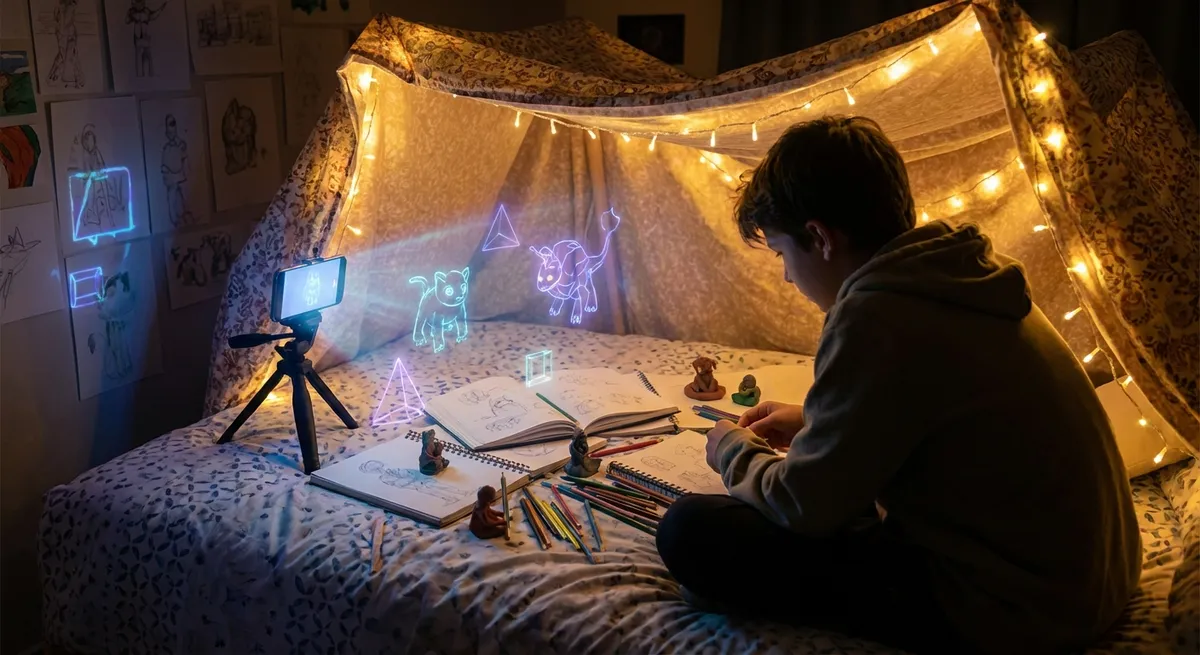
Your phone is probably packed with apps that check boxes: messages, maps, banking, email. Useful? Totally. Exciting? Not really.
But there’s a whole layer of apps that turn your screen into more of a playground than a to‑do list—stuff that helps you create, experiment, and tinker in ways that feel closer to a mini lab than a simple home screen icon.
Let’s dive into five angles on apps that tech enthusiasts will appreciate—not just “cool tools,” but how they’re reshaping what we do with these rectangles we stare at all day.
Point 1: Phones Are Quietly Becoming Portable Music Studios
We’re past the era where “music app” meant a tinny metronome or a basic piano. Modern mobile music apps are closer to pocket-sized studios.
You can layer tracks, drop in virtual instruments, and tweak effects in real time—without needing actual hardware stacked around your room. Apps like GarageBand on iOS basically give you a mini DAW (digital audio workstation) with drum machines, synths, and live recording. On Android, options like BandLab and FL Studio Mobile let you sketch ideas, share them to the cloud, and finish on desktop later.
What’s wild is how much the line between “toy” and “pro tool” has blurred. Artists actually release songs that started on their phones. You can record a riff in your bedroom, build a beat on the bus, and mix with headphones at a café. The friction from “idea in your head” to “audio you can share” keeps getting smaller, and that pipeline is what makes this category of apps so addictive for anyone even vaguely into music or sound design.
Point 2: Your Camera App Is Turning Into a Real‑Time Editor
For a long time, mobile photography meant: take picture, open another app, tweak, export, post. Now, the heavy lifting happens before you even tap the shutter.
Modern camera and photo apps use on-device processing to do live previews of HDR, depth-of-field blur, color grading, and even stylistic filters. You’re basically looking at the “after” version while you’re still lining up the “before.” That makes shooting feel less like guesswork and more like directing.
For tech fans, the fun part is how much control you can get on something as tiny as a phone screen: manual ISO, shutter speed, RAW capture, long exposure, focus peaking. You can actually treat your phone like a tiny mirrorless camera if you want. And then there are apps that push into weirder territory—turning motion into light trails, stacking shots for astrophotography, or auto-generating short edits the second you stop recording.
The takeaway: the old “shoot then fix it later” workflow is fading. Now, your camera app is more like a smart assistant who’s editing alongside you in real time.
Point 3: Note Apps Are Quietly Becoming Second Brains
The notes app used to be where ideas went to die. Now, a new wave of note‑taking and knowledge apps treat your thoughts like a network instead of a junk drawer.
You can link notes together, tag concepts across different projects, and search your entire history like it’s your own personal internet. Some apps use graph views to literally map your ideas as a web of connections. Others use AI to resurface old notes that might be relevant to what you’re currently working on—basically turning your scattered thoughts into something you can actually navigate.
For tech enthusiasts, this shifts the role of a phone from “notification machine” to “external memory module.” You can log everything—articles, screenshots, quick thoughts, bookmarked links—and then rely on the app’s structure (and search) to bring it back when you need it. It’s like having a mini knowledge base in your pocket that gets smarter the more you feed it.
The really interesting part is how these apps blur the line between productivity, creativity, and personal archiving. It’s not just about doing more; it’s about remembering better.
Point 4: Phone Screens Are Becoming Tiny Coding Sandboxes
For anyone who likes to tinker, the idea of “coding on a phone” used to sound miserable. Tiny keyboard, no terminal, no tools. Not anymore.
There are now apps that bundle text editors, runtimes, package managers, and even Git integration into a single mobile workspace. You can spin up a quick script, test an API call, or tweak a website’s CSS while you’re away from your main machine. Some apps even provide full Linux-like environments or cloud dev containers accessible from your phone.
This isn’t about replacing a proper desktop setup—it’s about lowering the barrier to jumping into an idea wherever you are. Want to test a snippet you just thought of on the train? Fine. Need to hotfix a small bug when you’re not near your laptop? Also doable. And for people learning to code, it turns any idle moment into a chance to open an interactive lesson or playground instead of just scrolling social feeds.
The big shift: your phone stops being just a content consumption device and becomes a legit, always-with-you dev toolkit—tiny, but surprisingly capable.
Point 5: Creativity Apps Are Blurring the Line Between “User” and “Maker”
A lot of apps used to be one‑way streets: you open, you consume, you close. Now, more apps are built around you making things, not just looking at them.
Drawing and design apps let you sketch, storyboard, or mock up ideas with the same device you use for email. 3D modeling apps let you sculpt simple shapes with your fingers, export them, and even send them to a 3D printer or game engine. Video apps give you multi-track timelines, keyframes, and color tools that used to belong only on desktop.
There are also mashup tools that let you combine audio, visuals, text, and effects into interactive pieces without needing to learn a full programming language. That’s the fascinating part: they don’t just hand you features—they hand you building blocks. You can experiment, iterate, and share without a steep learning curve.
For tech enthusiasts, this flips the mental model of “I need serious gear to build serious things.” With the right apps, your phone is no longer just the remote control for your life—it’s the workbench.
Conclusion
Most phones ship with a very boring destiny: messaging slab, scrolling machine, notification buzzer. But the apps you choose can quietly turn that same hardware into a studio, lab, notebook, dev box, and sketchpad all at once.
If you’re into tech, the fun isn’t just downloading “another app.” It’s experimenting with how far you can push this tiny computer in your pocket—making it less of a time sink and more of a playground for ideas. Next time you unlock your screen, ask yourself: am I just consuming, or am I actually creating something?
Sources
- [Apple – GarageBand for iOS](https://www.apple.com/ios/garageband/) – Overview of GarageBand’s mobile music creation features and capabilities
- [BandLab – Product Overview](https://www.bandlab.com/products) – Details on cloud-based music production tools available on mobile and desktop
- [Google – Camera Technology on Pixel](https://store.google.com/product/pixel_8_pro?hl=en-US) – Official info on computational photography features like HDR and Night Sight
- [Harvard Business Review – Your Brain on Notes](https://hbr.org/2014/06/what-you-miss-when-you-take-notes-on-your-laptop) – Explores how different note-taking methods affect memory and understanding
- [GitHub Docs – GitHub Mobile](https://docs.github.com/en/mobile) – Describes how developers can review and manage code workflows from mobile devices
Key Takeaway
The most important thing to remember from this article is that this information can change how you think about Apps.



