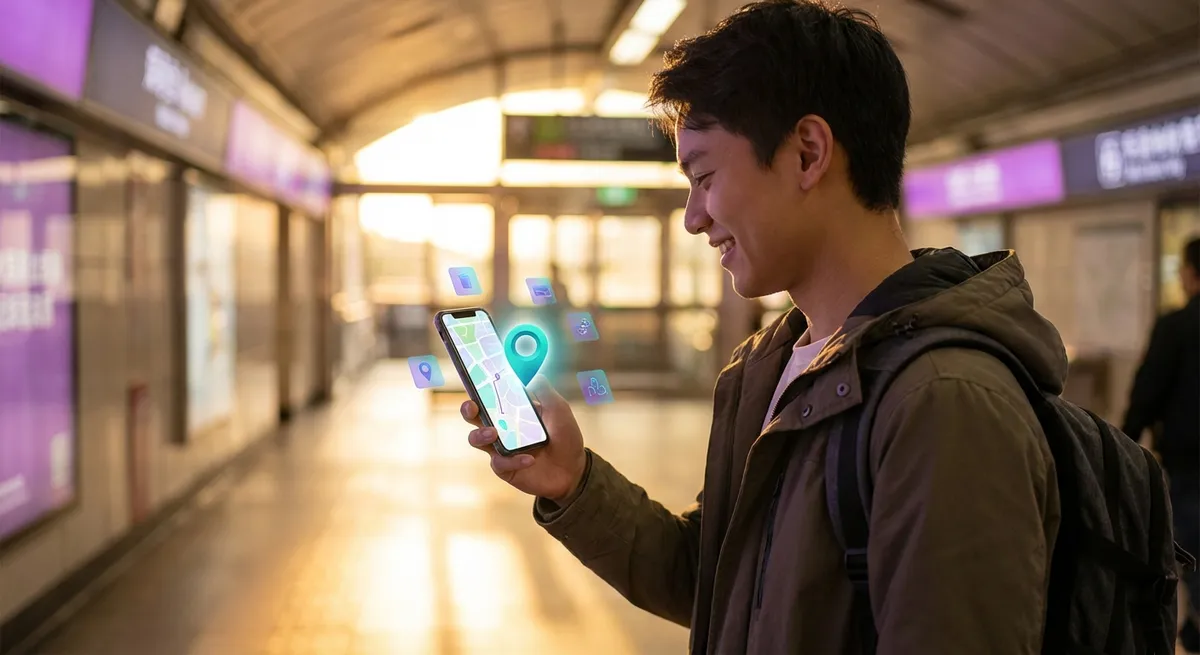
Most apps promise they’ll work anywhere, anytime. But a growing group of apps are doing the exact opposite on purpose: they only make sense in one place, or at one very specific moment. They unlock when you’re at a concert, inside a museum, in a store, at a stadium, or even just standing in your kitchen near a specific gadget.
It sounds limiting, but it’s actually making apps feel… fun again. Less screen addiction, more “being there” in real life. Let’s dig into why location‑locked and context‑aware apps are quietly becoming some of the most interesting software on your phone.
Apps That Wake Up Only When You’re There
Most apps are designed like Swiss Army knives: open them anywhere, do a million things. These new “place‑first” apps flip that around. They’re basically asleep until your GPS, Wi‑Fi, Bluetooth, or a little digital tag in the real world tells them, “Hey, you’re in the right spot.”
You’ve probably used a basic version of this already. Think:
- A transit app that only shows the gate you’re standing near in the airport.
- A theme park app that unlocks hidden mini‑games when you walk past specific rides.
- A grocery store app that rearranges your shopping list based on the aisle you’re in.
Under the hood, these rely on things like Bluetooth beacons, NFC tags, or ultra‑precise GPS. To you, it just feels like the app is suddenly psychic: it knows where you are, what’s around you, and what you might want to do next—without you needing to dig through menus or settings.
The trade‑off? The app is boring (or useless) if you’re not in that context. But that’s kind of the point: they’re designed to fade away when they’re not needed.
Point 1: Real‑World Easter Eggs Make Ordinary Places Feel Game‑Like
Location‑aware apps turn the world into something that feels a little bit like a video game map—with hidden content, unlockable modes, and secret rewards tied to physical spots.
You’ve seen the big, flashy version with games like Pokémon Go. But smaller, quieter examples are everywhere now:
- Museums that give you AR overlays when you point your phone at a painting.
- Stadium apps that sync your phone’s flashlight with a light show in the stands.
- City apps that unlock audio stories or historical overlays when you walk into a specific neighborhood.
This “gamification” of physical spaces does two things:
- It encourages exploring. You’re more likely to wander around if your phone turns the city into a scavenger hunt.
- It makes boring places less boring. A bus stop with nothing going on becomes a place where you get a short podcast, a game, or a fun fact while you wait.
It’s a subtle but powerful shift: the app is no longer the main event. The place is the main event, and the app just adds bonus content.
Point 2: Context‑Only Apps Are Weirdly Good at Not Wasting Your Time
A lot of apps fight for your attention all day. Context‑only apps do the opposite: they vanish when you’re not in the right situation, and only show up when they can actually help.
Think about:
- A check‑in app that pops up only when you arrive at your gym.
- A ticket app that automatically surfaces your pass as you walk up to a venue gate.
- A smart home app that shows different controls depending on which room you’re in.
This feels almost old‑school in a good way. Instead of being a feed you scroll endlessly, the app is like a tool hanging on the right hook in a workshop—only there when you need that specific thing.
From a design standpoint, that means:
- Fewer notifications that feel random or annoying.
- Less temptation to wander aimlessly inside the app.
- Faster “open → do the thing → close” flows that respect your time.
For people burned out on always‑on apps, this small, targeted usefulness can feel refreshing.
Point 3: Stores, Events, and Cities Are Turning Into “Physical Apps”
As more physical places talk to your phone, entire environments start behaving like apps themselves.
Retail is a big example. Some stores already offer:
- Indoor maps that guide you to a specific product.
- Real‑time stock info if you scan a shelf tag.
- Location‑based discounts that trigger only when you’re near a product category.
Events push this even further. Concert apps might:
- Give you live lyrics or translations during a song.
- Let you vote for the next track in real time.
- Sync AR effects with what’s happening on stage.
Cities are in on it too. Some public transit systems and smart‑city projects use apps to surface:
- Real‑time crowding info on buses or trains near you.
- Alerts tied to the exact street you’re on (construction, closures, events).
- Wayfinding for people with accessibility needs (e.g., step‑free routes).
The more this evolves, the more “the place” becomes the interface, and your phone is just the viewer or controller that plugs into it.
Point 4: The Privacy Trade‑Off Is Real (But the Rules Are Getting Stricter)
Of course, for an app to respond magically to where you are, it needs to know where you are. That raises obvious questions: Who sees that data? How long is it stored? Can it be combined with other info about you?
The good news: phone makers and regulators have started clamping down hard on random location tracking.
Modern phones now:
- Force apps to ask clearly before using your location.
- Let you limit location to “only while using the app.”
- Show indicators when location services are active.
- Allow precise vs. approximate location control.
On top of that, privacy laws in many places require apps to justify why they need your location and how they’ll use it.
But even with those protections, there’s a tension: the more precise and persistent the tracking, the smarter and smoother the app can be—but the more detailed the trail about your movements it creates behind the scenes.
For now, the safest posture is:
If an app only makes sense in one place, it should also make it extremely obvious when and why it’s tracking you—and ideally let you opt out of anything that isn’t strictly necessary.
Point 5: Offline‑First and Low‑Power Tricks Make These Apps Surprisingly Resilient
Location‑based apps used to fall apart the second your signal got weak. That’s slowly changing as more apps are built “offline‑first” and use clever hardware‑level tools.
Under the hood, many of these apps now:
- Cache maps and content ahead of time, so they still work underground or in crowded venues.
- Use low‑energy Bluetooth (BLE) to detect beacons without draining your battery.
- Rely on on‑device processing for things like AR overlays, instead of constantly pinging a server.
For you, that means fewer spinning loaders and more “it just works” moments—like a museum guide staying responsive even when you’re in a basement gallery with zero bars.
This offline capability also makes these apps more accessible in places with spotty networks or expensive data plans. The smart bits can be downloaded at home over Wi‑Fi; the local interaction happens later, on the spot, without a constant internet tether.
Where This Might Be Heading Next
If you zoom out, apps that only light up in specific moments and places feel like a preview of a different relationship with tech.
Instead of everything living inside your phone screen, you’ll see more of:
- Environments that quietly react when you walk in.
- Objects that reveal extra features only when paired with an app.
- Shared experiences where everyone’s phones sync to the same physical event.
It’s an odd mix of high‑tech and very human: software that respects your attention by going silent most of the time, then jumping in right when the world around you gets interesting.
For tech enthusiasts, this space is worth watching. It’s where hardware, software, and physical design all collide—and where “app design” starts to look less like UI screens and more like… urban planning, event design, and architecture.
Conclusion
Apps that only work in one place sound like a step backward in a world obsessed with “anywhere, anytime” access. But there’s something refreshing about software that doesn’t try to own every spare second of your day.
By tying digital experiences to specific locations and moments, these apps can:
- Make real‑world spaces feel more playful and interactive.
- Reduce screen clutter and time‑wasting feeds.
- Turn your phone into a context‑aware tool instead of a constant distraction.
As sensors, connectivity, and privacy controls keep improving, expect more apps that don’t want to be your whole life—just the right tool in the right place at the right time.
Sources
- [Apple Developer – Location and Maps](https://developer.apple.com/documentation/corelocation) – Technical overview of how iOS handles location, beacons, and region monitoring
- [Google – Improve location accuracy (Android Help)](https://support.google.com/android/answer/3467281) – Explains how Android uses GPS, Wi‑Fi, Bluetooth, and sensors to determine location
- [Niantic – How Pokémon GO Uses Real-World Locations](https://nianticlabs.com/blog/pokemon-go-location) – Background on using real‑world places as game mechanics
- [European Commission – Data Protection Rules for Location Data](https://commission.europa.eu/law/law-topic/data-protection/data-protection-eu_en) – Overview of privacy rules impacting location‑based services in the EU
- [MIT Technology Review – The Future of Augmented Reality in Public Spaces](https://www.technologyreview.com/2021/09/15/1035392/augmented-reality-public-spaces/) – Discussion of how AR and location‑aware apps are reshaping physical environments
Key Takeaway
The most important thing to remember from this article is that this information can change how you think about Apps.



