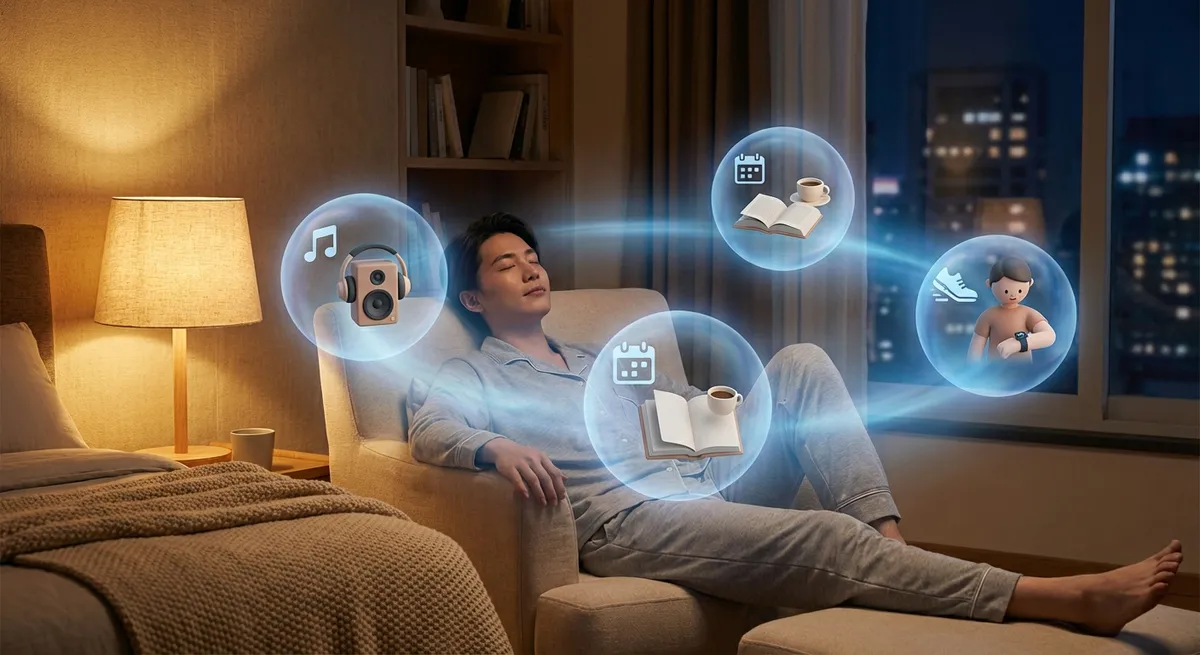
Most apps used to be dumb tools: you tapped a button, something happened, end of story. Now, more and more apps feel like sidekicks that adapt, anticipate, and sometimes nudge you before you even know what you want. They’re not just “faster” or “prettier”—they’re quietly getting personal.
Let’s dig into how today’s apps are evolving in ways that tech enthusiasts will recognize instantly—and why it feels like your phone is slowly turning into a co-pilot.
Apps That Reshape Themselves Around Your Habits
Open your favorite music or video app and you’ll see it: the interface you get isn’t the same as someone else’s. Recommendation carousels, “For You” tabs, priority contacts at the top—these aren’t just design choices, they’re a reflection of your usage.
Modern apps:
- Watch when you open them (time of day, location, routine).
- Track what you interact with (songs you replay, creators you skip, friends you message most).
- Reshape the home screen so that “your” app looks and behaves differently over time.
This goes beyond basic “you might also like” suggestions. Some email apps shift important contacts to the top of your inbox. Note-taking apps surface pages you recently touched, betting you’ll come back. Mobile launchers pre-load your most likely next app to make it open faster.
The result: two people using the same app can have wildly different experiences. One app, many realities.
The New Offline Flex: Apps That Work When the Internet Doesn’t
We used to accept that “no signal” meant “no app.” That’s quietly changing—and it’s one of the most underrated shifts happening right now.
Many modern apps now:
- Cache critical content (maps, playlists, news articles) in the background.
- Queue up actions (messages, form submissions, uploads) to send later.
- Apply “smart sync,” deciding what to keep locally based on what you actually use.
Navigation apps can store entire regions so turn-by-turn directions still work underground or in dead zones. Productivity apps let you edit docs mid-flight, then merge everything once you’re back online. Even some social apps will let you draft posts or comments and upload them automatically when the connection returns.
Tech-wise, this feels almost boring. Experience-wise, it’s huge. Apps aren’t just “online portals” anymore—they’re starting to behave like full citizens on your device, not guests that get kicked out whenever Wi‑Fi drops.
Notifications Are Becoming Negotiations, Not Interruptions
Notifications used to be blunt instruments: ping for everything, annoy everyone. As people burned out on constant buzzing, smarter apps started treating notifications like a negotiation instead of a fire alarm.
You can see this shift in how apps now:
- Offer granular controls (threads, channels, categories instead of “all or nothing”).
- Use quiet summaries or daily digests instead of instant pings.
- Detect which alerts you actually open and adjust their behavior.
Some messaging and collaboration apps let you set “priority people” whose messages always break through, while everyone else gets batched. Health and fitness apps avoid nagging at awkward times by learning your schedule and pushing reminders when you’re most likely to actually respond.
The interesting part for tech enthusiasts: this is UX built on behavior data, not just settings menus. Apps are starting to experiment with “notification intelligence”—learning what you ignore versus what you tap, and slowly reshaping how often they bother you.
If this trend continues, “default spammy app notifications” might eventually feel as outdated as dial‑up tones.
The Blur Between “App” and “Operating System”
Look at how aggressively apps are expanding their territory, and you’ll notice something weird: a lot of them are trying to become micro–operating systems inside your phone.
Typical signs:
- Messaging apps that add payments, games, shopping, mini apps, and bots.
- Note apps that turn into full work hubs with tasks, calendars, and databases.
- Wallet apps that manage tickets, passes, IDs, keys, and more.
App stores now host “super apps” that want to be your everything app—chat, rides, food, banking, and more, all in one place. Even in regions without full-blown super apps, you see the same trend at a smaller scale: calendar apps pulling in email, to‑do apps integrating with files, browsers trying to act like workspaces.
On the flip side, operating systems are borrowing from apps. System-level “share sheets,” quick actions, and widgets make your apps feel like they live outside their icons. Your calendar shows up on the lock screen. Music controls float in the notification shade. Password managers autofill across everything.
The boundary line between “this is my phone” and “this is my app” is getting fuzzy—and that’s exactly how both platform makers and app developers want it.
Apps Are Quietly Turning Into Personal Data Dashboards
We talk about “data” like it’s some abstract cloud thing, but more apps are turning that into something visual, explorable, and—dare we say—fun.
Examples you can see right now:
- Fitness apps turning heart rate, steps, and sleep into trends, streaks, and scores.
- Finance apps mapping your spending into smart categories and timelines.
- Screen-time tools charting which apps actually eat your day.
But it’s not just graphs. The interesting shift is from raw stats to narrative: “You’ve been sleeping worse on days with late-night screen time,” or “Most of your subscription spend is on stuff you haven’t opened in weeks.”
Tech enthusiasts will recognize the mini-analytics engine running behind this. Machine learning models spot patterns, then surface small, actionable insights instead of just throwing charts at you. In a way, your apps are becoming casual data scientists, translating your digital exhaust into recommendations and nudges.
If your device feels like it “knows you,” this is one of the main reasons why: your apps aren’t just storing data anymore—they’re trying to interpret it.
Conclusion
Apps aren’t just getting “better features.” They’re getting more context-aware, more persistent, and more personal. They adapt to your habits, help you survive dead zones, negotiate when to interrupt you, blur into the OS, and quietly crunch your data into feedback you can actually use.
For tech lovers, this shift is fascinating because it’s happening in the background. You don’t have to install a futuristic beta OS to feel it—it’s already there in your chat app, your maps, your notes, your media player.
The big question isn’t whether apps will keep evolving like this. It’s how far we’re comfortable letting them go—from helpful sidekick to full-on digital twin. For now, though, it’s a pretty interesting time to be paying attention to the tiny changes in the apps you open every day without thinking.
Sources
- [Google AI Blog – Personalization in Products](https://ai.googleblog.com/) - Covers how Google uses machine learning to personalize experiences in apps like Search, Maps, and YouTube.
- [Apple Developer – Design for Offline Experiences](https://developer.apple.com/design/human-interface-guidelines/offline-interactions) - Explains best practices for building apps that work reliably without constant connectivity.
- [Microsoft Research – Intelligent Notifications](https://www.microsoft.com/en-us/research/project/intelligent-notifications/) - Research project exploring smarter, context-aware notification systems.
- [Harvard Business Review – The Rise of Super Apps in the West](https://hbr.org/2022/06/the-potential-and-pitfalls-of-super-apps) - Analyzes how “super app” behavior is spreading beyond Asia and what that means for app ecosystems.
- [Pew Research Center – Mobile Technology and Home Broadband](https://www.pewresearch.org/internet/fact-sheet/mobile/) - Provides data on how people use mobile apps and connectivity in everyday life.
Key Takeaway
The most important thing to remember from this article is that this information can change how you think about Apps.



