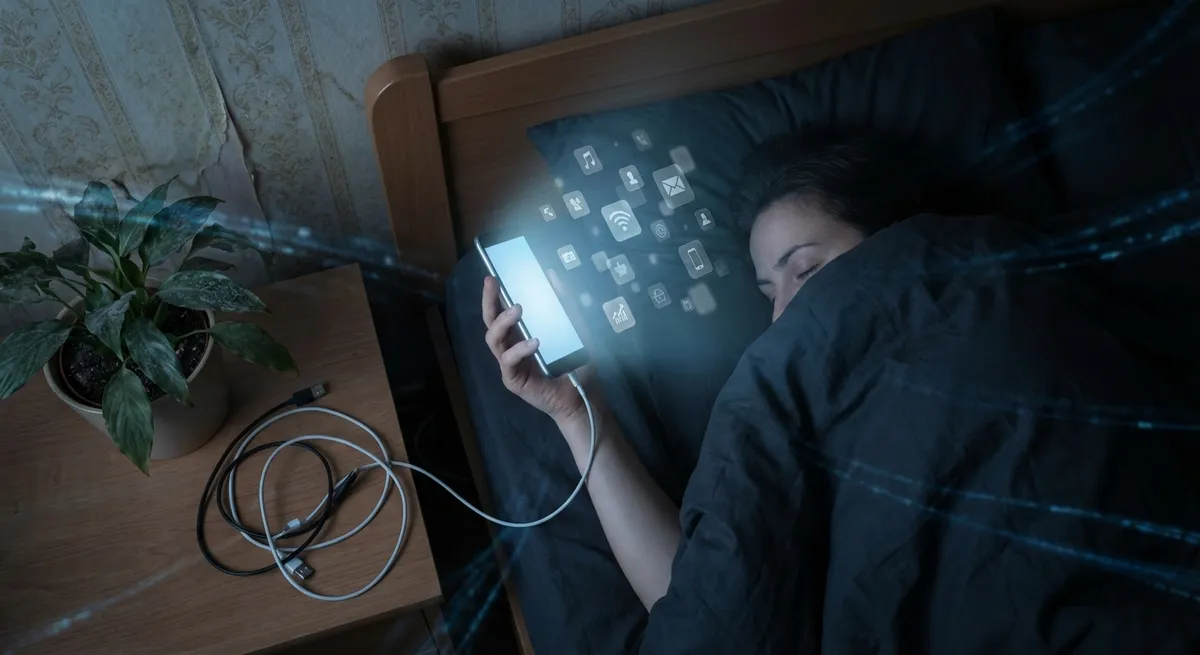
You probably think you just “use apps.” Open, scroll, close, repeat. But your phone is quietly picking up patterns, preferences, and routines you’d never bother to write down. Modern apps are less like tools you tap and more like mirrored versions of your habits—right down to when you’re most likely to doomscroll.
Let’s peel back the screen a bit and look at how today’s apps quietly shape (and react to) the way you live, work, and play.
Your Apps Know Your Rhythm Better Than Your Calendar
Most people believe their calendar rules their day. In reality, your notification pattern does.
Apps log things like:
- When you usually open them
- How long you stay
- What you tap first
- What makes you bounce out
Over time, that means your phone knows your daily beat: the “half-awake thumb flick” time, your mid-afternoon message blast, your late-night rabbit hole window.
That’s why:
- Social apps ping you exactly when you’re most likely to answer.
- Email apps suggest “smart” send times when people like you usually respond.
- Fitness and meditation apps nudge you right when your willpower tends to drop.
For tech enthusiasts, this is basically a live, invisible chronicle of your attention. It’s not just “screen time”; it’s behavioral analytics in your pocket. The interesting twist: some newer productivity and wellness apps are trying to flip that script—using those same patterns to protect your time instead of just chasing it.
Your “Home Screen Layout” Is a Personality Quiz in Disguise
You can tell a lot about someone from their home screen without reading a single text.
A few fun patterns:
- Top-row worshippers: If your most-used apps sit in the top row, you probably stick to a mental hierarchy: mission-critical up top, chaos in the app drawer.
- Dock minimalists vs dock hoarders: Some people keep just 3–4 core apps in the dock; others cram as many shortcuts as possible. That difference often lines up with how tightly people like to organize the rest of their digital life.
- Search-first users: If you rarely swipe through pages and mostly pull down to search, you’re basically using your phone like a command line: fast, direct, and muscle-memory-based.
- Some launchers emphasize giant search bars.
- Others keep adding widget options to turn your home screen into a dashboard.
- App icons keep evolving to be more recognizable at a glance on a cluttered screen.
App developers look at this kind of behavior at scale. It’s why:
Your layout is technically “for you,” but it’s also feedback for designers trying to predict how people navigate a crowded digital world.
Apps Are Quietly Competing for Your Default Slot
Most people don’t think about this, but every core task on your phone is a turf war: who gets to be the default?
- Which app opens when you tap an address?
- Which one handles links, music, podcasts, or messages?
- Which browser pops up when you scan a QR code?
Being the default is huge. It means you don’t even consciously choose the app anymore—it just is the way you do a thing.
That’s why:
- Browsers push “Set as default” the moment you install them.
- Music apps ask if they can handle every audio link you hit.
- Note-taking apps try to capture your “quick ideas” with lock-screen shortcuts and widgets.
On the user side, this gives you a low-key power move: if you intentionally choose your defaults, you can reshape your whole daily flow. Want to read more long-form articles? Make your read-it-later app the default for opening links. Want better privacy? Switch your default browser and map app. A two-second setting tweak can quietly redirect hundreds of future taps.
“Offline Mode” Is Becoming the New Power Feature
We’re so used to always-on internet that many apps completely crumble without it. But a growing number are quietly doing the opposite: treating offline support as a flex.
That looks like:
- Note apps that sync in the background but work perfectly in airplane mode.
- Translation tools that download language packs so you don’t need roaming data.
- Navigation apps that store entire city maps for offline routing.
For tech enthusiasts, offline capability is like old-school computing sneaking back in: your device should still be powerful without a live connection.
The interesting part is how design is shifting:
- Some apps are built around “sync later” instead of “live or nothing.”
- Download buttons and offline indicators are becoming normal again.
- Certain privacy-focused apps lean on offline processing to avoid sending your data to the cloud unless absolutely necessary.
In a world that assumes constant connectivity, any app that works well offline feels weirdly premium—and a bit like having a secret cheat code when Wi‑Fi dies.
Your App Stack Is Turning Into a Personal OS
Look at your phone long enough and you’ll notice something: you’ve basically built your own operating system on top of the one that shipped with the device.
- One app is your file system (cloud storage).
- One is your universal inbox (email or chat).
- One becomes your brain dump (notes, tasks, reminders).
- Others are your media center, your map, your camera brain, your health log.
Individually, they’re just apps. Together, they form your personal layer over Android or iOS—a kind of custom OS shaped by your habits and preferences.
You can see this in:
- People who route everything—articles, screenshots, voice memos—into a single “second brain” app.
- Devs and power users building automation chains where one app’s output instantly becomes another app’s input.
- Cross-platform apps becoming the “glue” so your setup follows you from phone to tablet to desktop.
This is where things get especially interesting: platforms are locked in a long game to keep you in their ecosystem, but you are quietly assembling your own stack on top of theirs. The more intentional you are about that stack, the more your phone starts feeling like something you designed instead of something you just bought.
Conclusion
Apps have moved way past “icons you tap.” They track your rhythms, reflect your priorities, fight for your defaults, quietly rescue you when you’re offline, and—when you really look at your setup—add up to a custom operating system built around how you think.
For tech enthusiasts, this is the fun part: you’re not just a user; you’re a systems designer. Every install, every default change, every widget or shortcut is a tiny UI choice for your future self.
If you haven’t done it in a while, take five minutes to:
- Check your defaults
- Clean your home screen
- Try an offline-friendly alternative
- Notice which apps you actually trust with your attention
Your phone already knows your patterns. You might as well make them work in your favor.
Sources
- [Apple – Privacy Overview](https://www.apple.com/privacy/) – Explains how apps on iOS access and use data like usage patterns and location
- [Google Safety Center – How Google Uses Information](https://safety.google/privacy/data/) – Details how Android and Google services collect and analyze app and behavior data
- [Pew Research Center – Mobile Fact Sheet](https://www.pewresearch.org/internet/fact-sheet/mobile/) – Provides statistics on smartphone and app usage trends
- [Harvard Business Review – How Companies Learn Your Secrets](https://hbr.org/2012/02/how-companies-learn-your-secrets) – Classic piece on behavioral data and pattern analysis in consumer tech
- [Mozilla – Privacy Not Included Guide](https://foundation.mozilla.org/en/privacynotincluded/) – Reviews how apps and connected products handle privacy, data, and offline/online behavior
Key Takeaway
The most important thing to remember from this article is that this information can change how you think about Apps.



