Adobe just dropped another round of AI upgrades across Photoshop, Illustrator, Premiere Pro, and its Firefly models, and they’re not subtle about what’s happening: this isn’t “AI as a separate tool” anymore—this is AI melted right into the apps people already live in all day. If you’ve seen the buzz around Firefly Image 3, the new “Generate Image” and “Generate Background” tools in Photoshop, or text-to-video experiments in Premiere, that’s all part of the same play: Adobe wants AI to be as boring and normal as the brush tool… while still feeling a bit like magic.
Underneath the marketing, though, what Adobe’s doing right now says a lot about where AI is heading for the rest of us—especially anyone who makes things for a living (or wants to).
Let’s break down what actually matters.
Adobe Is Quietly Turning “Prompting” Into Just… Clicking
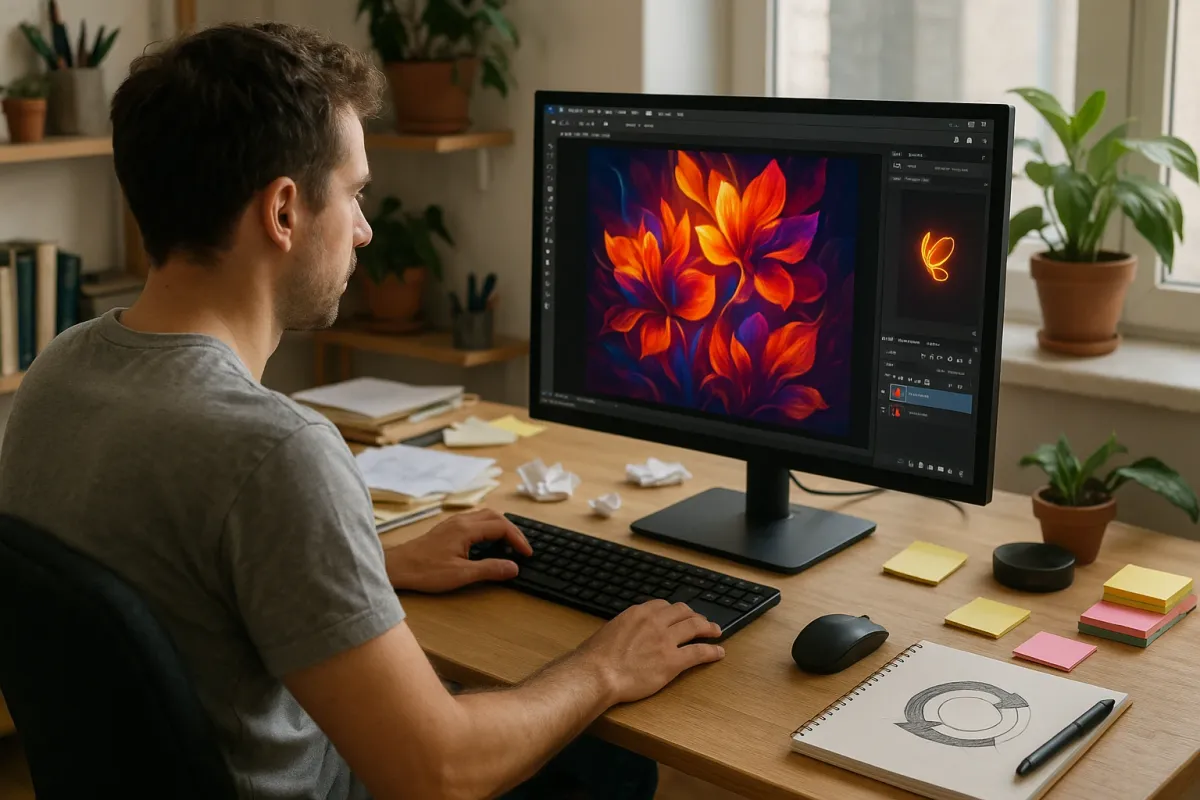
Most AI tools today still expect you to type spells into a text box: “cinematic photo of a neon-lit alley in the rain, 35mm, ultra detailed…” You know the vibe. Adobe’s latest move is the opposite of that. In the newest Photoshop updates, a lot of Firefly-powered stuff is just right‑click > “Generate” or a button in the sidebar. Select an object, click “Generate Background,” pick from a few variations, move on with your life.
This matters because it lowers the “AI tax” on your brain. You don’t have to context switch into “prompt engineer mode” every time you want help. The tech is still generative AI under the hood, just wrapped in normal UI patterns: sliders, buttons, checkboxes, and previews. It’s the same reason people actually used spellcheck in Word but ignored clunky “AI writing assistants” for years—if it lives where you already are, you’ll actually use it.
For devs and tool‑makers, this is a big hint: the future of AI isn’t “go to this special site and Type The Prompt.” It’s: “oh, there’s a tiny sparkle icon next to the feature I was already about to use.”
Firefly’s “Commercially Safe” Promise Is a Clever (And Risky) Flex
One of Adobe’s loudest talking points: Firefly is trained on “licensed content, Adobe Stock, and public domain” instead of scraping random artists off the internet. In a world where lawsuits against OpenAI, Stability AI, and others are piling up, that’s not just PR—it’s a strategy.
For teams who care about getting sued (so: any brand with lawyers), this is huge. If you’re a designer making assets for a Fortune 500 company, “we used Adobe’s AI, which you pay for already and which claims indemnification” is way easier to sell internally than “I generated this on a mystery site based somewhere on the internet.” Adobe even introduced content credentials—basically invisible labels that say “this was AI-generated” and where it came from.
But the risk? If competitors keep training on the entire public web, their models may stay more “creative” or weird. Firefly has already been roasted online a few times for being a bit safer, more generic, less wild than, say, Midjourney. Adobe’s betting that slightly less chaos in exchange for legal safety is what the money actually wants. Right now, corporations seem to agree.
Adobe Is Rebuilding the “Undo Button” for AI
Photoshop and Premiere have always had one superpower: you can undo almost anything. GenAI threatens that, because generating a new background or image isn’t just “change one thing”—it can rewrite half the canvas. Adobe’s updates this year are quietly reinventing how “history” works when AI is involved.
In the latest Photoshop builds, Firefly actions show up as distinct steps with variations you can flip through, not just a single destructive change. You can keep the base photo intact, apply AI on its own layer, and tweak or mask it like any other element. Same idea in Premiere: AI-powered text-based editing and music tools live alongside your normal timeline and can be turned on/off, not welded in forever.
Why this is cool: it nudges AI towards being “non-destructive,” like smart filters instead of flattening your file. In human-speak: you can experiment harder without being terrified you’ll ruin everything. The more tools treat AI like a reversible layer rather than a big red button, the less scary it feels to actually use it on real projects.
Video Is Next: Text‑to‑Whatever Inside Premiere Is a Big Deal
Adobe has been testing text‑to‑video and AI-powered B‑roll in Premiere Pro, and it’s one of those features that seems gimmicky until you realize how many editors are constantly hunting for generic filler footage. Being able to type “drone shot over a futuristic city” and get usable video directly in your timeline turns a painful search problem into a 10‑second decision.
But what’s happening behind the scenes is even more interesting: Adobe’s trying to fuse multiple AI tricks into a single editing flow—scene detection, transcript-based editing, automatic reframing, motion tracking, and now generative shots. Instead of each feature being a separate “AI mode,” they’re gradually stitching them into one continuous “help me cut this faster” experience.
If you’re into tools, this is the shape of things to come: multi-modal AI (text, video, audio, images) quietly working together so you only ever see the end result—a cut that feels like you edited for an hour when you only had ten minutes.
The Real Endgame: Adobe Wants to Be Your Creative Copilot, Not Your Replacement
There’s a bigger pattern in everything Adobe announced: they’re very intentionally not demoing “one‑click finished designs” that skip designers entirely. Instead, they lean hard into “assistive” use cases: remove this object, extend this canvas, try three layout options, generate a few variations, fill in missing frames, translate this video to another language with matching lip‑sync.
That’s not just kindness; it’s positioning. If Adobe goes full “AI makes the whole ad campaign for you,” they risk freaking out their own user base—the creatives who currently pay their bills. So the marketing line is clear: you are still the creator; AI just handles the boring or repetitive parts.
You can already see how this shifts daily workflows:
- Solo creators get to look like a small studio.
- Small teams punch way above their headcount.
- Big teams finally ship the 40 versions of a design the marketing team asks for… without losing a week of sleep.
Will that eat some entry-level work? Absolutely. But it also moves the skill bar: less “can you clone stamp forever?” and more “can you direct what the AI should do, spot bad results, and push it toward something actually good?”
Conclusion
Adobe’s latest AI push isn’t about flashy “look what the robot drew” demos anymore—it’s about burying AI so deep into everyday creative tools that you stop thinking of it as AI at all.
If you’re a tech enthusiast, this moment is worth watching closely. Not because Firefly happens to be better or worse than Midjourney or DALL·E this week, but because Adobe is basically A/B testing the future of work: AI as sidekick, living inside boring old software, quietly changing how much a single person can pull off in a day.
The next time you see a slick social graphic, a promo video, or a surprisingly polished indie project, there’s a good chance at least part of it wasn’t made “by AI” or “by a human”—but by both, at the same time, in a timeline or canvas that suddenly got a whole lot smarter.
Key Takeaway
The most important thing to remember from this article is that this information can change how you think about AI.